.svg)



OpenCode is an open-source AI coding agent that works with almost any model, from Claude and GPT to open-weight models like GLM and DeepSeek. You describe a task in plain words, and the agent edits the files in your project and runs commands such as tests. You can install OpenCode on your computer and use it in the terminal or a desktop app, or run it in the cloud on Atomic Bot, where it keeps working 24/7.
Below we explain how OpenCode works and how it compares with Claude Code, and then show how to install it on your computer or run it in the cloud.
🎯 Quick answer
What it is. An open-source coding agent from Anomaly that works with the model you pick.
How it works. You describe a task, and in Build mode OpenCode edits files and runs commands. In Plan mode it proposes a plan without editing your files.
Models. OpenCode works with any model from any provider. There's also OpenCode Go, a $10/mo subscription to 29 low-cost models.
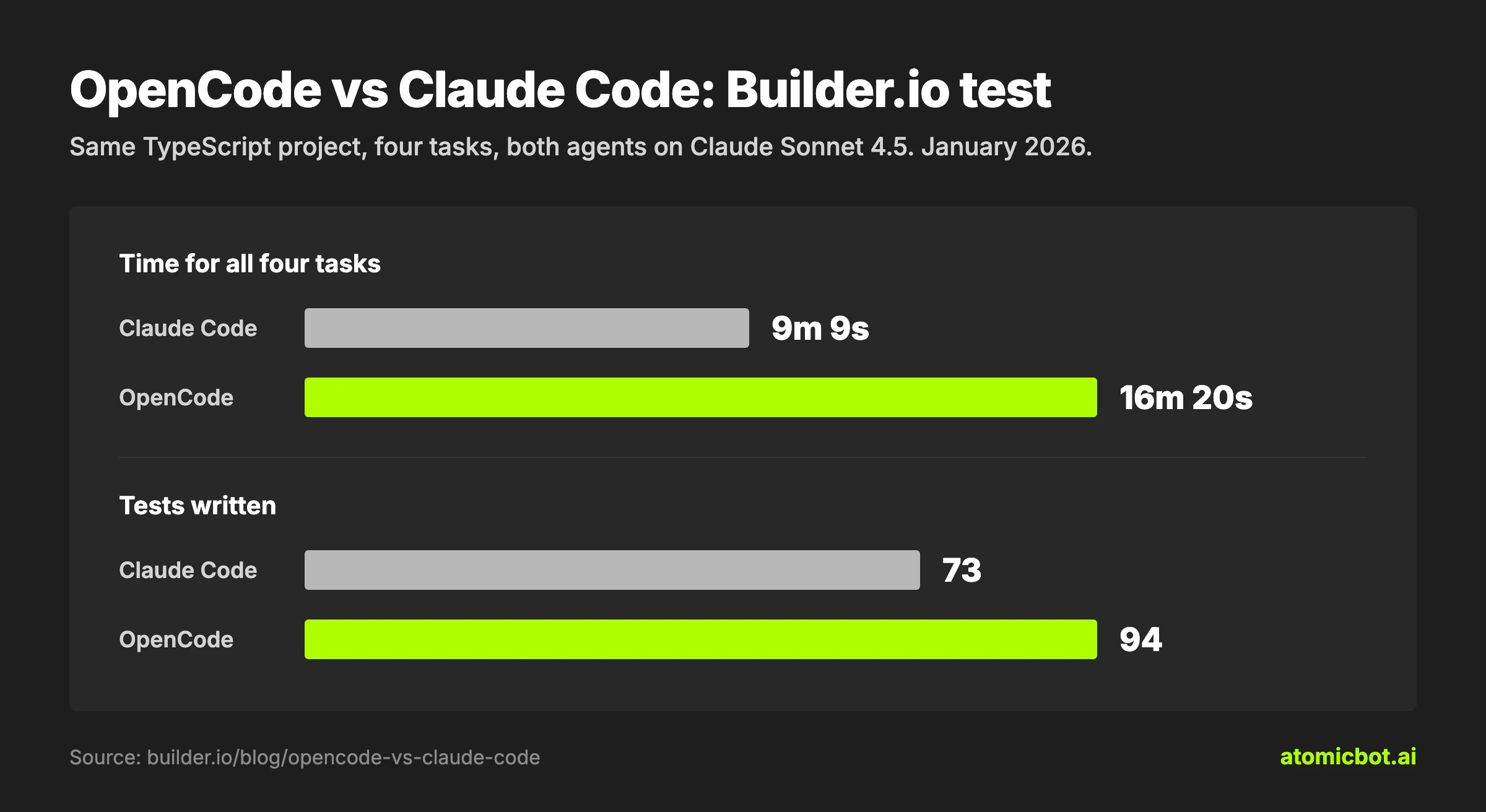
OpenCode vs Claude Code. OpenCode is open source and runs any model you pick. Claude Code is closed source but faster: in the same test it finished the tasks almost twice as fast, while OpenCode took longer because it checked that its changes didn't break the rest of the project.
How to run it. Install it on any OS, or run it in the cloud 24/7 on Atomic Bot for $19 a month.
What Is OpenCode?
OpenCode is an open-source AI coding agent that connects the model you choose to your code. The model writes the code, and OpenCode does the work around it: it reads and edits the files in your project and runs commands, and it keeps the history of each session. Because the model and the agent are separate, changing the model doesn't change your setup or your project notes.
OpenCode is built by Anomaly and developed in the open on GitHub. In October 2026 the project had more than 218,000 stars, and more than 16 million developers were using OpenCode every month, according to its website.
You can work with OpenCode in the terminal through its TUI (text user interface), a full-screen interface inside the terminal, in the desktop app, in extensions for code editors or in a browser through opencode pair. All of them connect to the same OpenCode server, which keeps your sessions. On your computer, this server runs in the background. To keep OpenCode working 24/7 or have it run tasks on a schedule, such as tests every night, run it on a VPS or in the cloud.
OpenCode Features: What It Can Do
You describe a task in the chat, and OpenCode works through it on its own: it reads the files it needs, makes changes and runs commands, showing each step as it goes. In the desktop or web app you can also attach a screenshot of an error or a design, if your model accepts images, and OpenCode searches the web and reads pages by link, for example the docs of a library you use.
OpenCode Plan Mode and Build Mode
Shift+Tab works as a permission switch. In Build mode, the default, OpenCode edits files and runs commands on its own. In Plan mode it only reads the project and writes a plan. For bigger jobs it hands part of the work to subagents in the background, and you can run several sessions on the same project at once. If a step goes wrong, /undo rolls back your last message and the file changes made after it.
OpenCode Memory: How It Learns Your Project
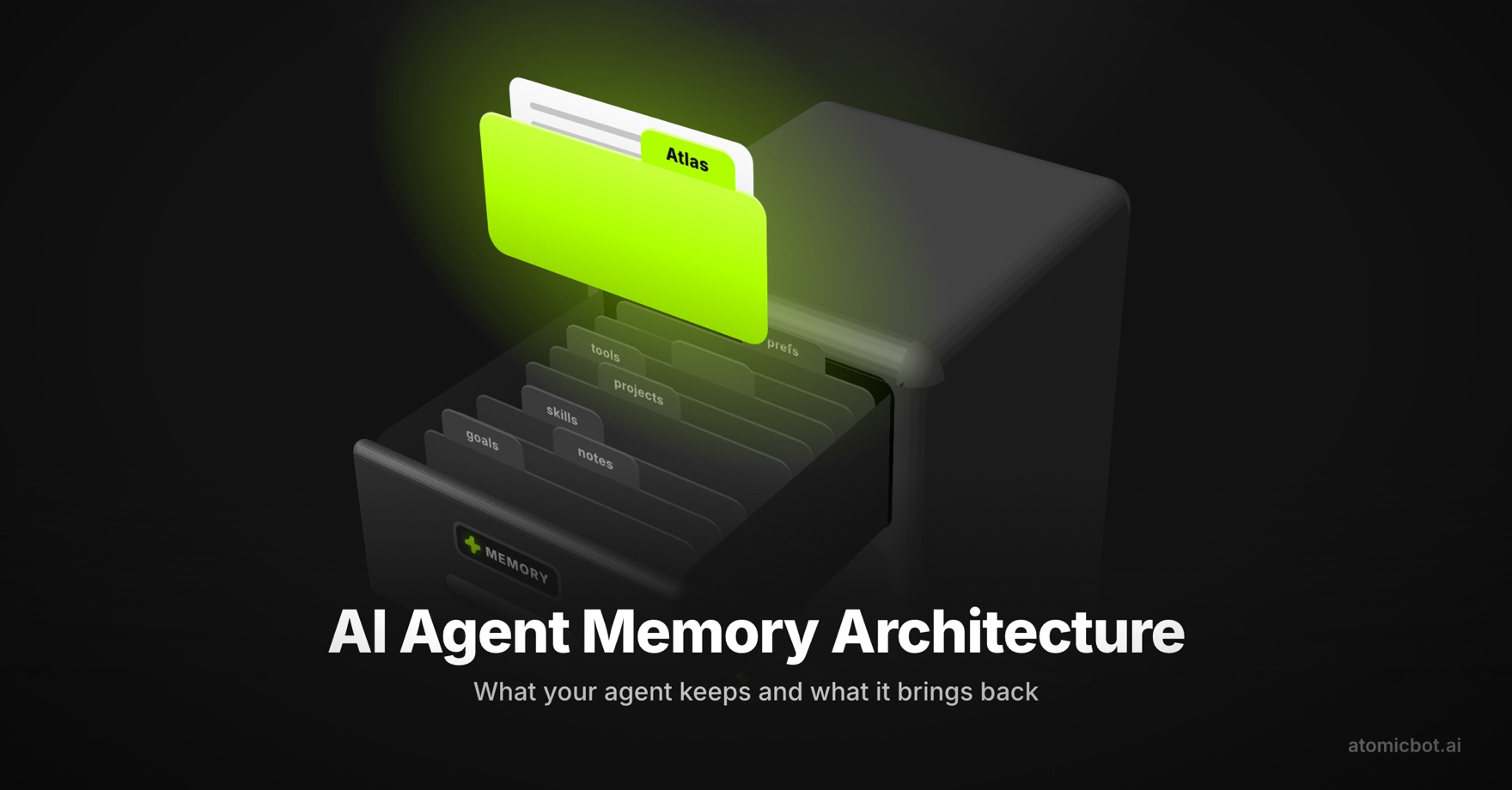
OpenCode reads notes about your project, such as build commands and code style, from an AGENTS.md file at the start of every session. To point it at a specific file, type @ and the file name in your message. It also explains code you didn't write: ask how a part of the project works, and it walks you through the files.
OpenCode Skills
A skill saves you from explaining the same task in every prompt. You describe once how a kind of work should be done, such as how your team reviews code or tests a web app, and OpenCode follows it every time that work comes up.
A skill is a folder with a SKILL.md file: a short description of when it's needed and the steps to follow. To add one, copy the folder into .opencode/skills/ in your project. Skills written for Claude Code work in OpenCode too.
You don't need a command to run a skill: OpenCode uses it on its own when your task fits the description. You can also call it yourself by typing @ and its name in your message. For a short prompt you send often, a custom slash command such as /review is enough.
OpenCode Models
OpenCode works with 75+ model providers, including gateways such as OpenRouter and AI/ML API, where one key opens models from many labs. You add a provider with its API key, and some providers let you sign in with a subscription you already pay for, such as ChatGPT Plus or GitHub Copilot. The OpenCode docs on providers show how to connect each one.
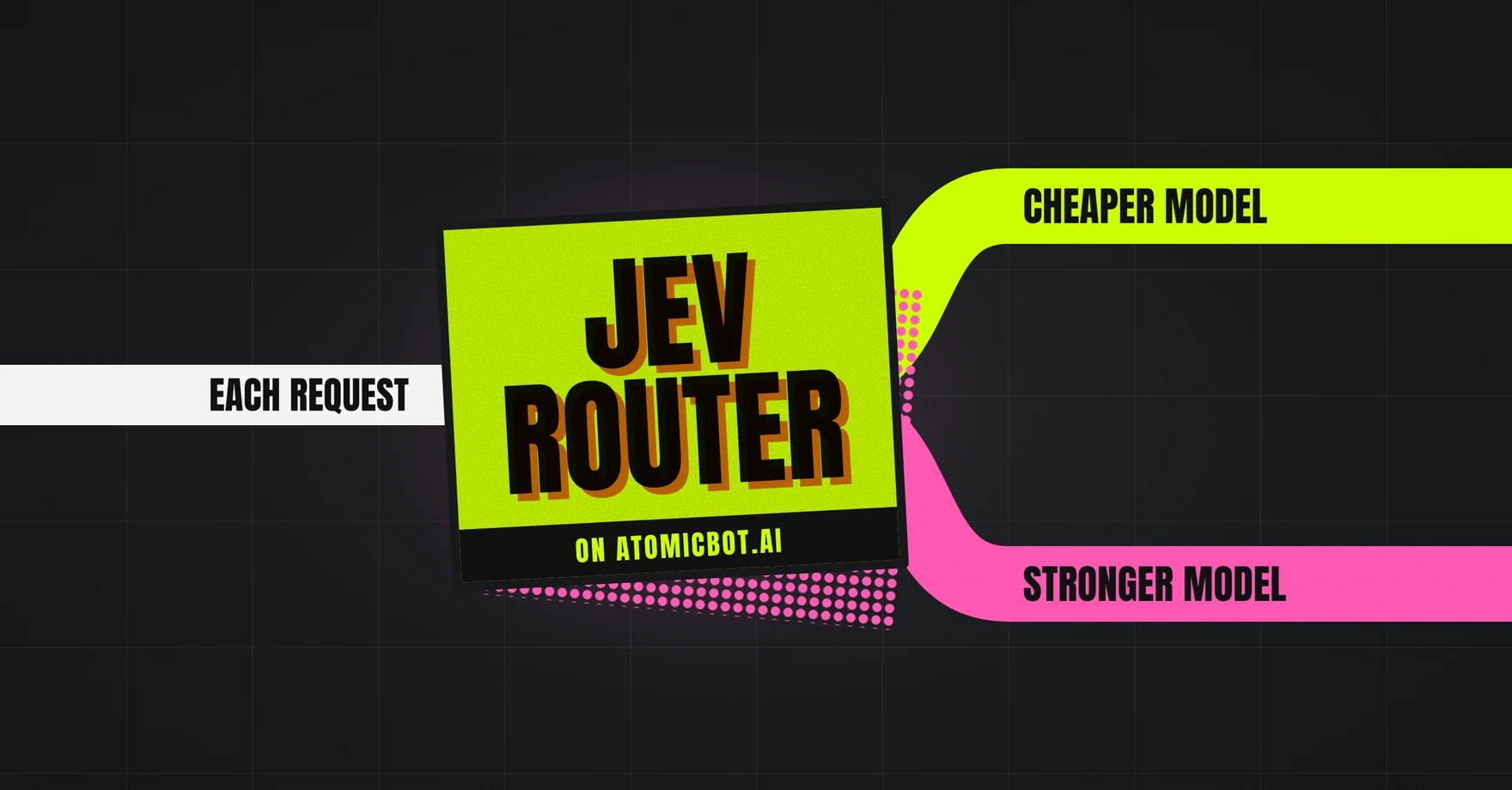
You can pick a model for each task: routine work can go to a cheap model and a hard bug to a stronger one. You switch the model in the middle of a session with the /models command, or let Jev Router pick the model for each request.
OpenCode Free Models
You can also start OpenCode without paying for a model. OpenCode's own model service offers a set of free models that changes over time. In October 2026 it included GLM-5.3-Flash Free, DeepSeek V4.1 Flash Free, MiniMax M3.1 Flash Free and Big Pickle. Most of them are free for a limited time, and with some of them the provider may use your requests to improve the model. The OpenCode docs list the data terms for each one.
OpenCode Go Pricing and Models
OpenCode Go is a subscription from the OpenCode team to low-cost coding models. It costs $10 a month, and Go Plus costs $40 a month with higher limits. In October 2026 Go included 29 models, among them GLM-5.3, Kimi K3.1 Pro, DeepSeek V4 Pro, Qwen3.8 Max and MiniMax M3, as well as GPT 6 Luna, Claude Haiku 5.5 and Gemini 4 Argon.
Each model has its own monthly limit in dollars: on Go it's $15 for Kimi K3.1 Pro and $60 for GLM-5.3-Flash. Up to 20% of that limit can go in any five hours and up to 50% in a week. When a limit runs out, you can keep working on the free models or turn on Extra Usage and pay from your OpenCode Console balance.
To use Go, subscribe in OpenCode Console, then type /connect in OpenCode and pick OpenCode Go. A Go subscription is for one person and can't be shared with a team. The OpenCode Go page lists every model with its limit.
OpenCode With GitHub Copilot
GitHub Copilot is GitHub's AI coding subscription, which works in VS Code, on GitHub and in other editors, and OpenCode can run on it too. The difference is in the models: Go is built around low-cost models such as GLM and Kimi, while Copilot includes top models from Anthropic and OpenAI, such as Claude Opus and GPT-6, within your Copilot plan. If you already pay for Copilot, you don't need Go: type /connect in OpenCode, pick GitHub Copilot and sign in with your GitHub account.
If you already pay for OpenCode Go or GitHub Copilot, you can sign in with it on Atomic Bot.
OpenCode vs Claude Code: Features Compared
Below we compare OpenCode with Claude Code, one of the most popular coding agents: first how the two products work, then how they did on the same tasks in a test.
Claude Code vs OpenCode Features
OpenCode vs Claude Code in a Real Test
In January 2026, Builder.io gave both agents the same four tasks in one TypeScript project, with Claude Sonnet 4.5 as the model in both.
OpenCode was slower mostly on the test-writing task: it updated the project's dependencies and ran all of the project's tests to check that nothing else broke. It was one test on older versions of both tools.
OpenCode is open source, works with any model and can roll back any change, and in the test it checked its work more carefully. Claude Code is faster, stops risky steps on its own and remembers your corrections. Claude Code suits developers who already pay for a Claude plan. OpenCode suits developers who want to pick the model for each task or start on free models. For a closer look at Claude Code, see our Codex vs Claude Code comparison.
How to Install and Use OpenCode
OpenCode installs with one command on a Mac or Linux. On Windows you download it from the OpenCode site or run the Linux command inside WSL. The commands below come from the OpenCode download page and install OpenCode 2, the current version.
The install script, Homebrew and npm install the same OpenCode, so use whichever you already have. A local install stops when your computer goes to sleep, and a self-hosted VPS needs setup and updates from you. On Atomic Bot, OpenCode runs 24/7 with nothing to set up or update.
Install OpenCode on Mac and Linux
Open a terminal, the app for typing commands. On a Mac it's called Terminal. Then run the install script, which downloads OpenCode and sets up the opencode command:
curl -fsSL https://opencode.ai/v2/install | bashIf you use Homebrew, a package manager for Mac and Linux, you can run this instead:
brew install anomalyco/tap/opencode-v2If you have Node.js, a program that runs JavaScript, you can install OpenCode with npm, the package manager that comes with it:
npm install -g @opencode/cliOpenCode 1 and OpenCode 2 use the same opencode command. If you installed OpenCode 1 with Homebrew or npm, remove it first. The install script replaces it on its own.
Then open a new terminal window, go to your project folder with the cd command and type opencode. If the OpenCode interface opens, the install worked. Type /connect and pick a model provider, then paste its API key or sign in with a subscription if the provider offers it.
Install OpenCode on Windows
OpenCode 2 doesn't install through Windows package managers such as Chocolatey or Scoop. Download the OpenCode program for Windows from the OpenCode docs: x64 for most Windows computers or ARM64 for laptops with ARM processors. If you use WSL (Windows Subsystem for Linux), open its Linux terminal and run the Mac and Linux command above.
Install the OpenCode Desktop App
OpenCode Desktop is a regular app for macOS, Windows and Linux, so you can work with OpenCode in a window instead of a terminal. Download it from the OpenCode download page. On a Mac with Homebrew, you can install it with one command:
brew install --cask opencode-desktopHow to Run OpenCode in the Cloud 24/7
Atomic Bot is a cloud platform that runs AI agents such as OpenCode, Codex, OpenClaw and Hermes Agent, each on its own server. OpenCode there gets its own server that stays on 24/7, so it keeps working when your computer is off and long tasks keep going after you close the tab. There's nothing to install: you sign up at atomicbot.ai/opencode with any email, pick OpenCode, and it's live within a minute.
OpenCode connects to apps such as GitHub, Slack, Linear and Notion in a couple of clicks, and you can send it tasks from Telegram or any other messenger. If OpenCode stops, it restarts on its own in under 30 seconds. Each instance is isolated and encrypted.
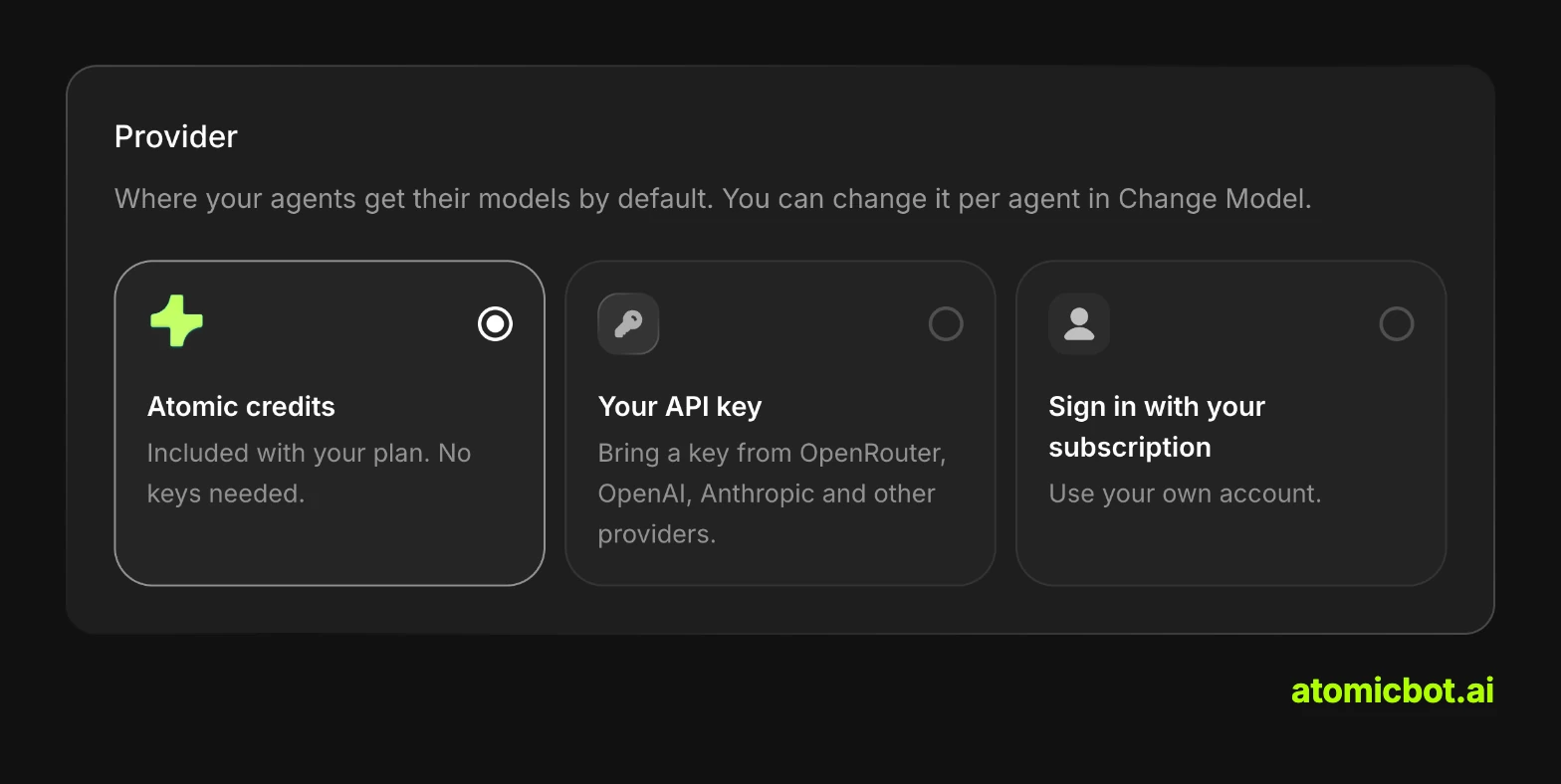
On Atomic Bot you choose how OpenCode gets its models: use the credits included in your plan on any of 100+ models, add your own API key, or sign in with your OpenCode Go or GitHub Copilot subscription.
Atomic Bot has three plans: Base for $19 a month, Pro for $39 and Max for $79. They include $5, $10 and $20 of model credits every month, and Base comes with 4 vCPU, 8 GB of RAM and an 80 GB SSD. The Usage & Billing page shows your spending in dollars, and you can cancel any month. If you need a different setup, we can build a custom one on request.
Best for: developers who want OpenCode running 24/7 without setting up and maintaining a server.
FAQ
Is OpenCode free?
OpenCode itself is free. You pay for the model it runs on, through a provider's API key or a subscription you connect, unless you pick one of the free models OpenCode offers for a limited time.
Is OpenCode safe to use?
You decide what OpenCode may do without asking: in its settings, each action can be allowed, set to ask first or denied. In October 2026 attackers broke into OpenCode Console, the company's online platform, and exposed API keys some users kept there. According to TechCrunch, the OpenCode app itself wasn't affected.
Does OpenCode keep working when my laptop is closed?
If OpenCode runs on your laptop, it stops when the laptop goes to sleep. On Atomic Bot, OpenCode runs in the cloud 24/7 and keeps working after you close the lid.
Is there an OpenCode mobile app?
Yes, in beta. In October 2026 the OpenCode team opened a TestFlight beta of its iPhone app, limited to 1,000 testers. The app pairs with OpenCode 2 through the /pair command, so the computer or server running OpenCode has to stay on. On Atomic Bot you can also message OpenCode in Telegram, and it replies there when the task is done.
What's the difference between OpenCode and Codex?
They're two different open-source coding agents. Codex CLI comes from OpenAI and signs in with a ChatGPT account, while OpenCode is built by Anomaly and connects to 75+ model providers. Our guide on how to install Codex CLI shows how to set Codex up.
Get started
Atomic Bot keeps OpenCode running in the cloud 24/7, from $19 a month with $5 of model credits included. To run OpenCode in the cloud, sign up and pick OpenCode. There's nothing to install, and you can cancel any month.