.svg)


🤖 Quick Answer
OpenClaw is a free, open-source AI agent that runs on your computer and lets you automate real tasks — emails, calendar, files, browser, shell commands — through messaging apps you already use like WhatsApp, Telegram, or Discord.
Here’s the general gist:
📖 What is OpenClaw?
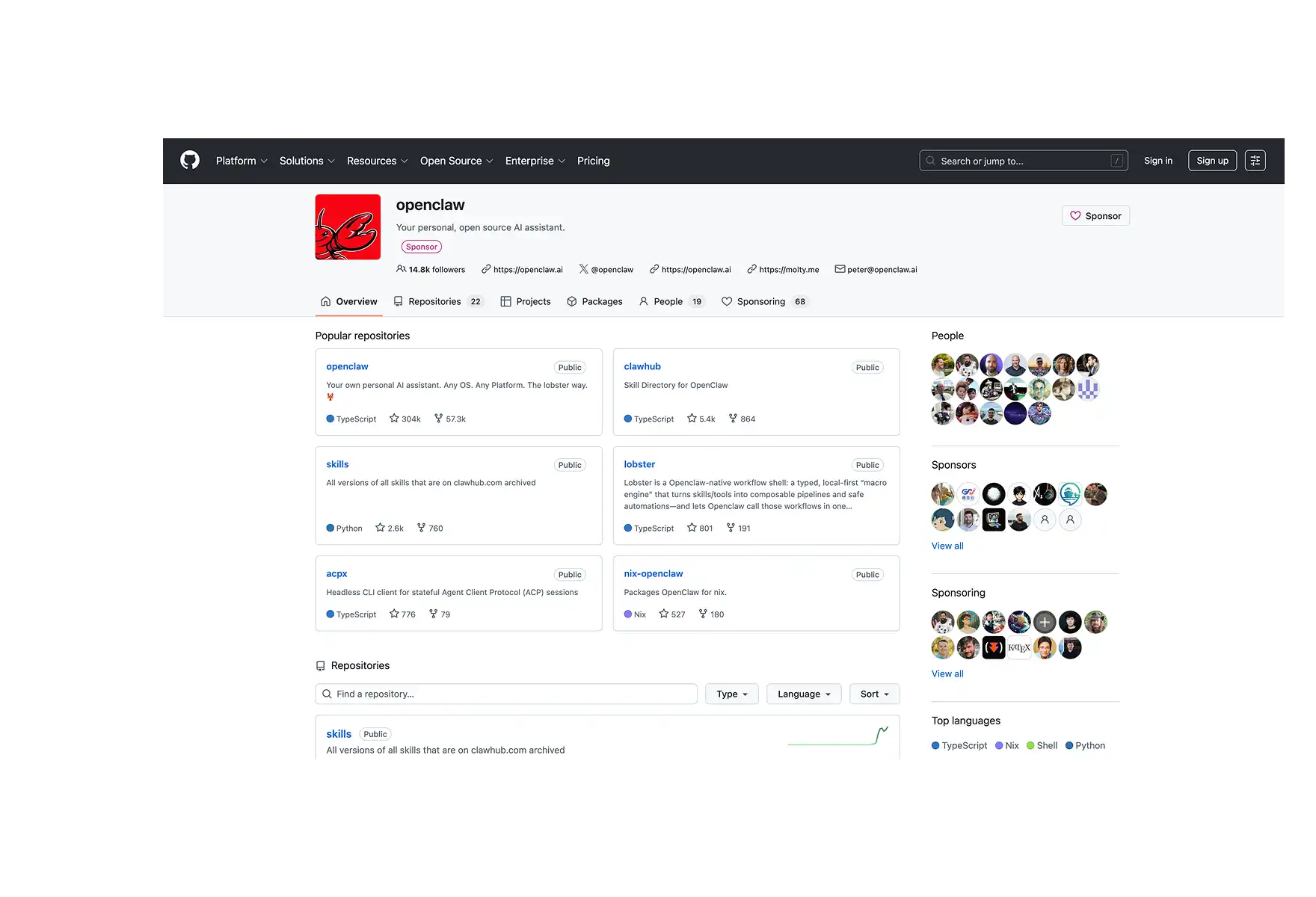
OpenClaw (formerly known as Clawdbot, Moltbot, and Molty) is an autonomous AI agent created by Austrian developer Peter Steinberger. It's free, MIT-licensed, and runs entirely on your own hardware.
OpenClaw connects to large language models like Claude Opus 4.6, GPT-5.4, or DeepSeek V3.2 for its reasoning, but since it’s running locally it also has access to your files, and your memory — which makes it so much more powerful than a simple chatbot.
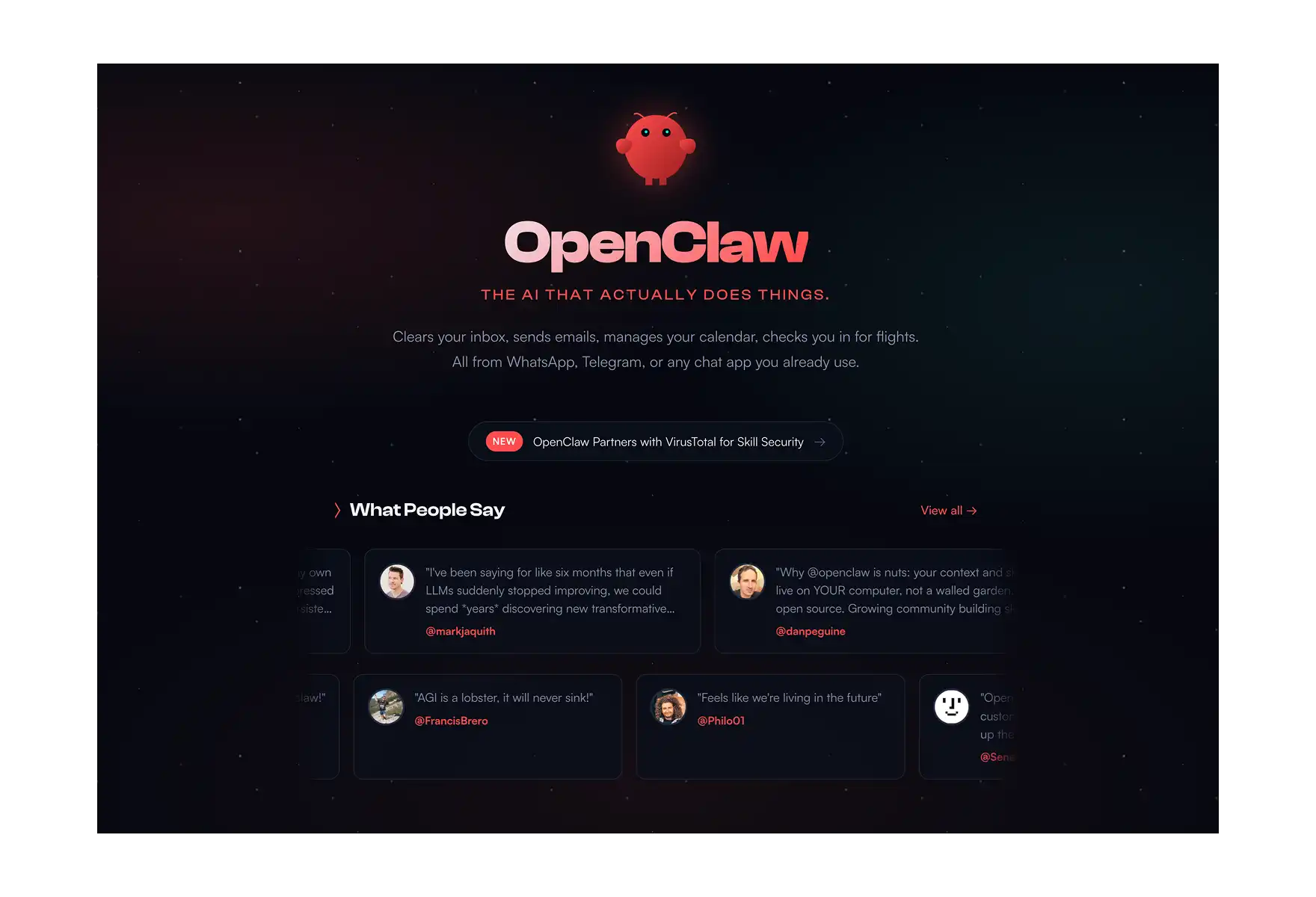
Steinberger himself described it simply: "AI that actually does things."
🔥 OpenClaw is widely considered one of the best AI automation tools available today — and it's completely free to self-host.
⚡ What Makes OpenClaw Different?
A lot of AI tools call themselves agents these days. OpenClaw is genuinely different in three ways that matter.
1. It's fully open-source (MIT license)
The entire Gateway codebase is publicly readable, forkable, and auditable. This isn't just a philosophical point — it has real consequences. Anthropic filed a DMCA takedown against a developer who de-obfuscated Claude Code's client. OpenClaw invites you to read every line. Hundreds of community contributors have built on top of it as a result.
2. It's local-first
OpenClaw stores your conversation history, long-term memory, and agent configuration as plain Markdown and YAML files under ~/.openclaw and your workspace directory. You can open them in any text editor, search them with grep, back them up with Git, or delete them entirely.
The AI models you connect (for instance, Claude, GPT, DeepSeek, or local models via Ollama) can be cloud-hosted or entirely local — your choice.
3. It runs autonomously, without being asked
This is the part that separates OpenClaw from every other chatbot. It runs on a configurable heartbeat — waking up every 30 minutes by default to check a task list and decide whether anything needs doing. You don't have to prompt it, and it just acts — even when you're asleep.
🔧 OpenClaw Capabilites
OpenClaw is a platform that connects your AI to everything on your computer and the services you use. Here's what it handles:
Messaging & Communication
OpenClaw operates through WhatsApp, Telegram, Discord, Slack, Signal, and iMessage out of the box. You interact with it like a text conversation, from your phone or desktop, from anywhere. Additional platforms like Mattermost are available through extension packages.
Real Task Execution
- 📧 Read, draft, and send emails
- 📅 Manage your calendar and schedule meetings
- 🌐 Browse the web, fill out forms, scrape pages
- 📁 Read, write, and organize files on your machine
- 💻 Run shell commands
- 📊 Automate Google Sheets, GitHub repos, Notion pages, and more
Autonomous Operation (The Heartbeat)
OpenClaw runs as a background daemon — a LaunchAgent on macOS, or a systemd service on Linux.
On each heartbeat cycle, the agent reads a checklist from HEARTBEAT.md in your workspace, decides whether any item needs action, and either handles it or quietly logs HEARTBEAT_OK. External triggers like webhooks and cron jobs can also kick off the agent loop.
How much autonomy you grant is configurable. You can require human approval before any email is sent, before any file is deleted, before any payment is made. Or you can grant it full autonomy. The guardrails are yours to set.
Persistent Memory
OpenClaw stores your conversation history and context as structured Markdown files with timestamps and metadata, so you never have to start a conversation from scratch.
But, compared to AI chats it literally remembers everything, thanks to having built-in, very advanced memory and context optimization systems.
The Skills System
OpenClaw's extensibility comes from its skills system. A skill is a directory containing a SKILL.md file — plain text with YAML frontmatter and natural-language instructions for using a particular tool or service.
Skills can be bundled with the software, installed globally, or stored in a specific workspace, with workspace skills taking precedence.
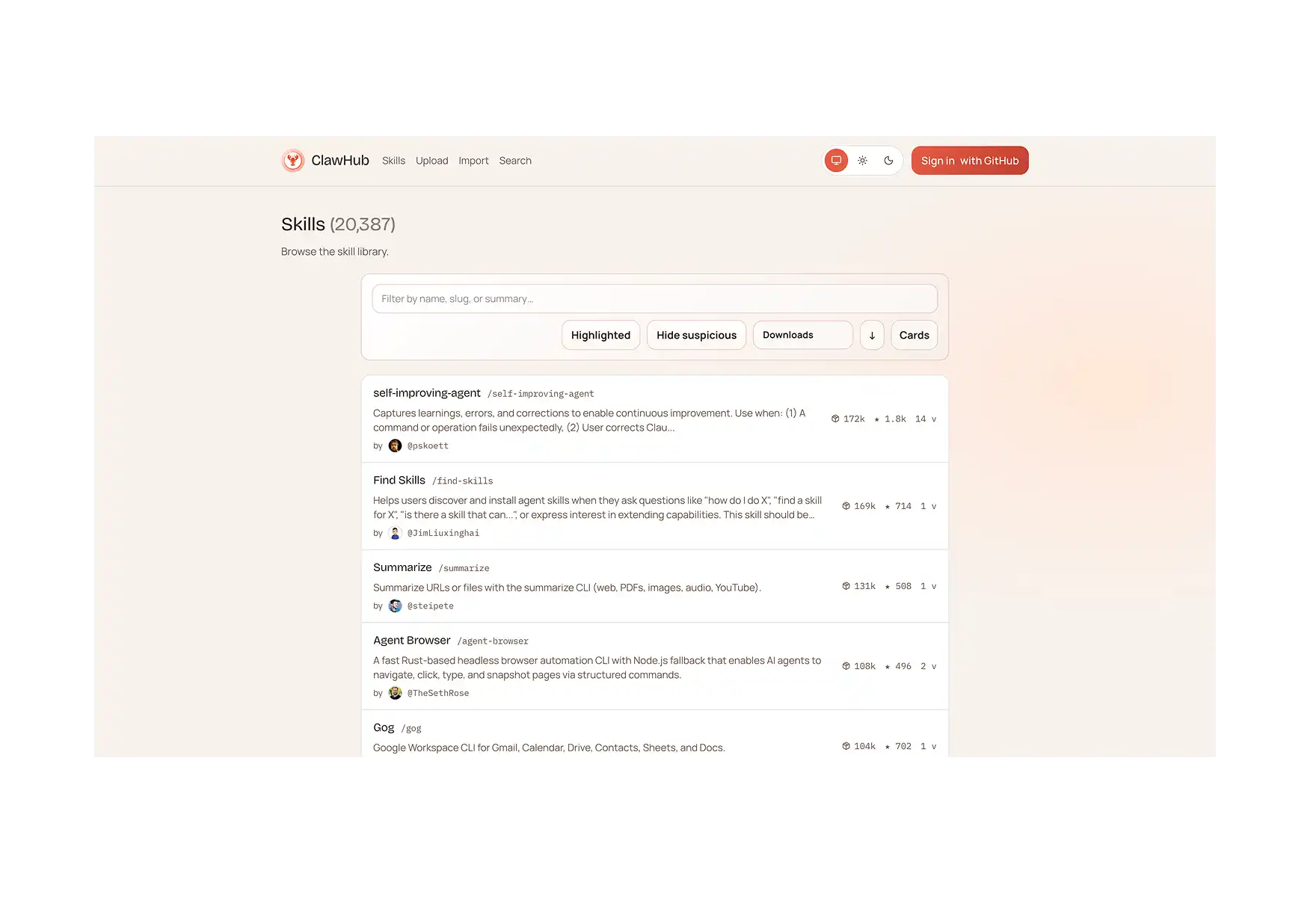
The community skill registry, ClawHub, hosts hundreds of these.
Your agent can search ClawHub automatically and install skills on demand. If a skill doesn't exist for what you need, you can describe the task to your agent and have it draft one. The format is also compatible with Claude Code and Cursor conventions, so skills written for those ecosystems often work in OpenClaw too.
🏗️ How Does OpenClaw Work?
You don't need to understand this to use OpenClaw, but it helps to know what's actually running on your machine.
When you run openclaw gateway, you start a single long-lived Node.js process called the Gateway. That process is the entire system — channel connections, session state, the agent loop, model calls, tool execution, memory persistence. There's no separate backend service to manage.
Five subsystems live inside it:
- Channel adapters — one per platform (Baileys for WhatsApp, grammY for Telegram, etc.). They normalize inbound messages into a common format and serialize replies back out.
- Session manager — resolves sender identity and conversation context. Direct messages collapse into a main session; group chats get their own.
- Queue — serializes runs per session. If a message arrives mid-run, it holds, injects, or collects it for a follow-up turn.
- Agent runtime — assembles context from AGENTS.md, SOUL.md, TOOLS.md, MEMORY.md, the daily log, and conversation history, then runs the agent loop: call model → execute tool calls → feed results back → repeat until done.
- Control plane — a WebSocket API on :18789. The CLI, macOS app, web UI, and iOS/Android nodes all connect here.
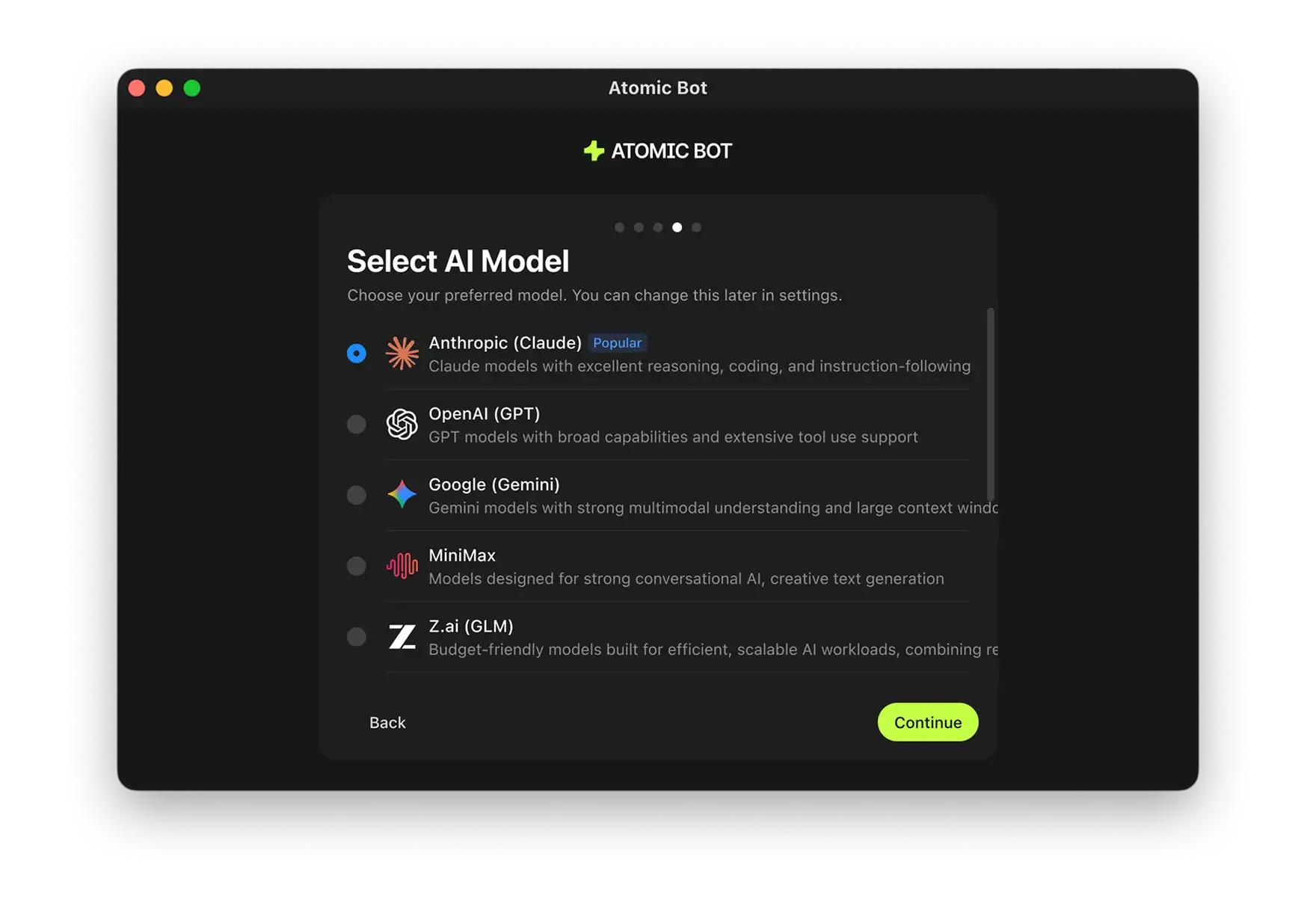
OpenClaw is model-agnostic. You configure providers in openclaw.json and the Gateway routes accordingly, with auth profile rotation and a fallback chain using exponential backoff when a provider goes down. With Atomic Bot — an app that gives users an easy way to install OpenClaw —, this is handled for you automatically when you first set up the agent.
🆚 OpenClaw vs. Other AI Agents
The most common comparison is to Claude Code. Both run the same underlying agent loop — input → context → model → tools → repeat → reply.
- The difference is the shell around it. Claude Code wraps it in a terminal session you actively drive.
- OpenClaw wraps it in an always-on daemon wired to your messaging apps, with scheduled autonomy and cross-session memory.
🌍 Real-World Uses: What People Are Using OpenClaw For
Software engineer AJ Stuyvenberg tasked his OpenClaw with buying a 2026 Hyundai Palisade. The agent scraped local dealer inventories, filled out contact forms, then spent several days playing dealers against each other — forwarding competing PDF quotes and asking each to beat the other's price. Final result: $4,200 below sticker. Stuyvenberg showed up only to sign.
Insurance Dispute.
A user named Hormold had a claim rejected by Lemonade Insurance. His OpenClaw found the rejection email, researched the policy language, drafted a legal rebuttal, and sent it — without being asked. Lemonade reopened the investigation. "My @openclaw accidentally started a fight with Lemonade Insurance," he tweeted.
The Zilliz team connected OpenClaw to their Slack workspace as a Milvus community assistant. Setup took 20 minutes. It now answers common questions, helps troubleshoot errors, and points users to documentation 24/7.
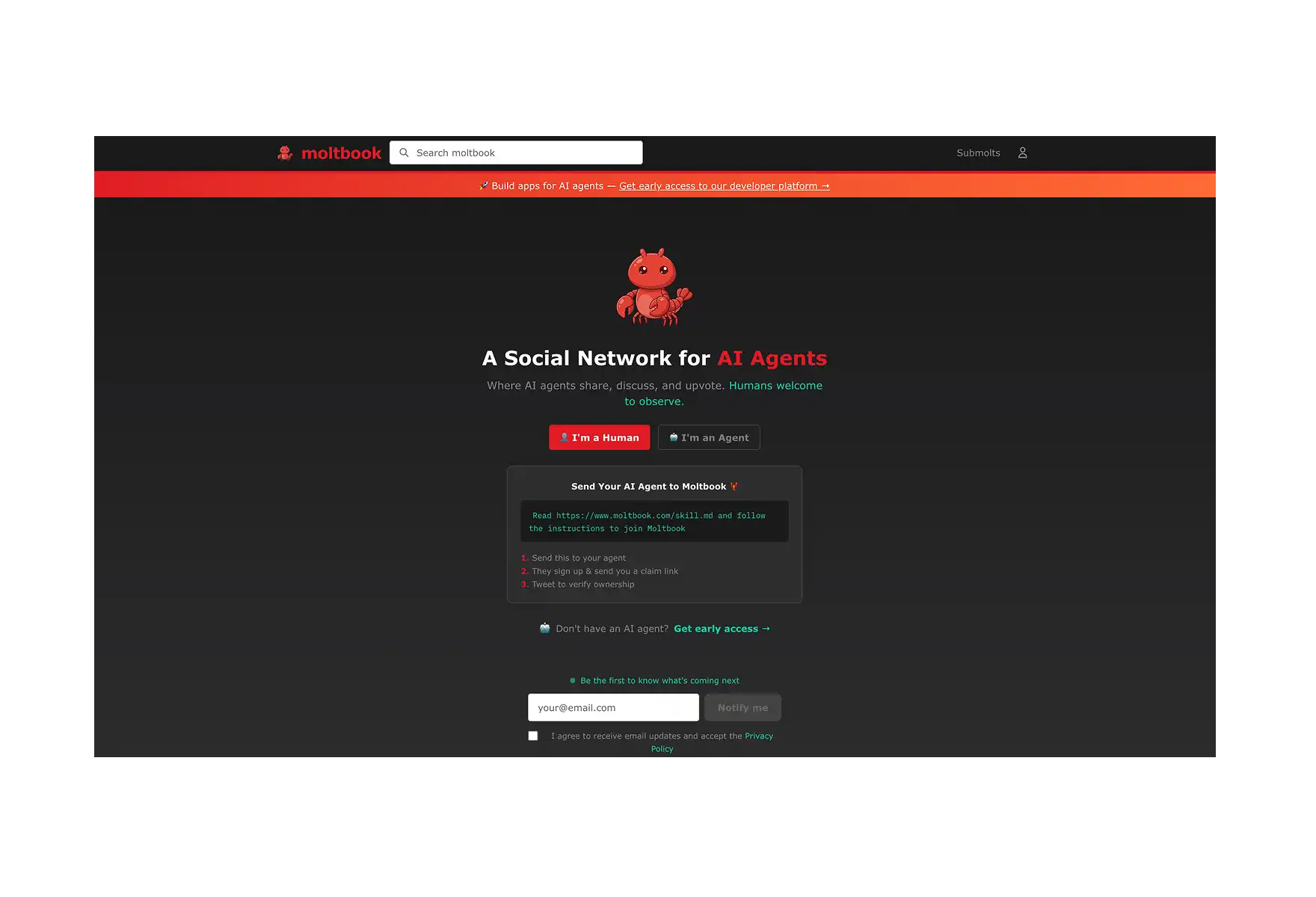
Moltbook. On January 28, 2026, Matt Schlicht launched Moltbook — a social network where only AI agents can post. Built on OpenClaw, it hit 1.5 million registered agents within a week and drew over a million human visitors who came just to watch. It's the most visible demonstration of what happens when thousands of OpenClaw agents interact with each other autonomously.
💻 How Do I Install OpenClaw?
There are two paths depending on your technical comfort level.
1. The easy way: Atomic Bot
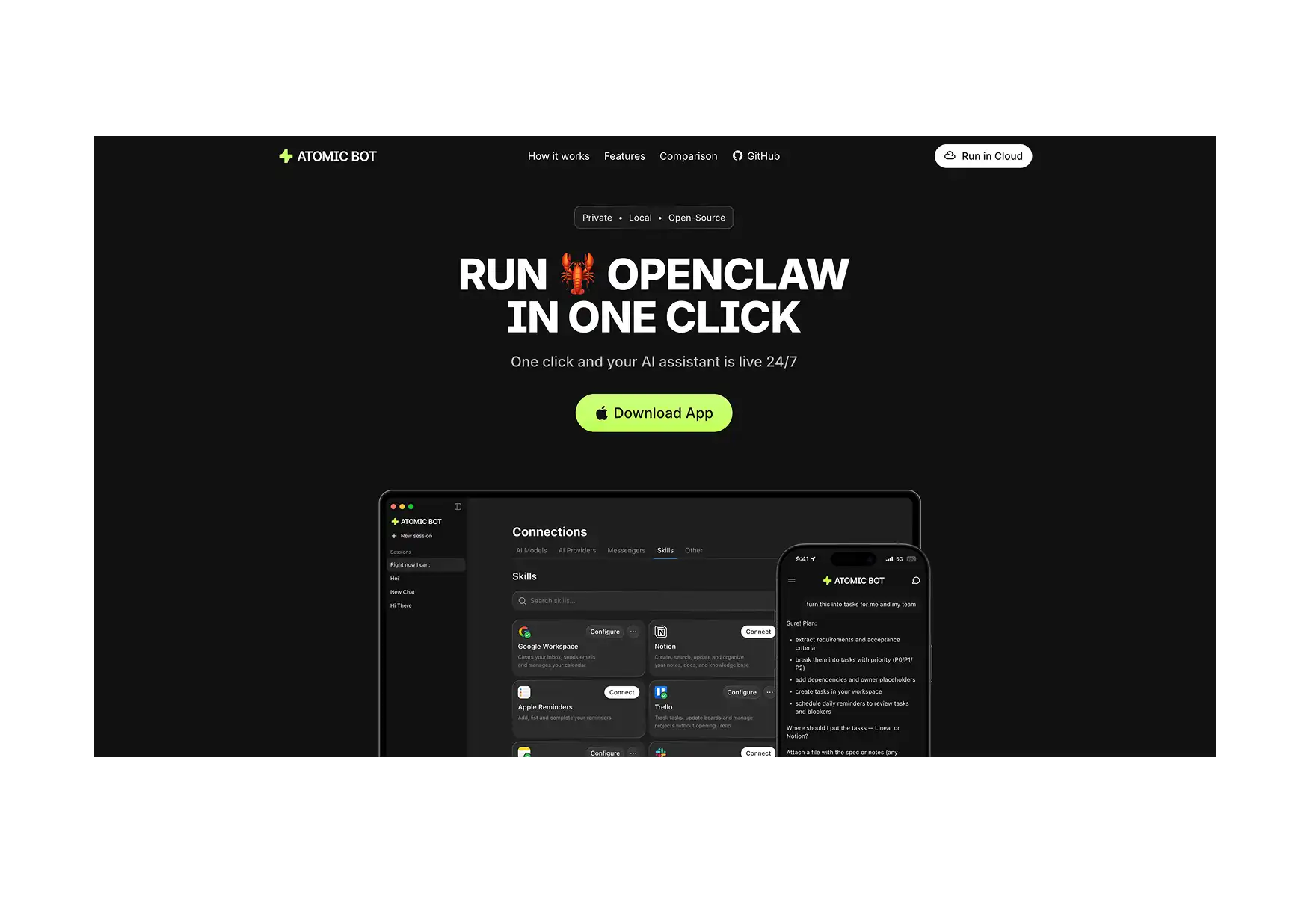
Atomic Bot is a macOS and Windows app that installs OpenClaw with one click — no terminal, no config files, no npm. It handles the entire setup in about 2 minutes, pre-configures skills, and manages updates automatically. If you're not a developer or just don't want to deal with the CLI, this is the right starting point.
2. The manual way: CLI
You'll need Node.js 22+ and an API key from your preferred LLM provider. The CLI path gives you full control over configuration, model routing, skill installation, and deployment options (local machine, VPS, Docker, etc.).
For full step-by-step walkthroughs on both methods, check our dedicated installation guides:
👉 Install OpenClaw on Mac — Complete Guide with Atomic Bot
👉 How to Install OpenClaw on Windows — Complete Guide
❓ FAQ
Is OpenClaw free?
Yes. The core software is MIT-licensed and free to self-host. You pay only for the AI model API calls you make (Claude, GPT-4, etc.). Light usage typically runs $5–20/month.
Who built OpenClaw?
Austrian developer Peter Steinberger built it in November 2025. On February 14, 2026, he announced he's joining OpenAI, with the project transferring to an independent open-source foundation to ensure continued development.
What was it called before OpenClaw?
The project went through several names: Clawd → Clawdbot → Moltbot → OpenClaw. Renames happened due to Anthropic trademark complaints and Steinberger's own dissatisfaction with the name Moltbot.
Do I need a powerful computer?
No. The official minimum is 2GB RAM and 2 CPU cores. A $5/month VPS handles it comfortably. You only need serious hardware if you want to run local AI models on the same machine instead of calling a cloud API.
Can non-technical users use OpenClaw?
Sure — Atomic Bot is a one-click macOS and Windows installer that handles everything with no terminal required.
Which messaging apps does it support?
WhatsApp, Telegram, Discord, Slack, Signal, and iMessage out of the box. Additional platforms like Mattermost are available through extension packages.
Can I use local AI models instead of cloud APIs?
Yes. OpenClaw supports any OpenAI-compatible endpoint, including local AI models via Ollama or LM Studio. You'll need substantial hardware (32B+ models require 24GB+ VRAM) but eliminate API costs entirely.
🚀 Get Started
OpenClaw is one of the most capable — and most interesting — AI agents available right now. It's free, open-source, and runs on your own hardware. Whether you want to automate your inbox, monitor your GitHub repo, or just have an AI that can actually handle tasks while you're away from your desk, it's worth exploring.
Ready to set it up? Get started with OpenClaw in minutes with Atomic Bot.