.svg)



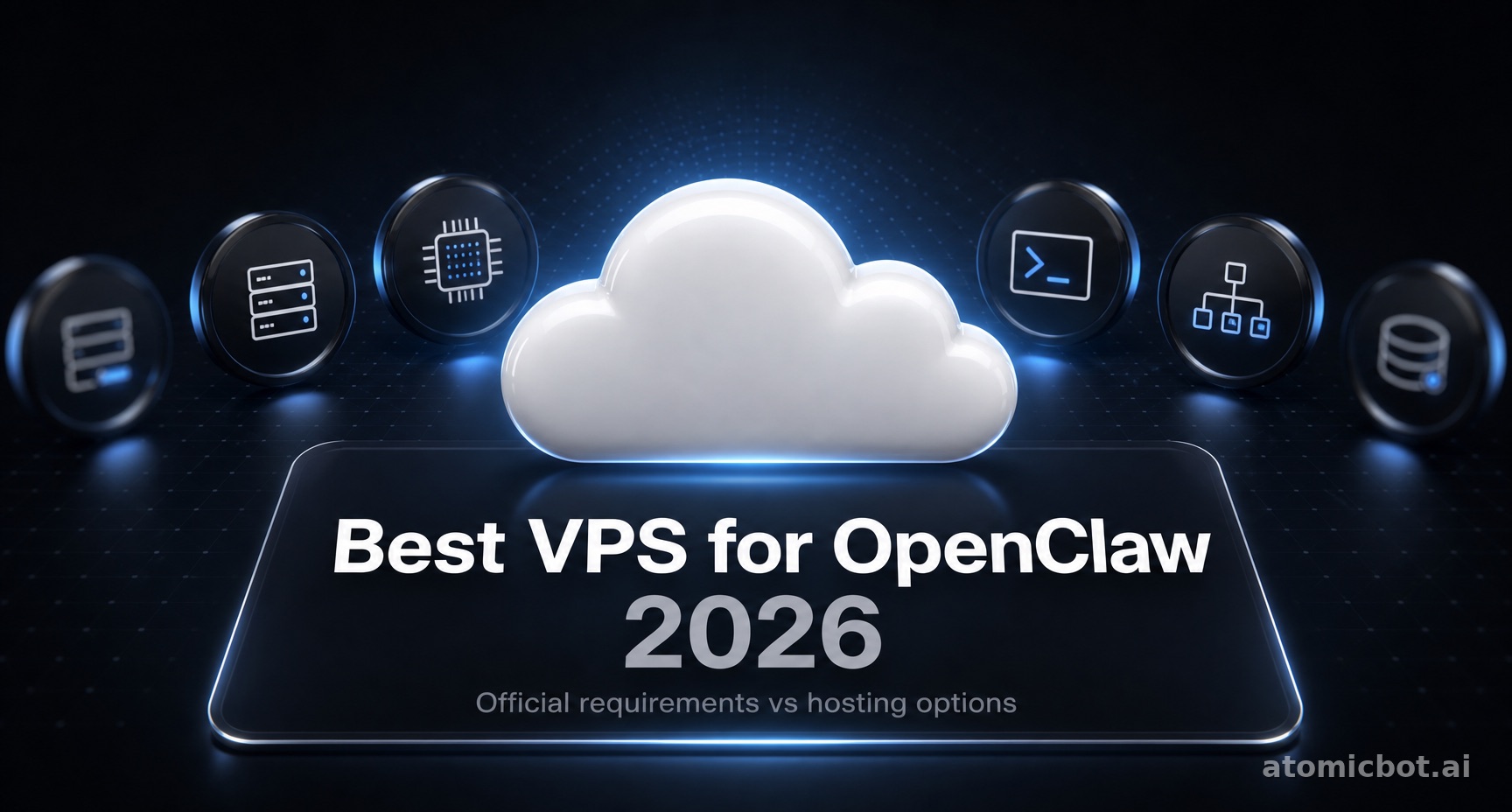
Most guides to hosting OpenClaw tell you to budget 4GB of RAM, and 8GB if the agent drives a browser. OpenClaw's own documentation asks for 1GB.
Those same guides point you at a Hetzner plan you can't order anymore, priced at a number that stopped existing in April. That's why this list ranks differently from the rest.
Prices checked against provider pricing pages on August 10, 2026. Contabo and Hetzner publish in euros; USD figures here use €1 ≈ $1.17 and will drift. Hetzner and Vultr figures exclude VAT.
🎯 Quick answer
Contabo's Cloud VPS 4 is the most machine per dollar: 4 vCPU, 8GB RAM, and 100GB SSD for $6.22/month. It wants two years from you, and hands back a 200 Mbit/s port.
No commitment? Vultr's 2GB instance bills monthly at $10 and clears OpenClaw's only hard requirement. No server at all? Atomic Bot runs the same 8GB for $19, maintenance included.
That hard requirement is the Docker build threshold, and it's 2GB. Nothing else on this page will actually stop you.
The best VPS for OpenClaw at a glance
Three cheaper options sit below the table and are worth knowing about. Vultr sells 1GB for $5, DigitalOcean sells 1GB for $6, and Hetzner's CPX12 gives you 1 vCPU and 2GB for $14.09. The first two run OpenClaw through the installer script but can't build the Docker image. Vultr also has a $2.50 IPv6-only tier at 512MB, which sits under the documented minimum and is mentioned here only so you don't find it later and wonder why it wasn't considered.
How much RAM does OpenClaw need? 1GB, not 4GB
One gigabyte. OpenClaw's documented minimum is 1 vCPU, 1GB RAM, and about 500MB of disk, with 1-2 vCPU and 2GB or more recommended. There's one hard floor above that: building the Docker image needs 2GB, because pnpm install gets OOM-killed with exit 137 on 1GB hosts.
Those numbers come from docs/help/faq-first-run.md in the OpenClaw repository.
They're corroborated by the Raspberry Pi install guide ("Minimum: 1 GB RAM, 1 core, 500 MB free disk") and by OpenClaw's own DigitalOcean walkthrough, which provisions a 1 vCPU / 1GB / 25GB Droplet.
The heavy compute happens in the model API, not on your server. Your box holds a Node process, some SQLite state, and whatever tooling the agent reaches for. That's it.
Two practical consequences:
The 2GB Docker line is the only threshold that matters. Install via Docker Compose and you need 2GB. Install via the installer script and 1GB works, with swap. Same software, different floor, and it's the one specification the hosting comparisons consistently get right, usually while surrounding it with numbers they don't.
Browser automation costs less than you'd think. There's no per-session Chromium memory figure in the official docs. The 2-4GB number that circulates is unsourced; the blogs that do cite anything put a Playwright instance at 200-400MB. Budget headroom, but don't buy a tier for it.
How we evaluated these OpenClaw hosting options
No hands-on bake-off, and we're not going to pretend otherwise. What we did instead:
Read OpenClaw's source rather than other people's summaries. We cloned the repository and searched it for every sizing claim in circulation. The figures that appear in most hosting roundups ("2 vCPU / 4GB minimum", "2-3GB per agent") don't exist in it. The figures above do, with file paths.
Pulled prices from provider pages, in the last 48 hours. Not from comparison articles. This matters more than it sounds: several widely-cited figures in this niche trace back to a Hetzner press release from June 2024, describing plans that have since been deprecated.
Checked whether you can actually buy the thing. This turned out to be the step everyone skips. Hetzner's entire Cost-Optimized line, the one every guide recommends, is currently marked not available to order.
Used the 2GB Docker threshold as the sorting gate. It's the one requirement with a documented failure mode attached, which makes it more useful than a RAM ranking.
Flagged friction that doesn't appear on spec sheets. Oracle's signup rejecting legitimate accounts, Contabo's term commitment, Hetzner's repricing.
One thing we couldn't confirm: Contabo doesn't publish what you pay when a 24-month term expires and renews. We checked both pricing surfaces and found nothing, though we didn't read the full terms and conditions.
1. Contabo Cloud VPS 4: most machine per dollar
Specs: 4 vCPU, 8GB RAM, 100GB SSD, 200 Mbit/s port, unlimited traffic. $6.22/month on a 24-month term; $7.79 without.
OpenClaw asks for 1GB. This is eight, on four cores, for less than a 2GB instance costs anywhere else. On paper nothing in this comparison comes close.
The pricing needs explaining, because the page shows two numbers and it's easy to read the wrong one. Contabo displays a struck-through rate next to a live one, and the gap is a contract-length discount rather than an expiring promotion: full price monthly, 20% off on a two-year term. For this plan that's $7.79 against $6.22.
Month 25 is the part nobody publishes. The contract note says a term renews into another of equal length, at a rate stated nowhere on the pricing pages. Budget for it moving.
Drawbacks: two-year lock-in for the good price, unpublished renewal pricing, and a 200 Mbit/s port rather than the gigabit you get elsewhere. Third-party reviews consistently report CPU throughput lagging the spec sheet under sustained load. That matters less for an agent that idles between bursts than it would for a build server, but it's real. Storage is SSD, not NVMe; NVMe lives in Contabo's Performance and Max Performance lines.
Best for: anyone confident they'll still want the box in two years.
2. Atomic Bot: skip the server
Pricing: $19/month (Base) for 4 vCPU, 8GB RAM, and 80GB SSD, with $5 in AI credits included. Pro at $39 and Max at $79 add capacity and credits.
Here's the case for managed, and it isn't about resources. OpenClaw is light. A $6.22 box runs it fine. The difference is everything that comes after you provision one.
Getting from "fresh VPS" to "reliable service" means Docker or the installer script, a firewall that's actually closed, something to restart the process when it dies, remote access, and the occasional update that breaks a session.
That last one matters more than it sounds, because of how OpenClaw's multi-agent support actually works. The docs describe running "multiple isolated agents in one Gateway process, each with its own workspace, state directory, and SQLite-backed session history." Isolation is at the workspace level, not the OS process level. They share a process and a port. So the intuition that separate agents fail separately doesn't hold, and a single crash takes the set down together. Docker sandboxing, which would change part of this, is off by default.
On Atomic Bot a stopped agent restarts automatically in under 30 seconds. On your own box it stays down until you built monitoring, or until you notice.
The $5 in monthly credits is worth naming plainly: it's a cap, not a bonus. Model usage past it bills separately. VPS users pay that API cost in full too, on top of the server, so the comparison isn't $6.22 against $19. It also isn't $6.22 against $14. Work out your own model spend before assuming either.
Drawbacks: no managed platform gives you air-gapped isolation, ours included. If you're under a compliance regime requiring data to stay on hardware you physically control, self-hosting is your only real answer. Small number of teams, real constraint.
Best for: anyone who'd rather spend their time using agents than configuring Docker, systemd, remote access, and monitoring.
3. Vultr: cheapest with no strings
Specs: 1 vCPU, 2GB RAM, 55GB SSD, 2TB bandwidth, $10/month. The 1GB tier is $5.
No term, no commitment, delete it whenever. That's the whole pitch, and for a lot of people it's enough. At $10 Vultr undercuts DigitalOcean's equivalent by two dollars with more disk, and undercuts Hetzner's nearest available plan by more than half.
The 2GB plan sits exactly on the build threshold. You can run Compose; you can't run much else alongside it, and if the build stalls you'll want swap. For agents installed via the script instead, the $5 tier is genuinely sufficient.
The other reason to pick Vultr is geography. It runs a wider spread of datacenters than anyone else here, so if your agent polls a regional service or you care where the traffic originates, there's probably a city on the list.
One correction if you're comparing higher tiers elsewhere: Vultr's High Frequency 8GB plan is 3 vCPU with 256GB NVMe, not 4 vCPU with 160GB. At the same $48, its High Performance 8GB gives you 4 vCPU, 180GB, and 6TB of transfer, which is strictly the better buy.
Best for: the smallest viable box, billed monthly, with no term to think about.
4. DigitalOcean: the documented path
Specs: 1 vCPU, 2GB RAM, 50GiB SSD, 2TB transfer, $12/month. The 1GiB tier is $6.
DigitalOcean is more expensive than Vultr at every tier that matters here, and it's still worth considering for one specific reason: OpenClaw's official install guide is written for it. The walkthrough provisions a 1 vCPU / 1GB / 25GB Droplet, includes a section of tips for running on 1GB, and covers swap configuration. When you hit a problem, the documentation you find will describe your exact machine.
Two dollars a month for that is a bargain on a first install, and pointless on your fifth.
Drawbacks: priced above Vultr for equivalent specs at every step of the ladder.
Best for: first-time self-hosters, and anyone who values matching the official guide exactly.
5. Hetzner: no longer the automatic answer
Specs: CPX22 gives 2 vCPU, 4GB RAM, and 80GB SSD for $23.59/month. The smallest plan that clears the Docker floor is CPX12: 1 vCPU, 2GB, 40GB, at $14.09.
Every OpenClaw hosting guide recommends Hetzner. Most quote $4.43 for a CX22, which is deprecated. Its replacement, the CX23 at $6.42, is currently marked not available to order, as is every other plan in the Cost-Optimized line from CX23 up to CAX41. Hetzner explains why on its own page: the line runs on older hardware generations kept in service deliberately, and "this resource-saving use means that the number of available servers is limited."
Two more things about that line, if it ever comes back. It's EU-only: Falkenstein, Nuremberg, Helsinki. And it runs older processors by design.
What you can actually buy is Regular Performance, and it costs a different kind of money. CPX22 at $23.59 is more than twice DigitalOcean's 2GB Droplet and more than twice Vultr's. The 8GB CPX32 runs $42.59, which is no longer the bargain against DigitalOcean's $48 that it used to be.
What you get for it is real: newer AMD hardware, no oversubscription, and locations in Ashburn, Hillsboro, and Singapore alongside the European sites. For an agent that idles and then briefly doesn't, that consistency matters more than headline specs. The work arrives in bursts. A webhook fires, the agent wakes, calls a model, runs a tool, writes to SQLite, goes quiet. On a contended node those bursts stretch, and you have no visibility into why.
Note also that Hetzner ran two separate price adjustments this year. The one on April 1 applied to existing products as well as new orders; the one on June 15 applies to new orders and rescales only.
Drawbacks: it costs about what a managed service costs, without being one. ID verification on some signups. Support that's competent but unhurried.
Best for: teams that want new hardware and a US datacenter and are willing to pay above market for predictability.
6. Oracle Always Free: free, and half the size it used to be
Specs: 2 ARM Ampere A1 OCPUs and 12GB RAM. $0/month.
Read that carefully if you've seen this deal written up before. It used to be 4 OCPUs and 24GB. Oracle's documentation now reads "1,500 OCPU hours and 9,000 GB hours per month," down from 3,000 and 18,000, and the instance limit changed from "up to four" to "one or two."
The change went live quietly. Comparing archived snapshots of Oracle's own documentation, the old figures were still there on June 5 and gone by June 12. There's no entry in Oracle's Compute release notes and no announcement we could find. People found out when instances stopped.
Twelve gigabytes free is still more than OpenClaw needs by a wide margin, and ARM is fine for it.
The obstacle is getting an account. Oracle's signup runs fraud detection that rejects applications with valid cards and real details; the failure mode is well documented across community forums. Some people are approved in minutes, others give up after a weekend.
One claim to be careful with. You'll see it said that pay-as-you-go accounts still get the old 4 OCPU / 24GB allowance for free. Oracle's documentation says the opposite: "All tenancies get the first 1,500 OCPU hours and 9,000 GB hours," with no account-type exception. The contrary claim traces to screenshots of individual support emails, and support gave conflicting answers.
Run the numbers before trusting it. Four OCPUs running continuously burns about 2,920 OCPU-hours a month against a 1,500-hour allowance. The other 1,420 are billable, and nothing warns you until the invoice does. That arithmetic is also why the documentation glosses the allowance as "2 OCPUs": two cores around the clock come to 1,460 hours, which fits under the cap.
Best for: tinkerers with patience. If you're rejected twice, stop.
How to choose: three questions
Docker or installer script? Docker needs 2GB. The script runs on 1GB with swap. This is the only specification that will actually stop you.
Will you still want this box in two years? If yes, Contabo's term pricing is the cheapest thing here by a wide margin. If you're not sure, pay monthly at Vultr and skip the question.
What's an hour of your time worth? Under $25, self-host. Over $100, the setup tax exceeds a year of managed hosting in the first weekend.
The setup tax nobody puts on the invoice
The server is $6.22. The rest isn't.
Docker or the installer script. A firewall that's actually closed. Something watching the process so you learn about a crash before your Tuesday task silently doesn't happen on Thursday. A systemd unit. Swap, if you went with 1GB. Figure a few hours up front, then an hour or two a month for updates and whatever broke this time.
Whether that counts as a cost depends entirely on whether your hours have a market price. Same work, same person: a real expense on a Tuesday, a hobby on a Sunday. Work out which one you are before letting anyone else price your weekend.
FAQ
What's the minimum VPS for OpenClaw?
1 vCPU, 1GB RAM, 500MB disk per the official docs. Vultr's $5 instance and DigitalOcean's $6 Droplet both clear it. Add a gigabyte if you're installing through Docker.
Why do other guides say I need 4GB or 8GB?
Those figures don't appear in OpenClaw's documentation or repository. They circulate widely without a primary source. The 2GB Docker build requirement is real and documented; the larger numbers aren't.
What happened to the Hetzner CX22 and CX23?
CX22 was deprecated. CX23 replaced it at $6.42 and is currently marked not available to order, along with the rest of Hetzner's Cost-Optimized line. Any guide still quoting $4.43 is citing a 2024 press release.
What happens when OpenClaw crashes on a VPS?
Whatever monitoring you built handles it. If you built none, it stays down until you notice. Because agents share one Gateway process, a crash affects all of them. On Atomic Bot they restart automatically in under 30 seconds.
Do I need a GPU?
No. The model runs over an API.
Can I run OpenClaw and Hermes at the same time?
Yes. Both document a 1GB minimum and 2GB recommended, so a 4GB box covers both comfortably and an 8GB box does so without you thinking about it. What one box doesn't give you is a supervisor for either. On Atomic Bot both run under one account. If you're deciding which belongs where, Hermes vs OpenClaw covers it.
Can I resize later?
On Hetzner, DigitalOcean, and Vultr a resize takes minutes and a reboot. Contabo is less flexible, particularly mid-term.
Excluded from this guide: shared hosting (the Gateway is a port-listening long-running process, not a fit), GPU instances (the model runs via API; OpenClaw's own docs put local inference at two maxed-out Mac Studios or a ~$30k GPU rig, with a single 24GB card handling only light prompts), and plans above 8GB (unnecessary for single-agent workloads).
Get started
Go to atomicbot.ai. Sign in, choose your agent, OpenClaw or Hermes, and you're running in about five minutes.