.svg)


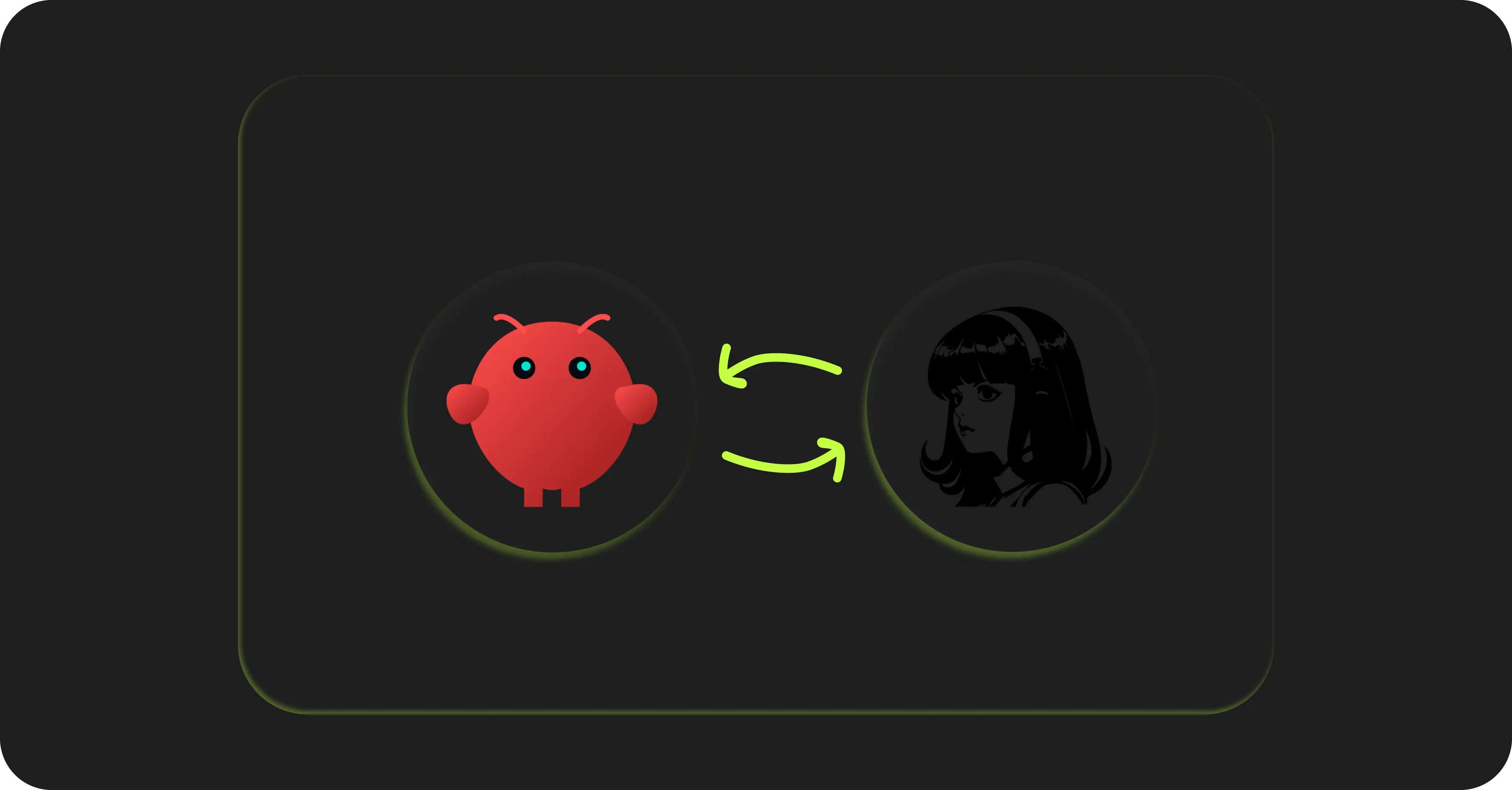
Search "openclaw vs hermes agent" on Reddit and you'll find a fresh thread roughly every three days. People want a verdict. One tool to install, one workflow to learn, one fewer thing to think about. The threads rarely resolve, because the comparison is framed as a choice when it doesn't have to be.
You can run both. A growing share of the community already does, and the setup is less painful than the Reddit drama suggests. Especially, on Atomic Bot in one click.
🎯 The Core Difference
🌗 Why They’re Great — and Where They Break
One-minute explanation:
OpenClaw makes sense if you want the widest agent in the space with the most integrations, the biggest skill library, and code you can tear apart and put back together. It's the wrong tool if you want the agent to compound — repeated tasks won't get faster on their own.
Hermes makes sense if you're solving the same problems again and again and want the system to remember. The longer you use it, the better it gets. It's the wrong tool if you need maximum breadth today, or your team can't take on a Python stack.
⭐️ Where each tool wins:
| OpenClaw | Hermes Agent | |
|---|---|---|
| Integrations | Biggest integration surface in the space. If a tool exists, someone has wired it up. | Skills the agent writes for itself capture the working steps and the dead ends it walked into. |
| Package Management | ClawHub works like a real package manager: versioning, dependencies, one-line install. | Repeated tasks get faster over time, you stop writing the same fix twice. |
| Messaging / Execution | One gateway covers Telegram, Slack, Discord, WhatsApp, Signal, and SMS. | Six execution backends out of the box, including Daytona and Modal for serverless and Singularity for Docker-restricted environments. |
| Onboarding | New skills are Markdown files, not framework code. You can be useful within an hour. | Honcho user modeling sharpens the agent's read on how you work after a few weeks. |
| Customization / Migration | Customizable down to individual planning and tool-use steps. | hermes model switches providers in one command. hermes claw migrate brings settings over cleanly. |
| Licensing / Security | MIT-licensed, no vendor lock-in. | Zero agent-specific CVEs disclosed as of May 2026. |
🌪️ Where each tool breaks:
🔀 Why Run Both Together — Workflow Patterns
The shortest honest answer to the OpenClaw vs Hermes Agent question: these two tools solve adjacent problems from opposite ends.
Hermes Agent handles the brain — it owns the planning loop, keeps long-running state, and learns from past runs so complex workflows get more reliable over time. OpenClaw handles the edges — it terminates channels like Telegram and Slack, routes traffic, talks to your other services, and makes sure answers get back to the right place.

Pattern 1 — OpenClaw as the channel, Hermes Agent as the brain
OpenClaw's role: owns everything at the edges — message receipt, formatting, routing, scheduling, channel-specific quirks. It's the face the user sees.
Hermes's role: owns everything that thinks — task decomposition, skill selection, execution, learning from outcomes.
How they cover each other: OpenClaw's weakness is that it doesn't get smarter — it solves each task from scratch. Hermes covers this by being the layer that remembers and refines. Hermes's weakness is that its messaging surface is thinner and its multi-channel story isn't as battle-tested. OpenClaw covers this by being the well-worn gateway between the user and whatever's happening behind it.
Watch out for: error handoff. When Hermes fails, OpenClaw needs to tell the user something useful, not throw a stack trace.
Pattern 2 — OpenClaw plans, Hermes Agent executes with verification
OpenClaw's role: receives the task, breaks it into steps, decides what each step needs, and validates the output of each one before reporting back to the user.
Hermes's role: executes each step using its skill library. It runs the actual work — file operations, browser automation, API calls — and produces results for OpenClaw to check.
How they cover each other: Hermes's weakness is that self-improving skills sometimes encode a wrong assumption (a stale flag, a deprecated parameter) and reuse it quietly. OpenClaw covers this by being the external validator — it checks Hermes's output against the original task before declaring success. OpenClaw's weakness is that it has no native learning loop, so without Hermes underneath it would re-derive every task from scratch. Hermes covers this by getting faster at every step it's seen before.
Watch out for: the validation step has to be real. If OpenClaw just relays whatever Hermes says, you've built the same system twice with extra latency.
Pattern 3 — One Hermes Agent brain, multiple OpenClaw faces
OpenClaw's role: runs as multiple separate gateways — one per channel, one per audience, one per persona. Each enforces its own tone, its own permissions, its own allowed skill set.
Hermes's role: runs as a single shared instance underneath all gateways. One memory store, one skill library, one learning loop.
How they cover each other: Hermes's weakness on its own is that it doesn't naturally separate audiences — what it learns in one context bleeds into another. OpenClaw covers this with per-gateway ACLs and skill scoping, so the customer-facing channel never sees personal context. OpenClaw's weakness is that running three separate agents means three separate learning curves, three sets of skills to maintain, three preference profiles that drift apart. Hermes covers this by being the shared brain, so improvement in one channel benefits all of them.
Watch out for: permission bleed. Shared memory means anything Hermes knows is technically callable from anywhere — the boundaries are enforced by OpenClaw, so they need to be set up deliberately.
❌ When You Should Not Run Both
Honest counter-positioning, because the dual-stack isn't universally optimal:
- Single user, single channel, low task volume: for most “I just want a Telegram/Email/etc assistant” setups, OpenClaw alone is enough. Otherwise, a second agent just adds overhead you may not earn back.
- You don't have time to maintain two stacks: both projects ship frequent breaking changes, and running them means double the upgrade work and a wider surface for bugs.
- Your workload is bursty and uneven: the cost savings of the supervisor/builder pattern only show up at steady throughput. If you only spike workloads from time to time, the operational overhead will matter more than the cloud bill.
In other words, if you’re still early, keep your stack boring on purpose. Ship with one agent, learn where it hurts, and only then decide whether a dual setup is actually solving a problem you have rather than creating an extra.
🚀 How to Run Both on One Machine
Setup is simple — the catch is hardware. The answer depends on whether you're running models on someone else's GPUs or your own.
System requirements, three scenarios
Scenario A (easiest): Both agents on cloud models
If both Hermes and OpenClaw call out to cloud APIs (Anthropic, OpenAI, Z.ai, MoonShot), the local machine is just running the orchestration. Requirements drop a lot.
- Mac: M2 or M3 with 16 GB unified memory is enough
- Windows / Linux: any modern x86_64 CPU with 16 GB RAM
- Disk: ~20 GB free for both installs plus logs
- Bandwidth: the only real bottleneck is your internet — model API calls move a lot of tokens
If you'd rather skip the install math entirely, Atomic Bot's cloud option (sign in with Google, agent runs on their infrastructure) covers Scenario A without you maintaining anything locally.
Scenario B (compromise) — Mix: one local, one cloud
Run the cheap executor (Hermes) on a local model and keep the expensive planner (OpenClaw) on a cloud model. You're now serving real inference on your machine, so the spec goes up.
- Mac: M3 minimum, M4 or M5 strongly recommended, 48–64 GB unified memory
- Windows / Linux: RTX 4090 or 5090, 48–64 GB system RAM, comfortable disk margin for model weights
- Model options for the local side: Qwen 3.6 (27B or 35B), Gemma 4 (26B or 31B), Nemotron 3 (30B)
This works. Two agents share the same machine, but only one is competing for GPU.
Scenario C (don't do this lightly) — Both agents on local models
The honest version: running both agents on local models at the same time isn't really viable on a single machine. You're stacking two long-context inference workloads on the same GPU, and neither one will be fast. Even on well-loaded hardware, the bottleneck shows up immediately.
If you really want fully local for compliance or privacy reasons, the minimum-viable setup is:
- Mac Studio with M4 Max / M5 Max and 64 GB+ unified memory
- Linux box with dual RTX 5090s (or one 5090 + one 4090) and 64+ GB system RAM
Even then, expect noticeably slower turn-around than the mixed setup. Local-only with two agents is for people who can't put data through a cloud API at all, not for cost optimization.
✏️ How to check if your machine meets the requirements
Run these in your terminal before installing anything to check compatibility.
macOS:
# RAM in GB
sysctl -n hw.memsize | awk '{print $1/1024/1024/1024 " GB"}'

# Free disk on home volume
df -h ~

# Chip info (M2, M3, M4, M5)
sysctl -n machdep.cpu.brand_string
Linux:
# RAM
free -h

# Free disk
df -h ~

# CPU model
lscpu | grep "Model name"

# AVX2 support check
lscpu | grep -q "avx2" && echo "AVX2 supported" || echo "AVX2 NOT supported"

# GPU (if NVIDIA)
nvidia-smi
Windows:
# RAM in GB
(Get-CimInstance Win32_PhysicalMemory | Measure-Object Capacity -Sum).Sum / 1GB

# Free disk on C: (in GB)
Get-PSDrive C | Select-Object @{Name="Used (GB)";Expression={[math]::Round($_.Used/1GB,2)}}, @{Name="Free (GB)";Expression={[math]::Round($_.Free/1GB,2)}}

# CPU
Get-CimInstance Win32_Processor | Select-Object Name

# GPU name (check VRAM in Task Manager → Performance → GPU)
Get-CimInstance Win32_VideoController | Select-Object Name
⚙️Which Model to Run on Each
The optimal model isn't the same on both sides because the two agents fail differently. OpenClaw rewards reasoning and tool-use accuracy on novel tasks. Hermes rewards fast cheap iteration, since its skill library compounds the value of repeated runs and paying flagship-model rates for execution is wasted money
OpenClaw model recommendations
Cloud models, ranked by community usage and benchmark results through May 2026:
- Kimi K2.6 — current community favourite, strong on agentic tasks, generous context window
- Claude Opus 4.6 — strongest pure reasoning, best for complex multi-step planning, more expensive
- Claude Sonnet 4.6 — Opus-level competence on most agentic work at a better price point
- MiniMax M2.7 — solid budget option, tuned for long agentic loops
- GLM 4.7 — fine middle-ground choice
Avoid running smaller open-source models as the OpenClaw planner. Multi-step task decomposition is where models punch below their weight class. Saving on tokens gets paid back in re-runs.
Hermes Agent model recommendations
Hermes works with any model exposed through Nous Portal, OpenRouter (200+ models), NVIDIA NIM, or a custom endpoint. Switching is one command: hermes model.
For execution work in a dual-stack setup:
- Kimi K2.6 — explicitly optimised for agent workflows with long execution chains, good tool-use reliability
- MiniMax M2.7 — strong performance per dollar on agentic loops, per community reports
- Nous Research Hermes 4 — Nous's own model family, tuned for function-calling and structured tool use, pairs naturally with Hermes Agent if you want a fully Nous-aligned stack
- GLM-5 Turbo — cheap and fast for high-volume execution
Local-only stack
Both agents support local LLMs through Ollama and LM Studio for on-prem setups. Quick reminder: running both on local models at the same time will choke even loaded hardware. The realistic local-only setup runs one agent at a time.
❓FAQ
What is Hermes Agent AI?
Hermes Agent is an open-source Python framework that runs autonomous AI agents on your machine — handling email, calendar, file ops, browser automation, and recurring research tasks. It writes its own skills from completed work and reuses them, so the same task gets faster every time you run it.
Can I run Hermes Agent and OpenClaw on the same machine?
Yes. A 16 GB Mac Mini M3 or equivalent Linux box runs both comfortably with cloud models. Local models change the math — running both on local LLMs at once will choke any single machine. OpenClaw has a one-click installer through Atomic Bot today; Hermes through Atomic Bot is launching soon, so the smoothest dual-setup will come together once it ships.
Do I need to know how to code to use these agents?
For the standalone install paths, yes — you'll be running commands in the terminal, editing config files, and managing API keys. If that's not your thing, Atomic Bot ships the same OpenClaw with one click on Mac and Windows (Hermes launching soon). Same agent underneath, none of the terminal work. Free, open-source.
Should I migrate from OpenClaw to Hermes Agent?
Migrate if you value compounding skill improvement over breadth of integrations. Stay on OpenClaw if you depend on the ClawHub plugin marketplace or multi-channel orchestration. You can also skip the choice — Atomic Bot already runs OpenClaw with one click, and Hermes is launching soon, so the side-by-side setup will be ready out of the box.