.svg)


Perplexity Computer is impressive, but it costs $200 a month and runs only in a cloud desktop you rent by the hour, with a "Created with Perplexity Computer" watermark on the apps it builds. For a lot of people that's reason enough to look elsewhere. The agentic AI space moved fast in 2026, and there are now several tools that do most of what Computer does — several of them for free, and some on your own hardware with no usage meter ticking in the background.
Below are the six best Perplexity Computer alternatives worth trying right now, starting with Atomic Bot.
Quick Answer
The best Perplexity Computer alternative is Atomic Bot — it runs powerful open-source agents like OpenClaw and Hermes on your own computer, it's free, and it does real computer use — clicking through sites and editing your files — without a $200 cloud subscription. If you want a managed cloud agent instead, Claude Cowork and Manus are the closest paid equivalents.
Here's how the six compare:
- Atomic Bot is the top pick because it gives you a desktop agent that runs locally, costs nothing to start, and is built on the OpenClaw and Hermes frameworks.
- Perplexity Computer's main weakness is price and lock-in — $200/month, web-desktop only, no offline mode, and watermarked output.
- The biggest split between alternatives is local vs cloud — a local agent keeps your data on your machine and has no per-task billing; a cloud agent is easier to set up but meters every action.
- Claude Cowork and ChatGPT Atlas are the easiest managed options if you already pay for Claude or ChatGPT, since the agent is bundled into a plan you already have.
- Manus is the closest like-for-like cloud "super agent," but it bills in credits that drain fast on long jobs.
- OpenClaw and Google Gemini round out the list — one is the open-source framework underneath Atomic Bot, the other is the free research-heavy option most people already have access to.
What is Perplexity Computer?
Perplexity Computer is an agentic AI system that takes a high-level goal and carries it out on its own — researching, writing documents, building small apps, sending emails, and running multi-step projects that can keep working in the background for hours. Perplexity launched it in February 2026 and pitched it as a "general-purpose digital worker": you describe the outcome you want, and Computer figures out the steps.
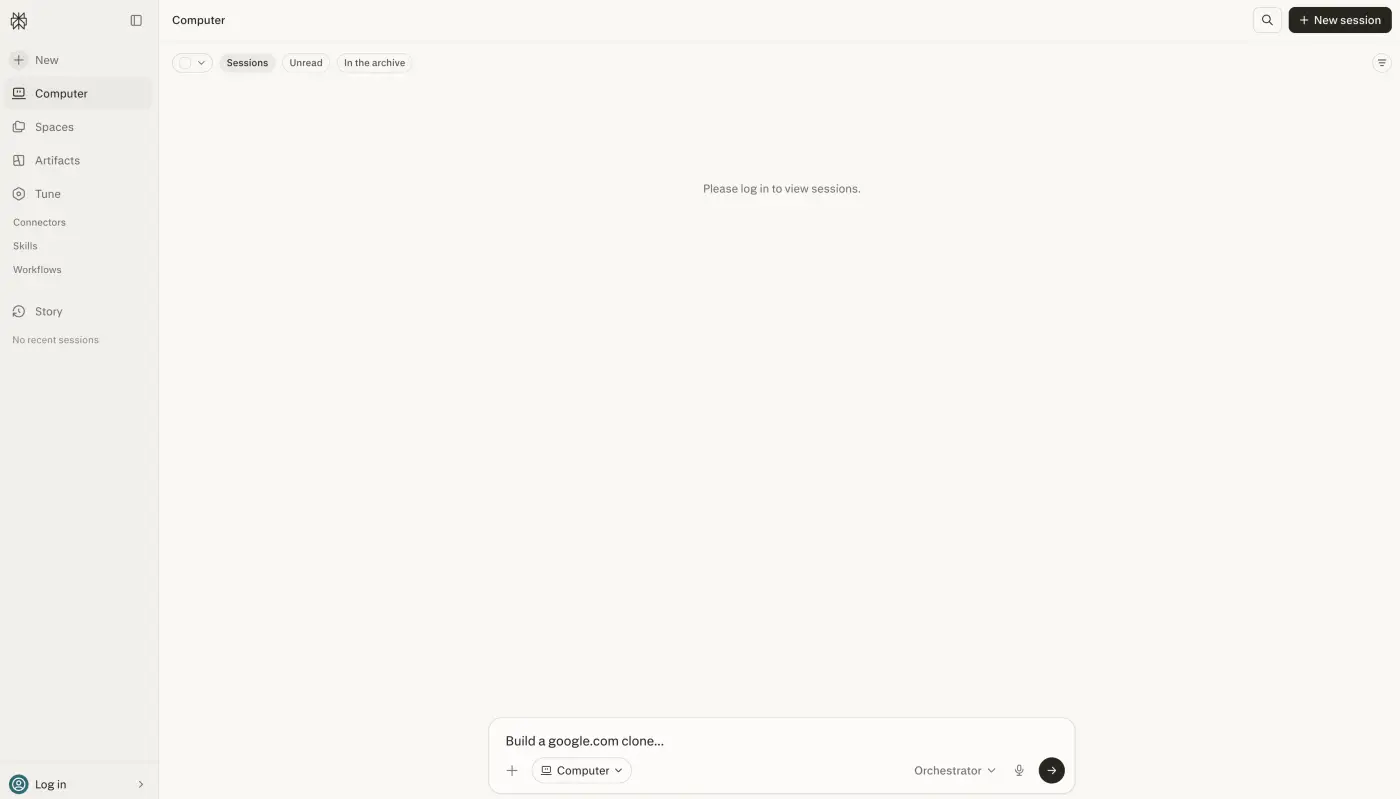
Perplexity Computer features and capabilities
Under the hood, the Perplexity Computer AI agent runs on multi-model orchestration: it coordinates 19 different AI models and routes each subtask to whichever one is best for the job. Claude Opus 4.6 handles the orchestration logic and coding, Gemini runs deep research, GPT-5.2 covers long-context recall and broad web search, and models like Nano Banana and Veo 3.1 handle image and video. When it hits a problem, it spins up sub-agents to solve it.
That orchestration is what powers Perplexity Computer's headline capabilities — autonomous research, document writing, app building, and browser automation that runs unattended.
Perplexity Computer use cases
The Perplexity Computer use cases people reach for most are the long, hands-off jobs you'd otherwise do manually:
- Deep research — pulling from dozens of sources into a structured brief
- Document and report writing from a one-line prompt
- Building small apps and internal tools
- Inbox and email automation — drafting and sending on your behalf
- Multi-hour background projects that keep running while you work on something else
The catch is the cost and the constraints:
- Price: $200/month (or $2,000/year) through Perplexity Max, with 10,000 monthly credits. There's no free tier and no trial.
- Cloud-only: it runs in a rented web desktop. No mobile app, no offline mode, and nothing runs on your own machine.
- Watermarks: apps it generates carry a "Created with Perplexity Computer" mark.
- Credit drain: complex jobs eat credits fast, so heavy use can mean topping up beyond the included 10,000.
None of that makes Computer bad — for a team that runs long, frequent automations, $200/month can pay for itself. But it's a lot to commit to, which is why the alternatives below matter.
Perplexity Computer pricing: how much does it cost?
Perplexity Computer's price is $200/month, or $2,000/year if you pay annually, and it's only available through the Perplexity Max subscription. There's no standalone Computer plan, no free tier, and no free trial — you commit to Max to get access at all.
The pricing is credit-based on top of that flat fee. Each month includes 10,000 credits, and every task burns credits based on how complex it is. A long, multi-hour automation can chew through a large chunk of that allowance in one run, so heavy users end up buying more credits on top of the $200. For a single person who just wants an AI agent to handle research and a few automations, that's a steep entry point, and it's the main reason people search for a cheaper or free Perplexity Computer alternative.
Why look for Perplexity Computer alternatives?
Perplexity Computer is one of the most capable AI agents on the market, but a few real limitations push people to look at other options:
- The price is high. At $200/month it's one of the most expensive consumer AI agents, and there's no cheaper tier to grow into.
- It only runs in the cloud. Computer lives in a rented web desktop, so there's no offline mode and nothing runs on your own hardware. Your data and your tasks sit on Perplexity's infrastructure.
- Generated apps are watermarked. Anything Computer builds carries a "Created with Perplexity Computer" mark, which is awkward for client or production work.
- Credits cap what you can do. Long jobs drain the monthly 10,000 credits fast, so the real cost can climb past the sticker price.
- You don't control the stack. You can't swap in your own model, run it locally for privacy, or self-host — all of which matter for sensitive data.
If none of those bother you, Computer is a fine choice. If any of them do, the alternatives below solve at least one, and a few solve all of them at once.
What to look for in a Perplexity Computer alternative
A good Perplexity Computer alternative doesn't have to match all 19 models — it has to cover the part of the job you actually do. These are the criteria that separate a real replacement from a lookalike:
- Real computer use. Can it act on your behalf — drive a browser and edit files — or does it just chat back? An agent that only answers questions isn't a Computer replacement.
- Local vs cloud. Does it run on your own machine (private, no per-task billing, works offline) or only in someone else's cloud? This is the single biggest dividing line between the tools below.
- Pricing model. A flat monthly fee, a free tier, or credit-based billing all behave very differently once you run long tasks. Watch for credit systems that look cheap until you use them.
- Model flexibility. Can you choose the model — including open-source ones you run yourself — or are you locked to one vendor's stack?
- Integrations and skills. The more apps it connects to and the bigger its skill library, the more of your real workflow it can take over.
Perplexity Computer vs other AI agents at a glance
Here's a quick review of how the six Perplexity Computer alternatives compare before the full write-ups below:
Atomic Bot — the best Perplexity Computer alternative
Atomic Bot is a native desktop app that runs open-source AI agents on your own computer, with an optional cloud and hybrid setup. It's built to make OpenClaw — one of the most powerful open-source agent frameworks — easy to install and run, and it also supports the Hermes Agent core from Nous Research. Where Perplexity Computer hands you a rented cloud worker, Atomic Bot gives you the same kind of autonomous agent running where your files and apps already live.
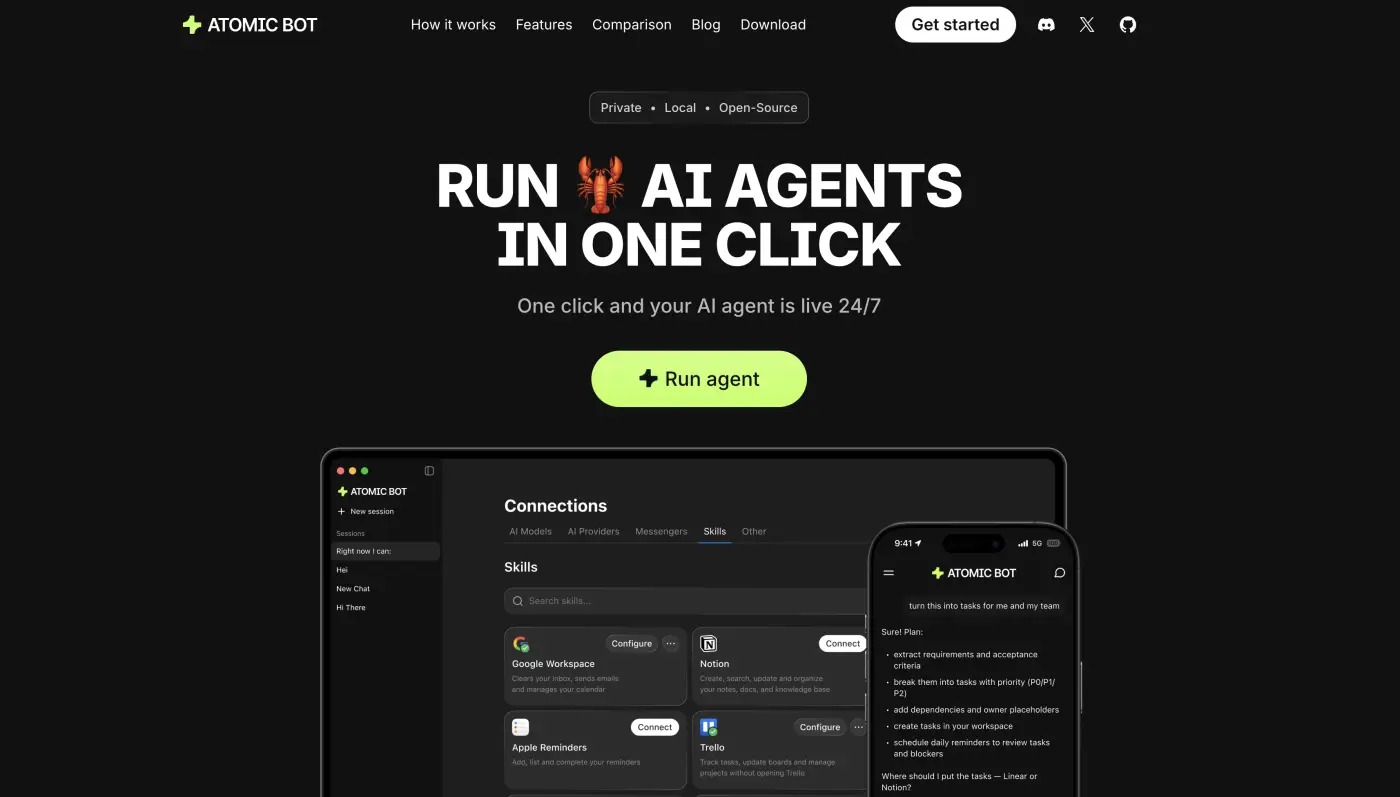
The computer-use side is the part that competes most directly with Computer. Atomic Bot drives a real browser to fill forms and complete multi-step web flows from a chat instruction, and it uses native OCR (Apple Vision on macOS, Windows.Media.Ocr on Windows) for pixel-accurate clicks. It also keeps a time-travel file history — every file the agent touches is snapshotted before and after, so you can diff or restore any change in one click. That's a safety net Computer's cloud sandbox doesn't give you on your own files.
Out of the box it handles the everyday work you'd hand to an assistant:
- Manage Gmail — clearing threads and drafting replies
- Run calendar autopilot to schedule meetings and set reminders
- Read docs and PDFs into summaries and action items
- Organize and rename files
- Run recurring task automations with proactive check-ins
It connects to 100+ apps (Gmail, Slack, Discord, Telegram, GitHub, Figma, Trello) and has a marketplace of 700+ personalized skills, so the agent grows past the defaults. For a sense of what people automate with it day to day, Atomic Bot's own OpenClaw use cases breakdown is a good starting point.
The biggest practical difference is the money and the privacy. Atomic Bot is free to use — you can point it at your own model and run the whole stack on your hardware with no API keys and no per-task billing, which means it can run fully offline. There's an optional paid plan for people who'd rather not configure API keys themselves, but the free local path is genuinely usable. Everything stays on your machine unless you choose the cloud option.
Price: Free. Optional paid cloud plan for managed setup (no API-key configuration required).
Pros: Runs locally and offline with no usage meter; real computer use with OCR and time-travel file history; built on the OpenClaw and Hermes frameworks; 100+ integrations and 700+ skills; macOS, Windows, and iOS live today.
Cons: Running a local model well needs decent hardware; Linux and Android are still listed as coming soon; the open-source agent layer has a steeper learning curve than a polished single-vendor product.
Available on macOS, Windows, and iOS, with Linux and Android on the way. If you want the closest thing to Perplexity Computer without the $200/month bill or the cloud lock-in, this is the one to start with.
Claude Cowork
Claude Cowork is Anthropic's agentic AI built into the Claude desktop app, released generally on April 9, 2026. It works directly in your local files, folders, and the apps you use every day, planning and executing multi-step tasks without you writing any code. It has file-system access, scheduled recurring tasks, folder-level instructions, a plugin marketplace, and Dispatch for computer use.
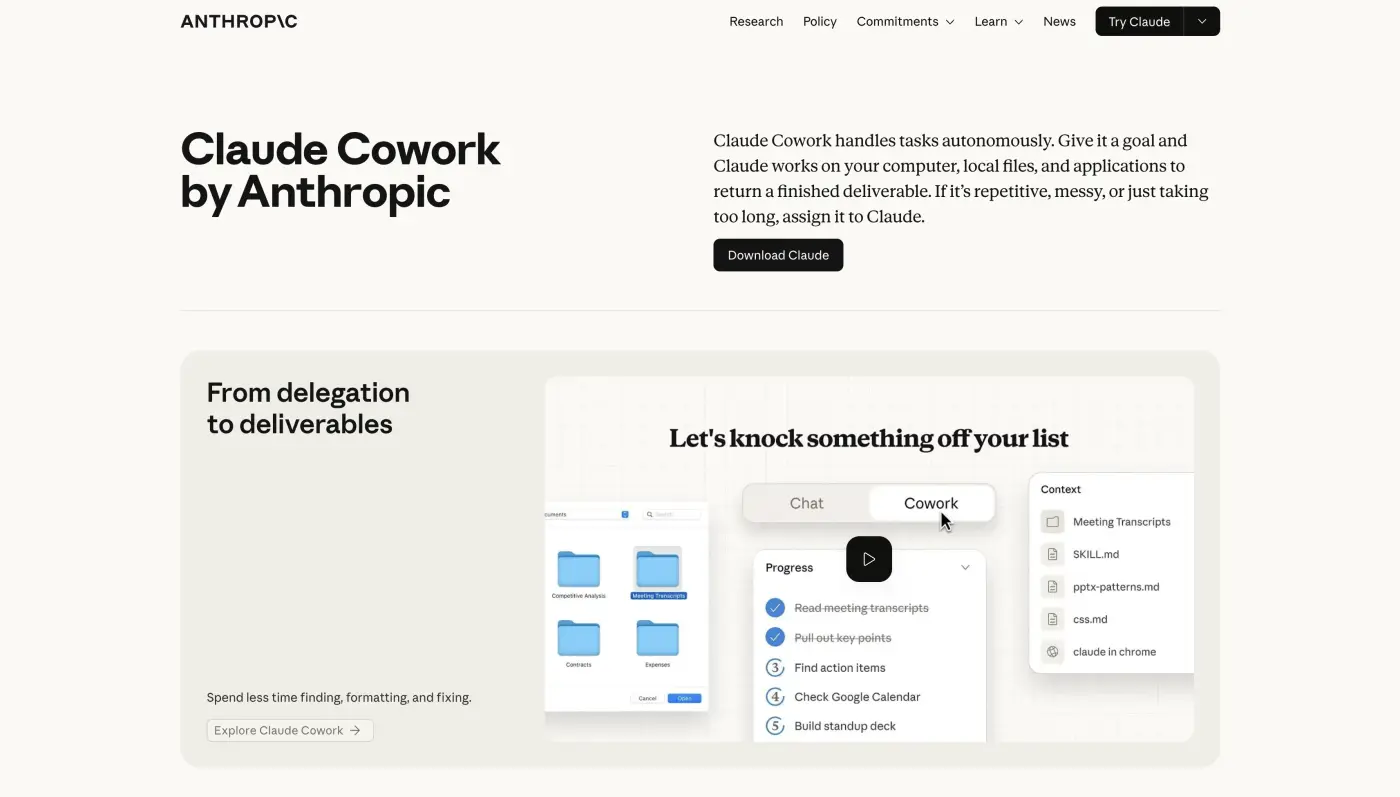
The appeal over Perplexity Computer is mostly the price and the fact that it touches your real desktop instead of a rented one. Cowork is included on every paid Claude plan, so if you already pay for Claude Pro you have it. It runs on a single model ecosystem (Claude), which is simpler than Computer's 19-model orchestration but means you don't get specialized models for video or image generation.
Perplexity Computer vs Claude Cowork
The core difference between Perplexity Computer and Claude Cowork is models and money. Computer routes work across 19 models for $200/month in a cloud sandbox; Cowork uses Claude alone, works on your local files, and starts at $20/month. For multi-modal jobs that need image or video generation, Computer wins. For everyday document and file work at a tenth of the price, Cowork is the better deal.
Price: Included on all paid Claude plans, from Pro at $20/month up to Enterprise (higher usage limits on Max).
Pros: Works on your local files and apps; bundled free with a Claude plan you may already pay for; scheduled tasks and a plugin marketplace; far cheaper than Computer.
Cons: Single-model (no multi-model routing for image or video work); macOS is the smoother experience while Windows support is newer and Linux is still planned; usage limits on lower tiers.
ChatGPT Atlas
ChatGPT Atlas is OpenAI's AI browser with a built-in Agent Mode that completes tasks for you on the web — navigating sites, filling forms, and running multi-step flows from a chat instruction. The browser itself is free to download, and Agent Mode is the piece that competes with Perplexity Computer's web automation.
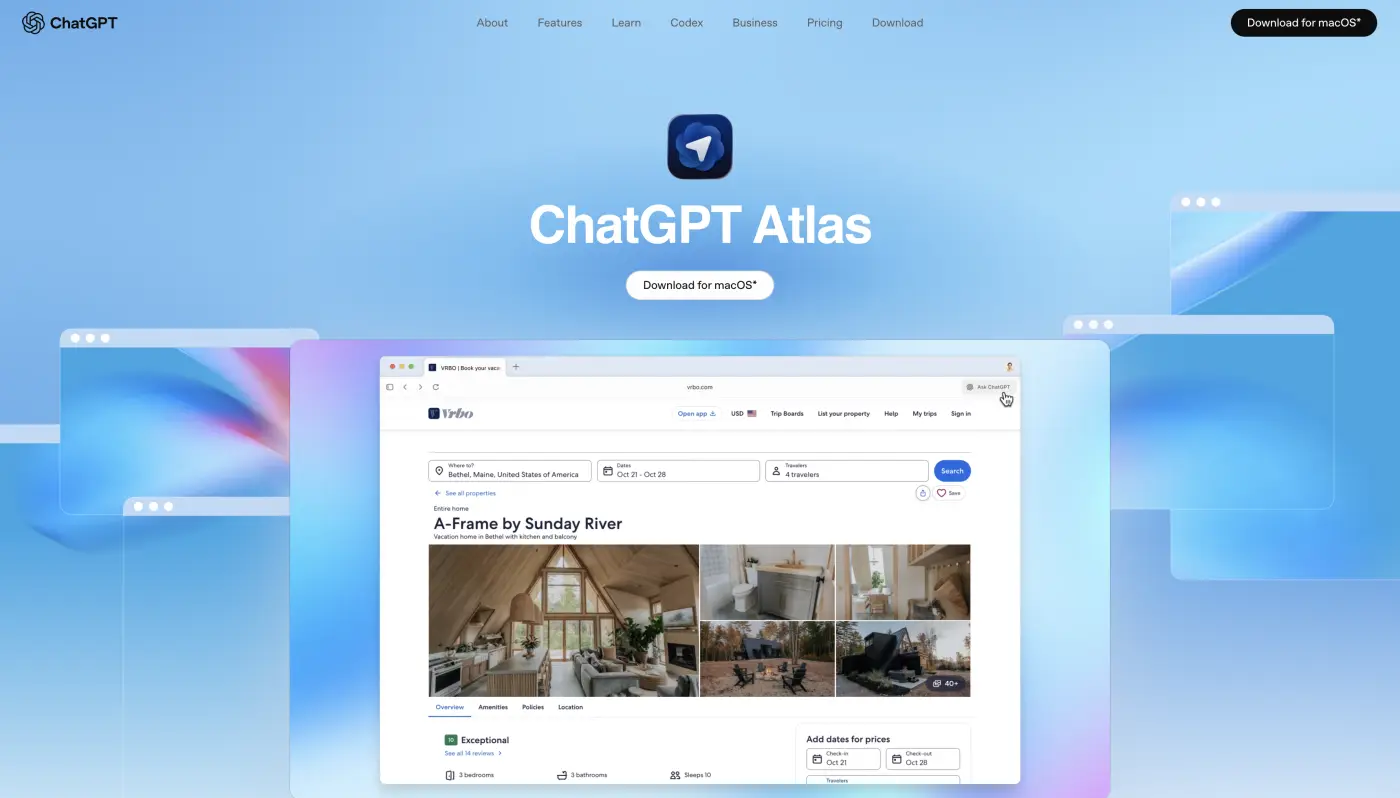
Atlas is the easiest entry point if your work is mostly browser-based and you already pay for ChatGPT. Agent Mode unlocks at the Plus tier, so the cost to get autonomous web actions is a tenth of Computer's. It won't run long background projects across your whole machine the way Computer does, but for booking, research, and form-heavy web tasks it covers a lot of the same ground.
Price: Browser is free. Agent Mode requires ChatGPT Plus ($20/month) or Pro ($200/month).
Pros: Free browser with a low entry price for Agent Mode; tight ChatGPT integration; strong at browser-based task automation; available today in preview.
Cons: Scoped to the browser, not your full desktop; Agent Mode is still in preview; no local or offline operation.
Manus
Manus is an autonomous cloud agent that takes a goal and runs the whole task end to end — browsing, writing code, analyzing files, and producing a finished result while you do something else. It's the closest like-for-like "super agent" on this list, since like Computer it's a managed cloud system that handles long, multi-step jobs without supervision.
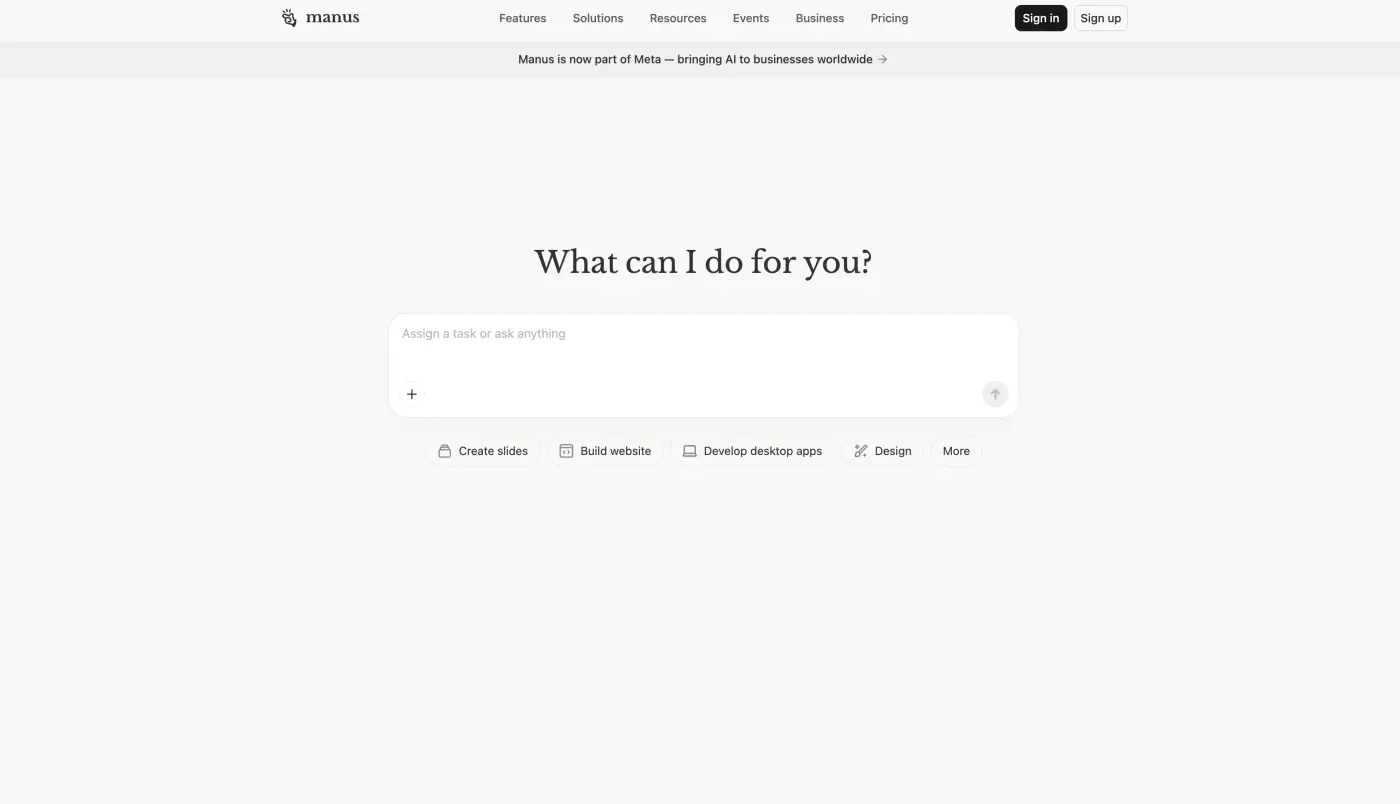
The difference comes down to billing. Manus uses a credit system where every action — a web browse, a code run, a file analysis — consumes credits, and the amount scales with task complexity. That's the same trap as Computer's credits, but Manus has a real free tier and a much lower entry price, so you can test it before committing.
Price:
Pros: True autonomous long-running tasks; real free tier to test with; up to 20 concurrent tasks; annual billing saves 17%.
Cons: Credit-based billing drains fast on complex jobs; credits don't roll over month to month; cloud-only with no local or offline mode.
OpenClaw
OpenClaw is the open-source AI agent framework that runs on your own computer and acts on your behalf — drafting emails, browsing the web, organizing local files, and running custom automation skills. It's the engine underneath Atomic Bot, and it's worth knowing on its own because it's free, fully open-source, and gives you the most control of anything here.
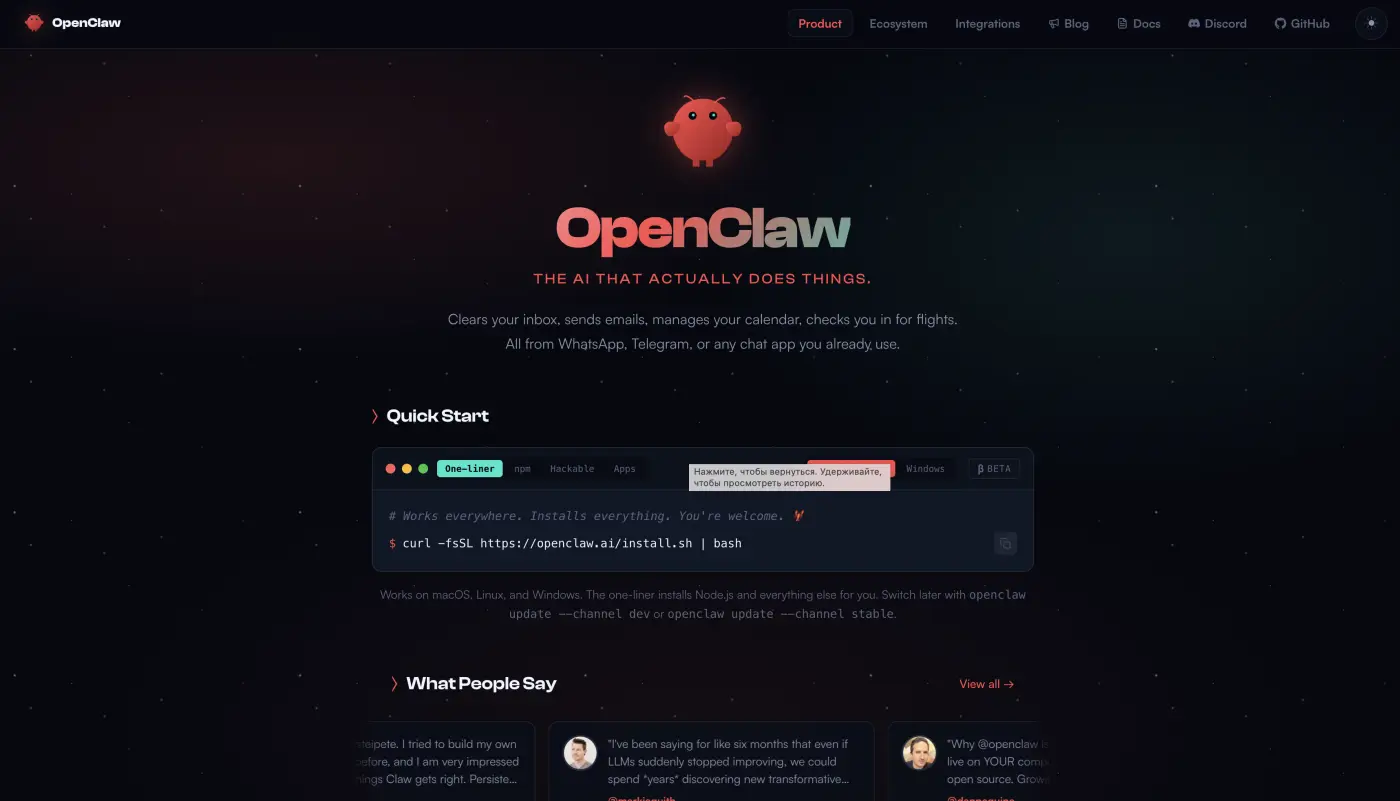
The trade-off is setup. Installing and hardening OpenClaw by hand can take a while and assumes some comfort with the terminal, which is exactly the gap Atomic Bot closes. If you want to understand the framework first, Atomic Bot's is OpenClaw free? breakdown covers the real costs and model options, since "free framework" doesn't always mean "free to run."
Perplexity Computer vs OpenClaw
Perplexity Computer vs OpenClaw is a split between two opposite ends. Computer is a polished, managed, $200/month cloud product that just works; OpenClaw is free, self-hosted, and runs on your own machine with whatever model you choose, but you do the setup and security yourself. OpenClaw gives you total control and zero per-task billing; Computer gives you zero setup. Atomic Bot is the middle ground — OpenClaw's control with Computer's ease of install.
Price: Free and open-source (you pay only for whatever model API or hardware you run it on).
Pros: Fully open-source and self-hosted; runs locally with no per-task billing; maximum flexibility and control; large skill ecosystem.
Cons: Manual setup and hardening takes time; assumes technical comfort; you manage security and model costs yourself.
Google Gemini
Google Gemini is the research-heavy alternative most people already have access to. Its Deep Research mode plans a query, browses dozens of sources, and writes up a structured report, and its long-context window handles document-heavy analysis well. With Gemini woven into Search, Workspace, and Android, it's the most widely available option on this list.
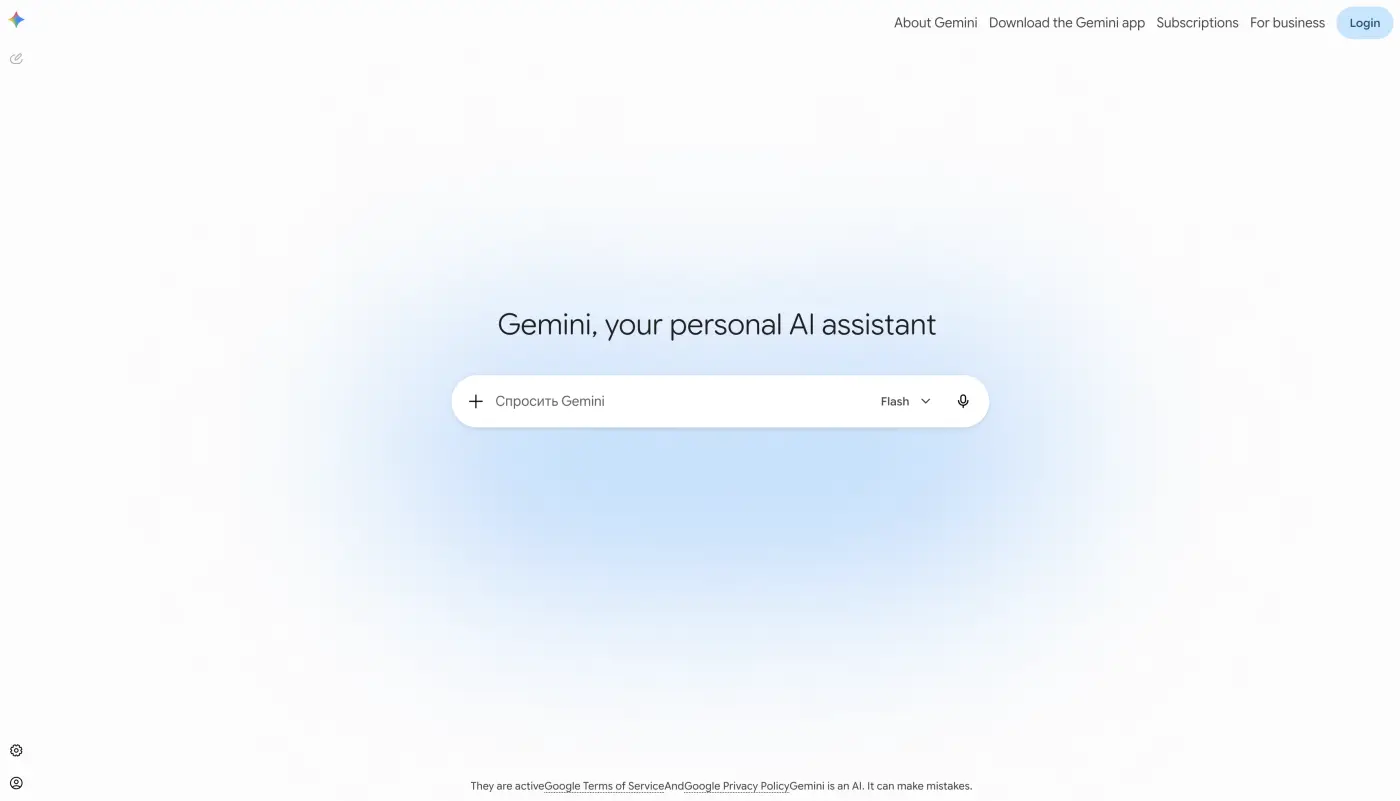
Gemini isn't a full desktop agent in the Perplexity Computer sense — it won't run hours-long background projects across your files and apps. But for the research-and-synthesis half of what Computer does, it's free for basic use and cheap to upgrade, which makes it a sensible no-cost starting point before paying for anything heavier.
Price: Free tier available. Google AI Pro is $19.99/month for higher limits and the strongest models.
Pros: Strong deep research and long-context analysis; free to start; built into Search, Workspace, and Android; no setup.
Cons: Not a true autonomous desktop agent; limited computer use compared to Computer; deepest features need the paid tier.
Frequently asked questions
What is the best Perplexity Computer alternative?
The best Perplexity Computer alternative for most people is Atomic Bot. It delivers a real autonomous agent with computer use, runs on your own machine instead of a rented cloud desktop, and is free. If you want a managed cloud agent and already pay for Claude or ChatGPT, Claude Cowork and ChatGPT Atlas are the easiest paid alternatives; Manus is the closest like-for-like cloud "super agent."
Is Perplexity Computer free? Is there a free trial?
No. Perplexity Computer is not free and has no free trial. It's only available on the Perplexity Max plan at $200/month (or $2,000/year). To use an agent like this for free, you need an alternative — Atomic Bot and the OpenClaw framework are both free, and Manus and Google Gemini have free tiers with usage caps.
Is there a free alternative to Perplexity Computer?
Yes. Atomic Bot is free and runs autonomous agents on your own computer, and the OpenClaw framework it's built on is free and open-source too. Manus and Google Gemini also have free tiers, though they cap usage. The free local options (Atomic Bot, OpenClaw) have no per-task billing at all once they're set up.
What are Perplexity Computer's use cases?
Perplexity Computer's main use cases are long, multi-step jobs you'd otherwise do by hand: deep research, writing reports and documents, building small apps, sending emails, and running multi-hour background projects. The alternatives cover the same ground — Atomic Bot and OpenClaw handle email, files, and browser automation locally, while Gemini is strongest for the research-and-synthesis side.
Is Perplexity Computer worth $200 a month?
Perplexity Computer is worth $200/month only if you run long, frequent automations that justify the cost — for a team putting heavy daily volume through it, the orchestration of 19 models can pay for itself. For occasional or research-only use, a $20/month tool like Claude Cowork or ChatGPT Atlas, or a free local agent like Atomic Bot, covers most of the same work for far less.
What's the best local alternative to Perplexity Computer?
The best local alternative is Atomic Bot, because it runs the OpenClaw and Hermes agents directly on your machine with real computer use, OCR, and time-travel file history. It can run fully offline with no API keys, so your data never leaves your hardware. OpenClaw on its own is the more DIY route to the same thing.
Can Perplexity Computer run offline?
No. Perplexity Computer is cloud-only — it runs in a rented web desktop with no offline mode and no app that runs on your own machine. If offline operation matters, a local agent like Atomic Bot is the alternative, since it can run the whole stack on your hardware with no cloud dependency.
Verdict: which Perplexity Computer alternative should you use?
For most people, Atomic Bot is the Perplexity Computer alternative to start with. It gives you a real autonomous agent with genuine computer use, it runs on your own machine instead of a rented cloud desktop, it keeps your files private with time-travel snapshots you can restore, and it's free — no $200/month subscription and no credit meter draining in the background. Built on the OpenClaw and Hermes frameworks, it's also the option with the most room to grow as open-source agents keep improving.