.svg)


AI automation tools exploded in the last few years, and there are now hundreds of platforms promising to automate work — from simple app integrations to fully autonomous AI agents, like OpenClaw.
This guide breaks down the most widely used AI automation software in 2026, explains what each tool is actually good at, and shows which category makes sense depending on what you’re trying to automate.
Best AI automation tools compared
If you’re wondering what the best AI automation software is 2026, Here's the TL;DR:
The short version: If you want a personal AI assistant that actually does things for you — reads emails, schedules meetings, organizes files, browses the web — without building workflows or writing code, Atomic Bot + OpenClaw is the fastest path.
If you need to connect 7,000+ SaaS apps with if-this-then-that logic, Zapier is still king. For enterprise RPA, UiPath.
For developers who want full control, n8n. But most people reading this just want AI to handle their daily busywork. That's what Atomic Bot was built for.
🏆 The 10 Best AI Automation Software Tools in 2026
1. Atomic Bot — Best for Personal AI Automation (No Code, No Terminal)
What it does: Atomic Bot packages OpenClaw — the fastest-growing AI agent project of 2026 — into a one-click desktop installer.
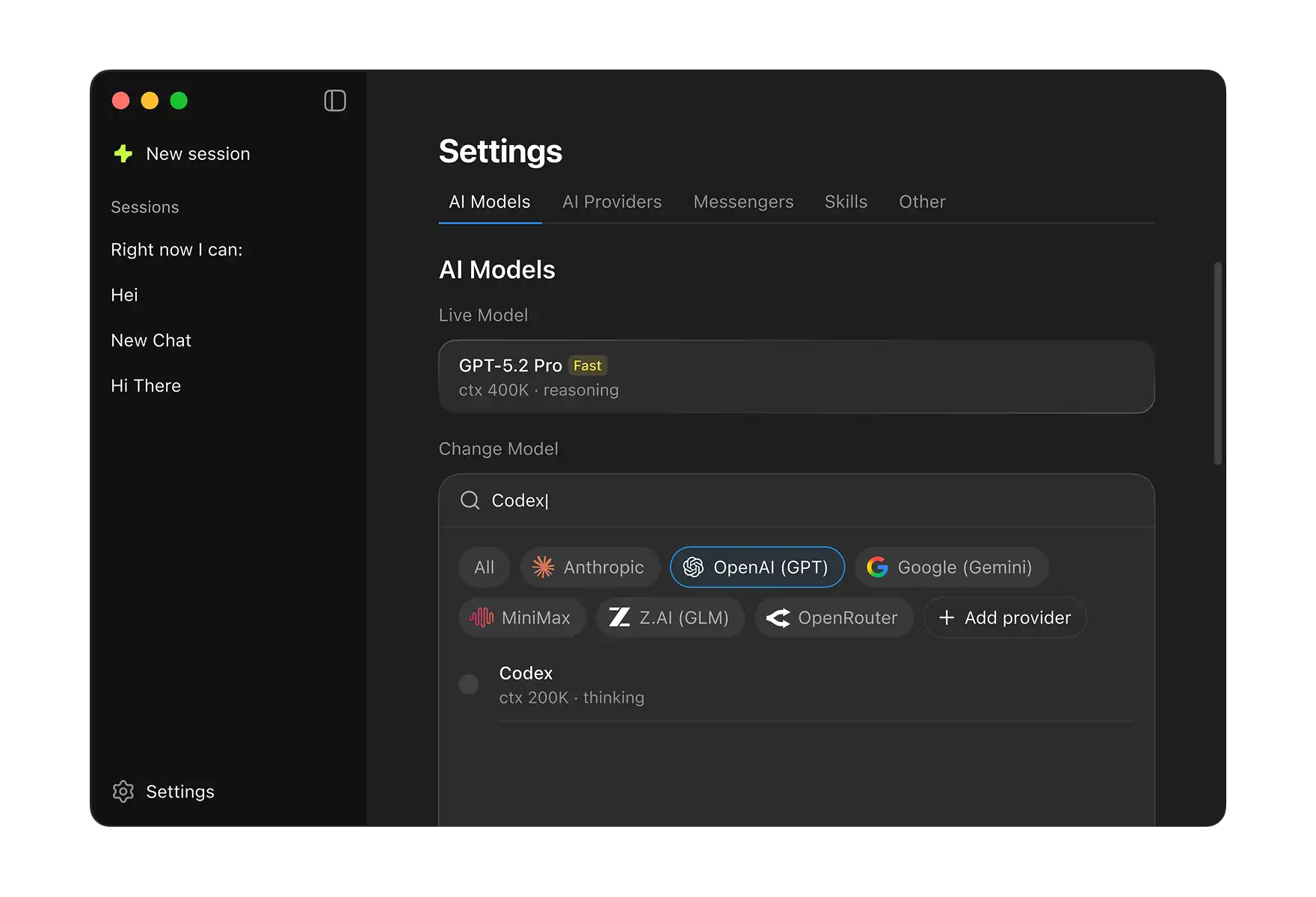
You get a fully functional AI personal assistant that reads emails, manages your calendar, organizes files, browses the web, and automates routine tasks.
Who it's for: Anyone who wants AI to handle their daily busywork without becoming a DevOps engineer. Non-developers, freelancers, small business owners, Mac and Windows users.
Why it's different: Every other tool on this list requires you to build automations — drag boxes, connect triggers, write logic. Atomic Bot doesn't. You install it, connect your apps, and start chatting. The AI figures out the rest.
Under the hood, it runs OpenClaw — the open-source AI agent that hit 250K+ GitHub stars, surpassing React as the #1 project on the platform. OpenClaw can genuinely act on your behalf: draft and send emails, schedule meetings, search the web, manage local files, and run custom automation skills.
What you get:
✅ OpenClaw installed and running (locally or in the cloud)
✅ Pre-configured skills: Gmail, Calendar, Browser, Files, Weather, Sheets
✅ Telegram / WhatsApp / iMessage / Discord integration
✅ Memory system set up automatically
✅ Automatic updates and backups
✅ Built-in troubleshooting and support
How to install:
- Go to atomicbot.ai
- Download for Mac or Windows
- Open the installer
- Click "Install OpenClaw"
- Wait 60–90 seconds
- Connect your chat (Telegram, WhatsApp, etc.)
- You're live
Pros:
- One-click install — no terminal, no config, no BS
- Open-source (full Windows codebase on GitHub)
- Free to use (you only pay your AI provider's API costs)
- Pre-installed skills save hours of manual setup
- Auto-updates, backups, and in-app troubleshooting
Cons:
- No Linux GUI yet
- Relies on third-party AI provider API keys
Pricing: Free and open-source. Basic installation costs nothing. Paid tier available for advanced features, priority support, and team deployment. Only ongoing cost is your AI provider's API usage.
2. OpenClaw — Best AI Agent for Developers
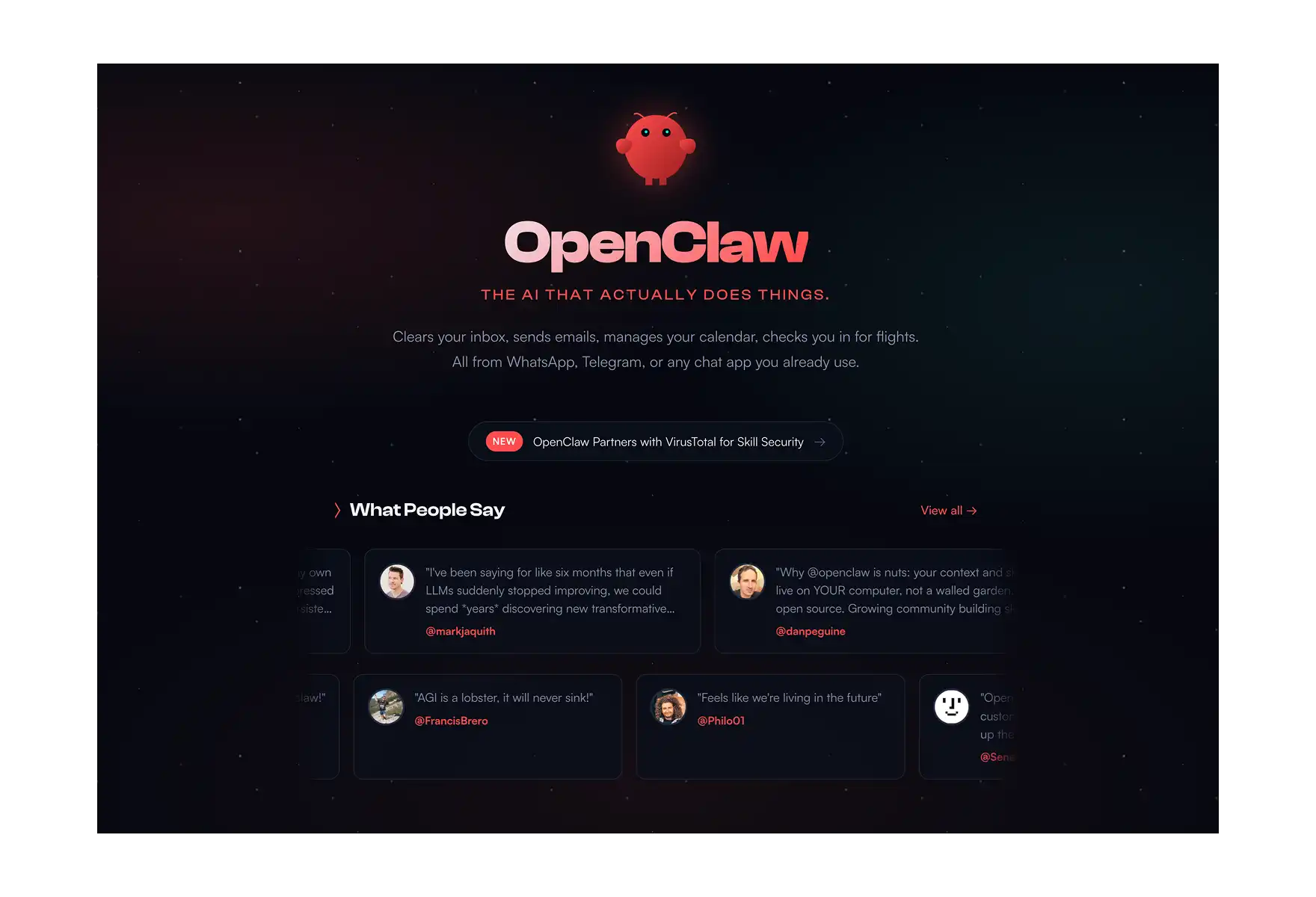
What it does: OpenClaw is a fully open-source personal AI agent that takes action on your behalf — reading and drafting emails, browsing the web, organizing local files, scheduling meetings, sending reminders, and running custom automation skills. Unlike chatbots that respond to prompts, OpenClaw actually does things.
Who it's for: Developers, power users, and tinkerers who want maximum flexibility and don't mind the terminal.
OpenClaw, created by developer Peter Steinberger, is the fastest-growing AI project of 2026. Over 250K GitHub stars — surpassing React as the #1 project on the platform. 416K+ npm downloads per month. 4.4K Homebrew installs per month.
What makes OpenClaw different from every chatbot and automation tool on this list is its agent architecture. You give it access to your tools — Gmail, Calendar, Browser, Files — and it uses them autonomously based on your instructions.
The skills system is where it gets really powerful. OpenClaw ships with core skills (email, calendar, browser, files, weather, sheets), but you can build custom skills for anything — Notion integration, Slack automation, database queries, web scraping, API calls. The community has built hundreds of skills, and the ecosystem is growing fast.
What you can do with OpenClaw:
📧 Email — Read, draft, send, organize, filter, auto-respond
📅 Calendar — Schedule, reschedule, set reminders, find open slots
🌐 Browser — Search the web, extract data, analyze pages
📁 Files — Organize, search, move, rename documents on your machine
🌤️ Weather — Forecasts for any location, travel planning
📊 Sheets — Google Sheets automation, data entry, calculations
💬 Messaging — Telegram, WhatsApp, iMessage, Discord integration
🔧 Custom Skills — Build anything via the skills API
How to install (CLI method):
# 1. Install Node.js
brew install node

# 2. Install OpenClaw
npm install -g openclaw

# 3. Create workspace
mkdir -p ~/.openclaw/workspace && cd ~/.openclaw/workspace

# 4. Run onboarding
openclaw onboard

# 5. Configure API keys
nano ~/.openclaw/config.json

# 6. Set up messaging channel
# (multiple steps depending on platform)

# 7. Start gateway
openclaw gateway start
Time: 30–60 minutes. Requires: Node.js, npm, terminal comfort.
Or skip all of that: Install Atomic Bot → one click → 2 minutes → done.
Pros:
- Completely open-source and free
- Runs locally — full data privacy, nothing leaves your machine
- Infinitely extensible via custom skills
- Massive community (250K+ GitHub stars, active development)
- Works with any AI provider (OpenAI, Anthropic, Google, local models)
- Cross-platform: Mac, Windows (via WSL2), Linux
Cons:
- CLI installation is complex (30+ commands, 30–60 min)
- Requires Node.js, npm, and terminal proficiency
- Security misconfiguration risk without proper setup
Pricing: Free and open-source. Only cost is your AI provider's API usage (OpenAI, Anthropic, etc.).
💡 Pro tip: If you want OpenClaw's full power without the terminal pain, Atomic Bot is the recommended path. Same engine, same capabilities, zero CLI. If you want raw control and custom deployment (Docker, VPS, headless server), go with the CLI install.
3. Zapier — Best for No-Code App Connectors
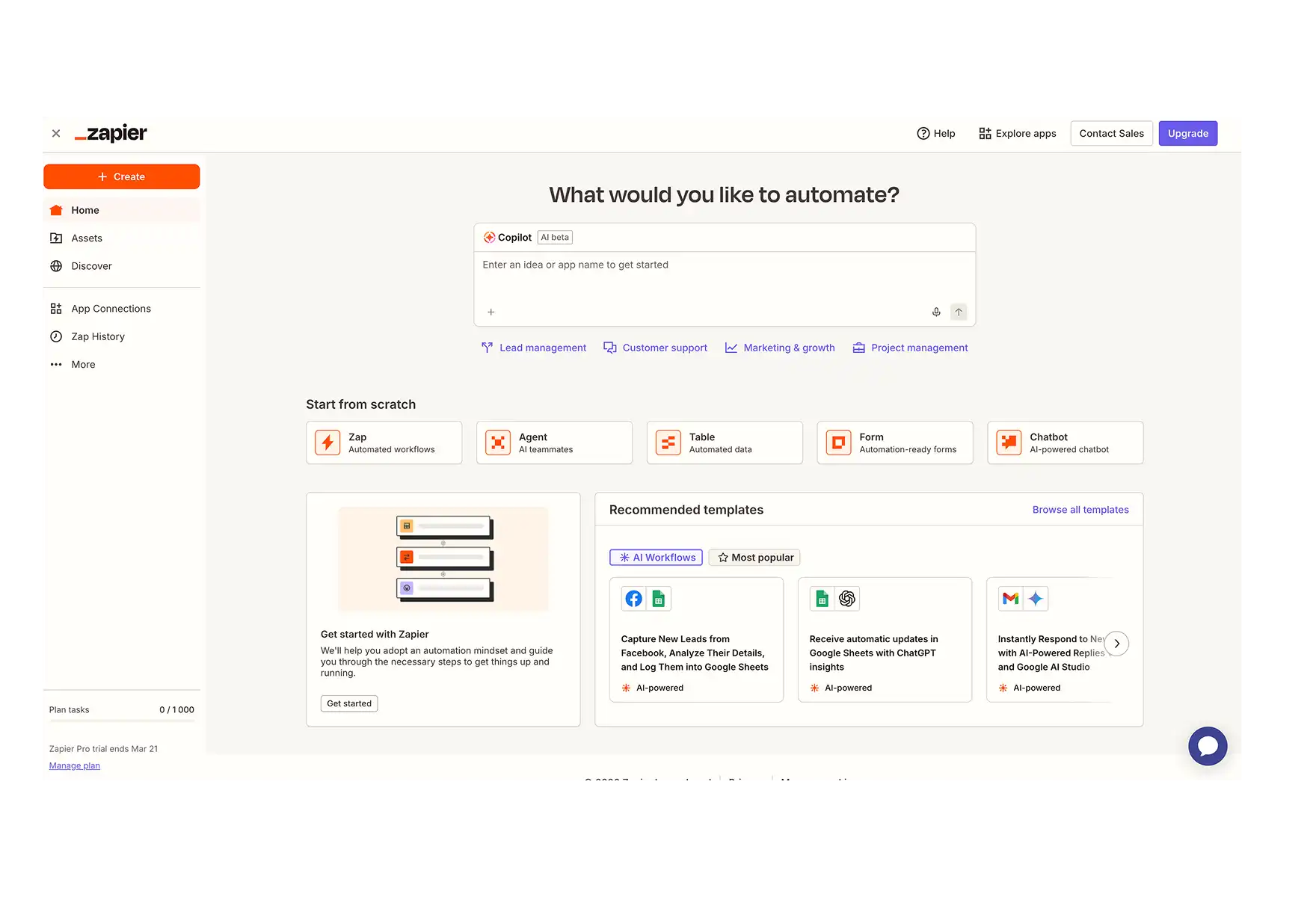
What it does: Connects 7,000+ apps with trigger-action workflows called Zaps.
Who it's for: Solo operators, marketers, and non-technical teams who need simple SaaS-to-SaaS automation.
Zapier is the automation tool most people start with — and for good reason. Pick your trigger app, pick your action app, define the logic, and Zapier handles the rest. The new AI assistant lets you describe flows in plain language ("when someone fills out a form, send a thank you email") and it creates a working Zap automatically.
Where Zapier wins is ecosystem breadth. Nothing else connects to as many apps out of the box. The Templates section alone can save you hours with prebuilt automations that work immediately.
Zapier Tables adds a lightweight database layer for managing structured data. You can track orders, run auto-calculations, and pipe results into other apps — all without a spreadsheet.
The catch? Pricing scales fast. Multi-step Zaps with high volume get expensive quickly. And if a connected app changes its API, Zaps can break silently.
Pros:
- 7,000+ app integrations — the biggest ecosystem
- AI assistant builds Zaps from natural language
- Templates library for instant automation
- Zapier Tables for lightweight data management
Cons:
- Gets expensive at scale
- API changes can break Zaps without warning
- Limited for complex AI orchestration
Pricing: Free (100 tasks/month) · Professional $29.99/mo · Team $103.50/mo
4. n8n — Best for Developer-Grade Control Without Enterprise Bloat
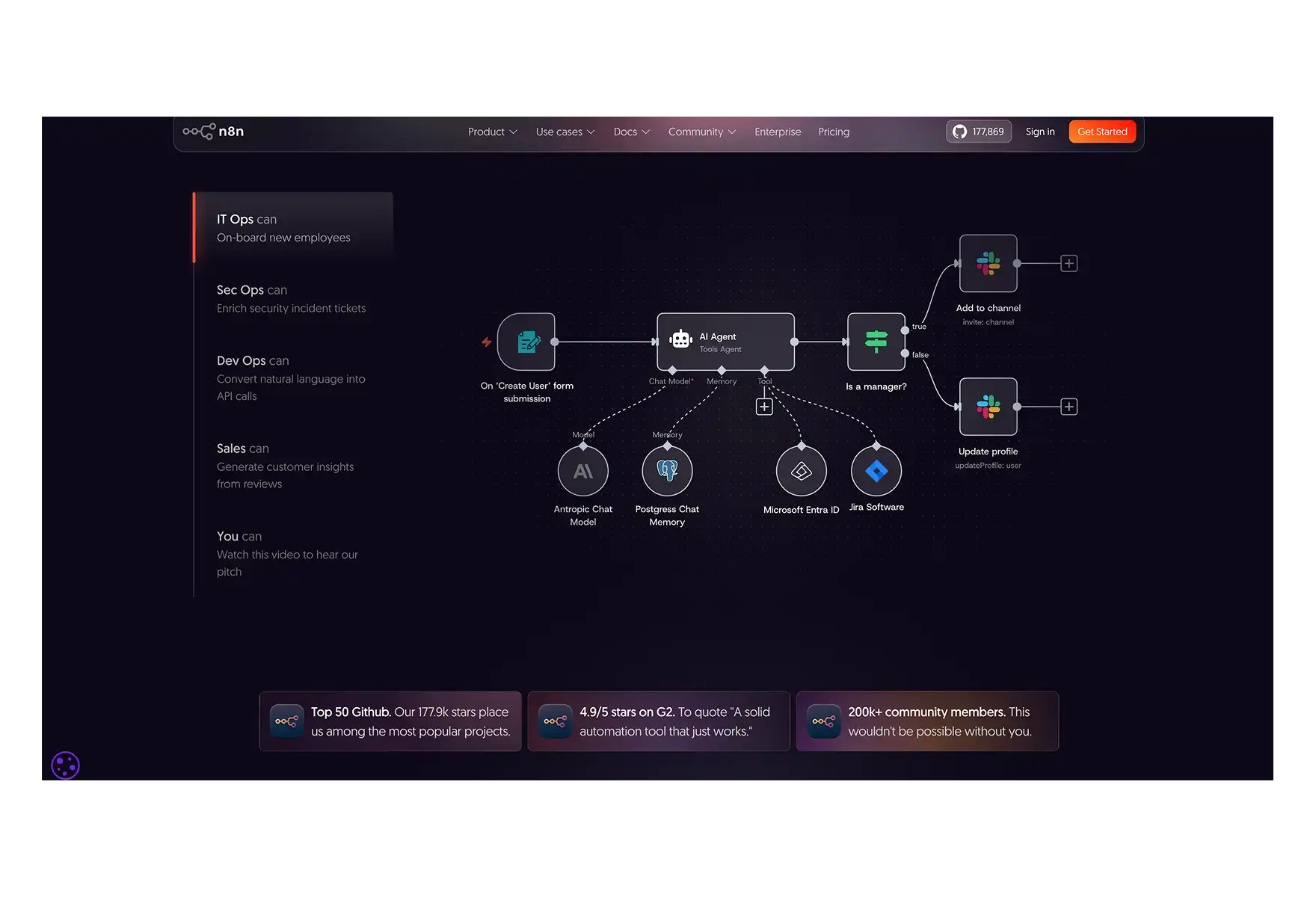
What it does: Open-source, self-hostable workflow automation with full API access, conditional logic, webhooks, and custom JavaScript nodes.
Who it's for: Technical teams who want complete control over their automation stack.
n8n is for developers who find Zapier too limiting and enterprise tools too bloated. It gives you a node-based visual editor where you can connect APIs, parse JSON, configure HTTP requests, and build complex logic — all with a drag-and-drop UI that doesn't sacrifice power.
The killer feature: it's open-source. You can self-host it via Docker or Kubernetes for free, keeping all data in your environment. There's also a hosted cloud version if you don't want to manage infrastructure.
With 420+ integration templates (including OpenAI, WhatsApp, Stripe, Airtable), n8n covers both AI-powered and traditional automation. You can trigger workflows programmatically, scale based on usage spikes, and protect sensitive API credentials with role-based access control.
The trade-off: it's not beginner-friendly. Large workflows can slow down the UI, and some newer integrations lack detailed documentation.
Pros:
- Fully open-source with self-hosting options (Docker/Kubernetes)
- 420+ templates including AI integrations
- Full API access, webhooks, and custom JavaScript nodes
- Role-based access control for team collaboration
Cons:
- UI performance drops on large, complex workflows
- Documentation gaps on newer integrations
- Not ideal for non-technical users
Pricing: Free (open-source self-hosted) · Starter $24/mo · Pro $60/mo
5. Make (formerly Integromat) — Best for Visual Multi-Branch Workflows
What it does: Visual workflow builder with powerful routing, data transformation, and iteration capabilities.
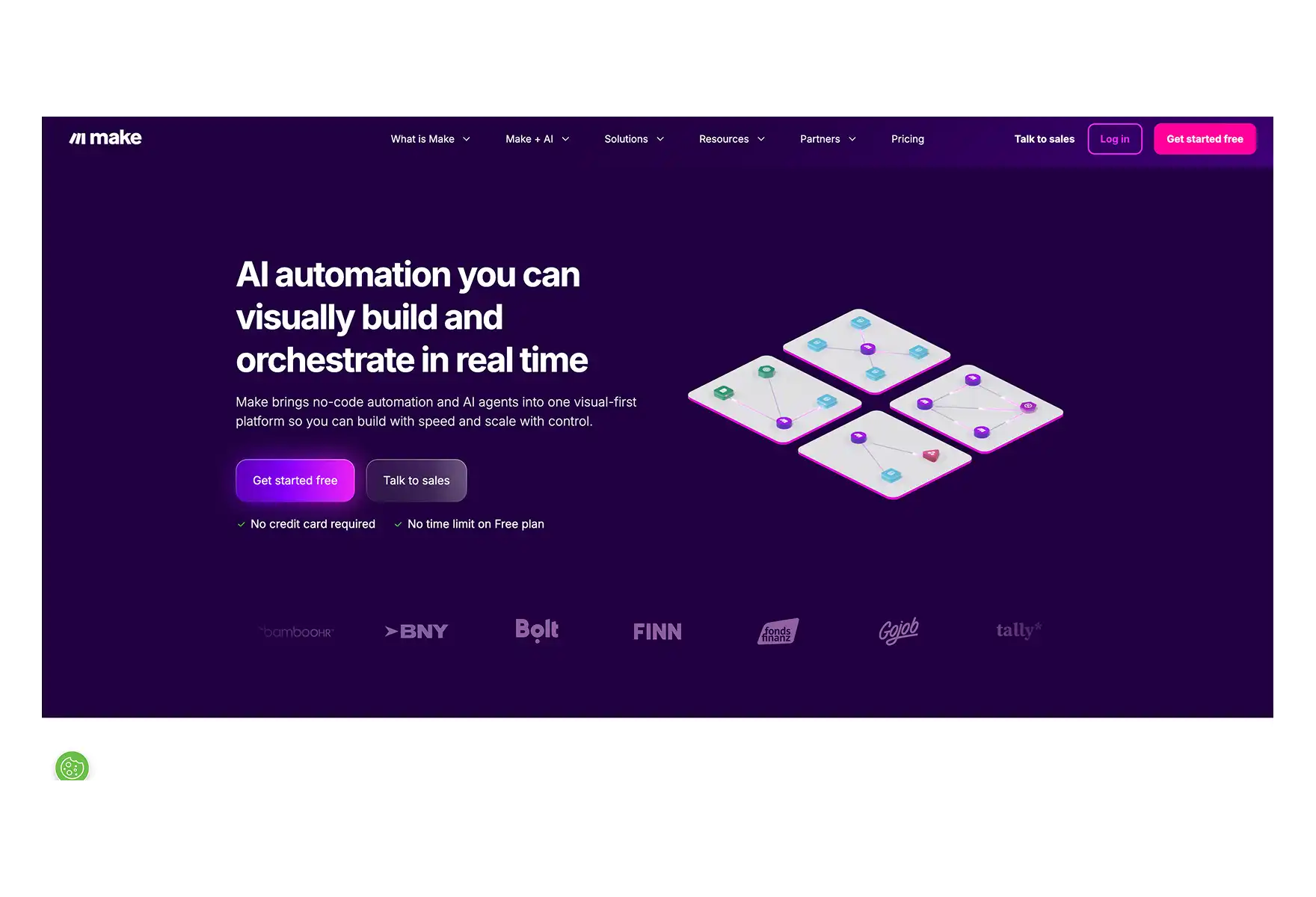
Who it's for: Ops teams running high-volume, multi-branch workflows where deterministic routing matters.
Make excels where Zapier starts to struggle: complex, multi-branch logic. Its visual editor lets you build workflows that split, merge, loop, and transform data with granular control. Routers, iterators, and mapping functions give you power that feels closer to programming — but in a visual, debuggable interface.
The visual debugger is genuinely useful. When a flow breaks (and they will), you can step through each node, see exactly where it failed, and replay the execution. Error handling and retry logic are built in.
Make is also cheaper than Zapier at high volume, which matters when you're running thousands of operations per month.
Pros:
- Powerful routers, iterators, and data transforms
- Visual debugger for complex flow troubleshooting
- Economical at high throughput
- Solid error handling and replay
Cons:
- UI feels heavier than Zapier for simple tasks
- AI features are basic — no native evals or model versioning
- Steeper learning curve for beginners
Pricing: Free tier · Paid from $9/mo
6. Lindy — Best for Building Smart, Task-Specific AI Agents
What it does: Automates messy, fluid work (emails, scheduling, CRM, research) using customizable AI agents that function like virtual teammates.
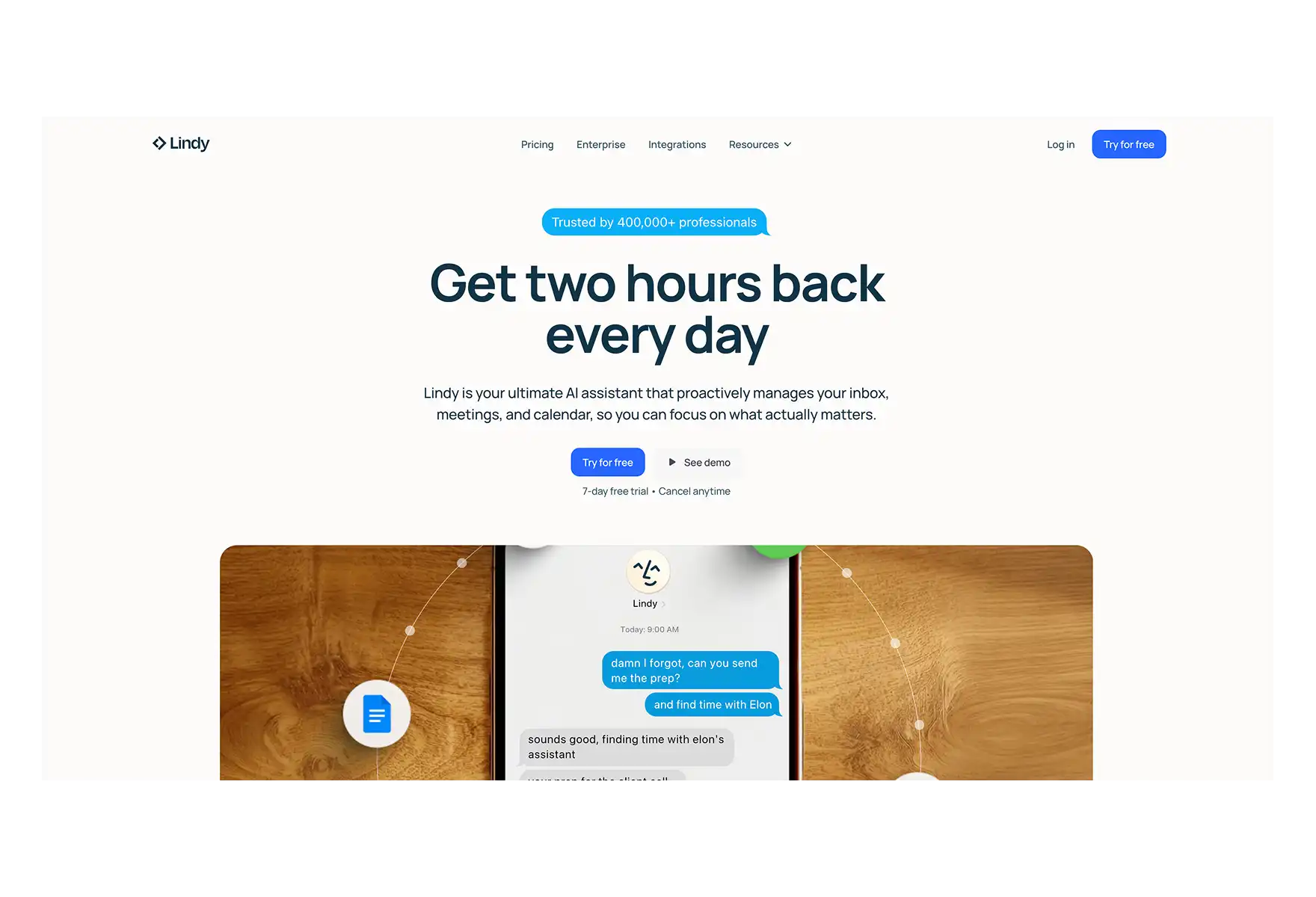
Who it's for: Founders, operators, and lean teams automating execution-heavy tasks.
Lindy sits in the same AI agent category as Atomic Bot, but with a different angle. Where Atomic Bot gives you a personal AI assistant running locally, Lindy gives you cloud-based AI agents that you assign roles — inbox manager, sales prepper, data extractor.
The standout feature is Agent Swarms. Instead of one automation at a time, you can deploy a single Lindy agent across 50, 100, or 1,000 items simultaneously. Prepping for sales calls with 50 leads? Lindy summarizes LinkedIn bios, pulls CRM notes, and reviews past emails — all at once.
Over 2,500 integrations via Pipedream, prebuilt templates for common workflows, and a drag-and-drop interface for custom builds. You can even loop in Slack or email approvals so humans stay in the loop.
Pros:
- Agent Swarms for parallel processing across hundreds of items
- 2,500+ integrations via Pipedream
- Role-based agents (sales, ops, exec support)
- Handles unstructured workflows, not just simple triggers
Cons:
- Complex workflows take time to configure well
- Cloud-only — no self-hosting option
Pricing: Free (400 tasks/month) · Pro $49.99/mo · Business $299.99/mo
7. UiPath — Best for Enterprise-Scale RPA + Agentic Automation
What it does: Enterprise automation platform combining traditional RPA (robotic process automation) with AI-powered agentic workflows.
Who it's for: IT, finance, and support teams in large organizations with legacy systems.
UiPath has been the gold standard for RPA — bots that mimic human actions across desktop and legacy applications. What makes 2026 different is their Agentic Automation feature: bots that work toward goals without needing detailed step-by-step instructions.
Set up an agent to handle a multi-app support scenario, and it can pull customer data from Salesforce, ticket status from ServiceNow, and order info from SAP — without you manually linking each step. It also integrates with models like OpenAI and Google Vertex for language-based actions (drafting emails, summarizing reports) within your workflow.
Pros:
- Mature RPA with computer vision for complex UIs
- Agentic Automation for goal-oriented workflows
- AI model integration (OpenAI, Google Vertex)
- Huge marketplace of plug-and-play components
Cons:
- Long setup time, steep learning curve
- Enterprise pricing — overkill for small teams
- Requires technical expertise to manage well
Pricing: Free plan available · Pro $420/mo · Enterprise custom pricing
8. Microsoft Power Automate — Best for Microsoft 365 Ecosystem
What it does: Automates workflows across Microsoft 365 apps (Outlook, Excel, SharePoint, Teams) with both cloud and desktop RPA capabilities.
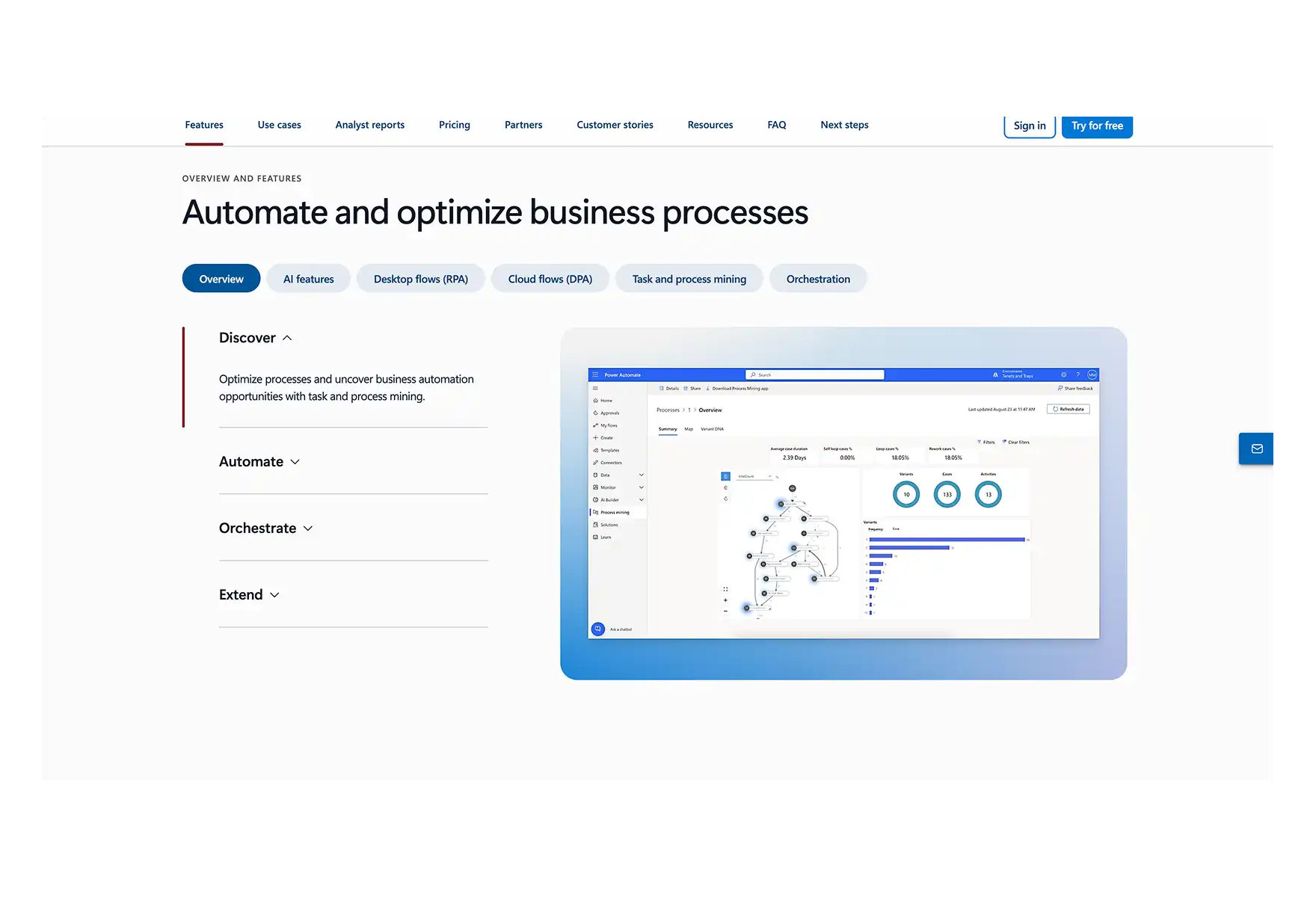
Who it's for: IT teams and ops leads already deep in the Microsoft stack.
If your organization runs on Microsoft 365, Power Automate is the path of least resistance. It connects natively with Outlook, Excel, SharePoint, Teams, and Dynamics — triggers and actions are built in with zero extra setup.
Outside the Microsoft ecosystem, things get clunky. Third-party API connections require manual HTTP requests and fiddly authentication. The expression syntax is essentially Excel formulas.
Pros:
- Deep native integration with Microsoft 365 and Azure
- Hybrid cloud + desktop RPA
- AI Builder for forms, classification, data extraction
- Enterprise governance and compliance built in
Cons:
- Third-party integrations feel clunky
- Expression syntax has steep learning curve
- Complex licensing and SKU selection
Pricing: Free trial · Premium $15/mo per user · Process $150/mo per bot
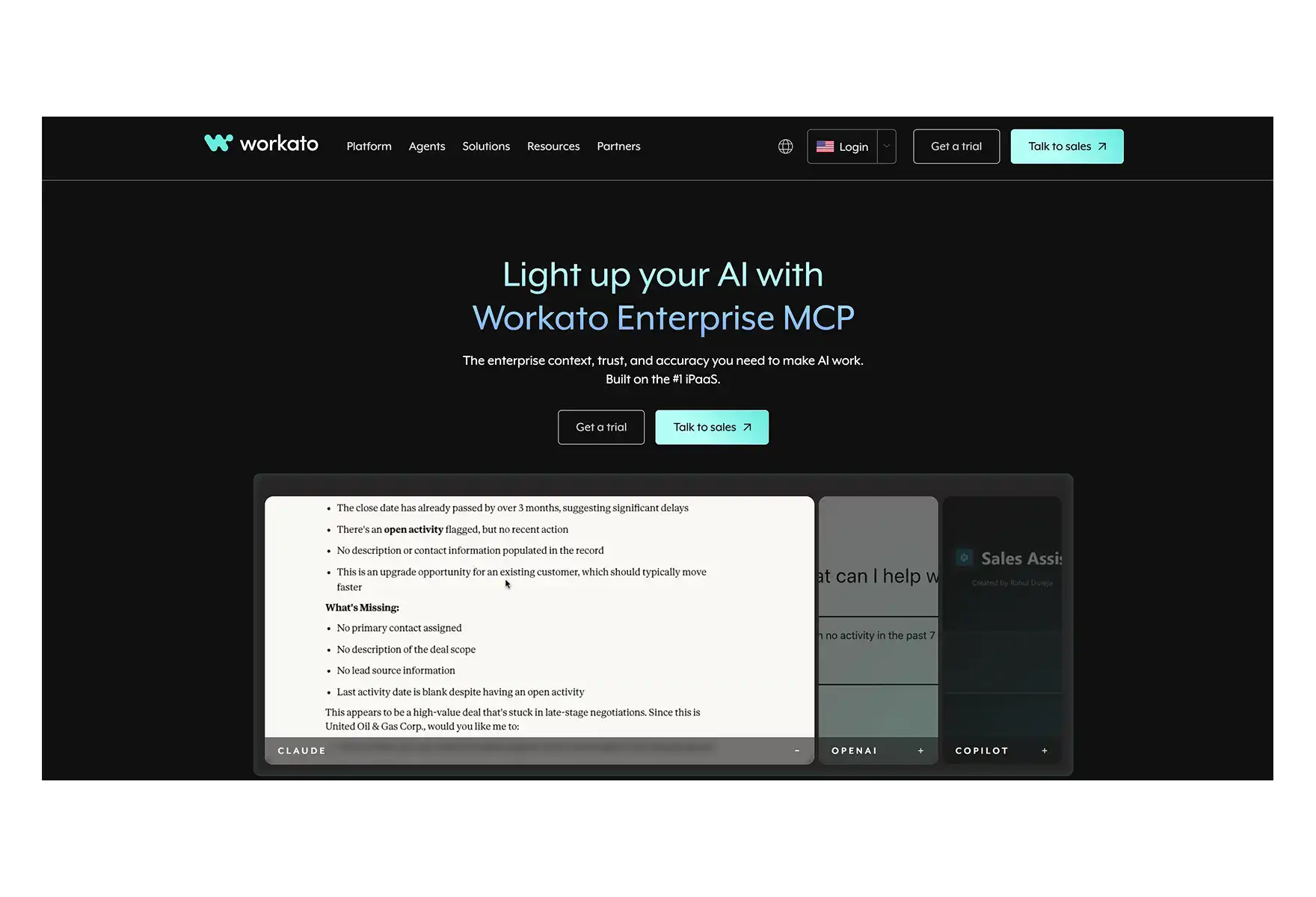
9. Workato — Best for Cross-Tool Enterprise Orchestration
What it does: Enterprise iPaaS that orchestrates complex workflows across apps, departments, and roles with AI-powered agents.
Who it's for: Cross-functional teams in IT, HR, finance, and operations at mid-to-large companies.
Workato orchestrates workflows that span entire organizations. The standout is ITGenie, an AI assistant for internal ops. Test it in Slack with a question like What do I do next? and it delivers personalized onboarding steps by pulling from HR, role metadata, and team resources.
Agent Studio lets you design AI agents that act on data, escalate decisions, and trigger actions based on business rules. There's serious depth in logic control, access rights, and escalation paths.
Pros:
- AI agents that handle real actions, not just chat
- Flexible design for human approval and escalations
- 1,000+ connectors with strong lifecycle management
- Enterprise-grade governance, RBAC, and environments
Cons:
- Support response time can be slow
- Documentation gaps for advanced features
- Enterprise pricing only
Pricing: Enterprise pricing (volume-based)
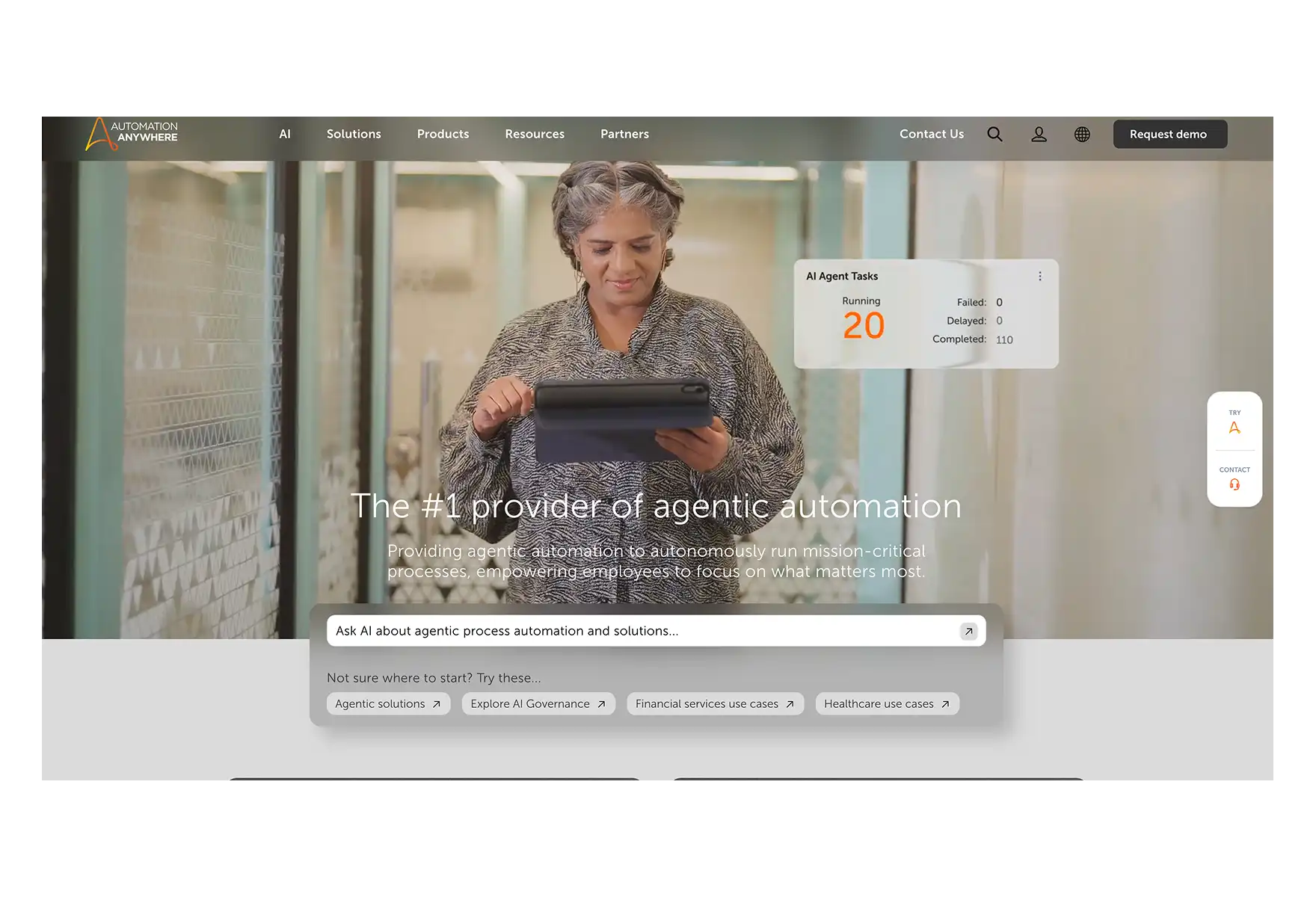
10. Automation Anywhere — Best for Complex, AI-Driven Workflows
What it does: Builds AI-powered agents using Agentic Process Automation (APA) for multi-step, cross-system business workflows.
Who it's for: Enterprises with high-volume, cross-functional automation needs.
Automation Anywhere goes beyond rule-based RPA with agents that make decisions based on real-time context and your business data. The Automation Co-Pilot embeds directly into apps like Salesforce and SAP, suggesting next steps, retrieving records, and filling forms from within your existing tools.
AI agents use retrieval-augmented generation (RAG), combining LLMs with direct data pulls from catalogs, knowledge bases, and CRMs. A service rep can ask about warranty eligibility and get a contextual answer drawn from multiple internal systems.
Powerful tech, but not beginner-friendly. Limited community support, and only one person can edit a bot at a time — a real friction point for team collaboration.
Pros:
- Pre-trained AI skills for faster deployment
- Automation Co-Pilot embeds into existing tools
- RAG-powered agents with real-time context
- Secure multi-cloud and on-prem support
Cons:
- Small community
- Requires demo for pricing — not transparent
Pricing: Custom (demo required)
🆚 Full Comparison Table
🧭 How to Choose the Right AI Automation Software
Choosing the right tool comes down to three questions:
1. What are you automating?
- If it's personal daily tasks (email, calendar, files, web) → Atomic Bot
- If it's connecting SaaS apps (CRM → Slack → Sheets) → Zapier or Make
- If it's enterprise processes across departments → Workato, UiPath, or Automation Anywhere
- If it's developer workflows with full control → n8n
2. How technical is your team?
- Non-technical? → Atomic Bot, Zapier, or Lindy
- Mixed team (PMs + engineers)? → Make, Lindy, or n8n
- Enterprise IT department? → UiPath, Power Automate, or Workato
3. What's your budget?
- Free / Open-source → Atomic Bot (open-source), n8n (self-hosted), Zapier (free tier)
- SMB ($10–50/mo) → Make, n8n cloud, Zapier Pro
- Enterprise ($100+/mo) → UiPath, Workato, Automation Anywhere
💡 What Makes AI Agents Different from Traditional Automation
This is the big shift in 2026, and it's worth understanding.
Traditional automation (Zapier, Make, Power Automate) works like a flowchart, where you need to define every step. If something unexpected happens, the workflow breaks or does nothing.
AI agent automation (Atomic Bot/OpenClaw, Lindy) works autonomously, meaning that you can give it an end goal in natural language by describing the outcome, and it figures out the steps to get there automatically.
FAQ
What is the best AI automation software in 2026?
For personal AI automation (email, calendar, files, web browsing), Atomic Bot is the fastest and easiest option — open-source, free, and installs in 2 minutes.
Is Atomic Bot free?
Yes. Atomic Bot is open-source, and the basic installation is free. The only cost is whatever your chosen AI provider (OpenAI, Anthropic, Google, etc.) charges for API usage. There's also a paid tier for advanced features, priority support, and team deployment.
What is OpenClaw?
OpenClaw is an open-source personal AI agent created by developer Peter Steinberger. Unlike chatbots that just respond to prompts, OpenClaw takes action on your behalf — reading emails, browsing the web, organizing files, scheduling meetings, and more. It's the #1 project on GitHub with 250K+ stars.
Can I run AI automation locally / privately?
Yes. For example, Atomic Bot installs OpenClaw locally on your device — your data stays on your machine. n8n can also be self-hosted.
Do I need coding skills to use AI automation software?
For Atomic Bot, Zapier, Make, and Lindy — no coding required, but n8n and Pipedream have a learning curve to them.
What is the difference between RPA and AI automation?
RPA mimics human actions (clicking, copying, typing) in applications. AI automation uses language models and decision-making to handle tasks that require judgment and context. Modern platforms like UiPath and Automation Anywhere combine both approaches.
Can small businesses benefit from AI automation software?
Absolutely. Small businesses get the biggest ROI from automation because they run lean. Automating email, scheduling, CRM updates, and customer follow-ups can save 10–20 hours per week. Start with Atomic Bot (free) or Zapier (free tier) and scale from there.
🚀 Getting Started
Want personal AI automation in 2 minutes?
- Go to atomicbot.ai
- Download for Mac or Windows
- Install in one click
- Connect your chat (Telegram, WhatsApp, iMessage, Discord)
- Start automating right now
Our entire Windows codebase is open-source on GitHub. Free to use, review, and contribute to.