.svg)


🎯 Quick Answer
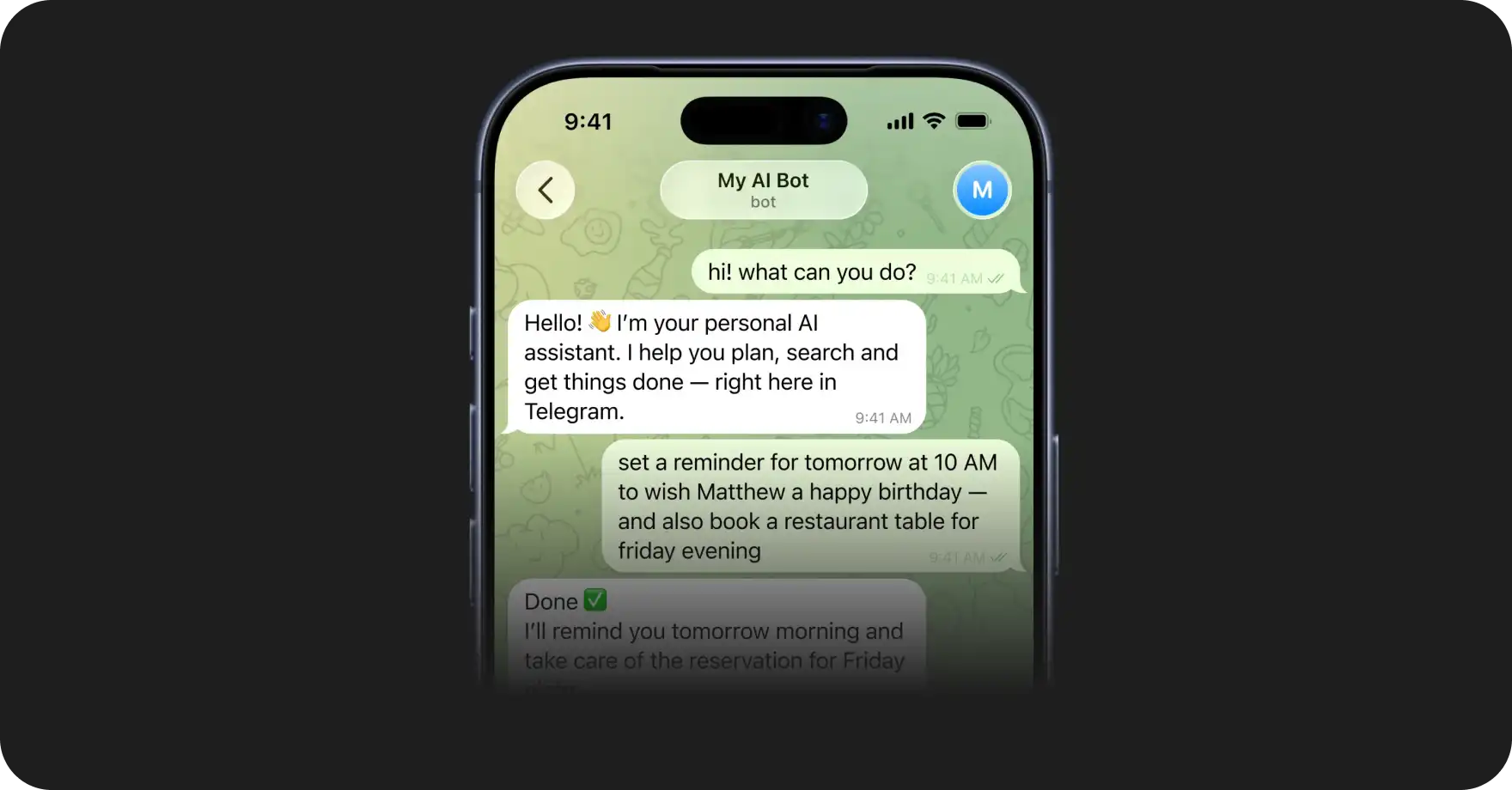
The openclaw ai agent framework is an open-source project for running a personal AI assistant on your own devices. It pairs an LLM with a reasoning loop, a skill system, persistent memory, and a gateway that connects to 20+ messaging channels like Telegram, WhatsApp, Slack, and iMessage.
OpenClaw crossed 330,000 stars on GitHub in early 2026 and is the engine behind over a million deployed agents. The classic install runs through openclaw onboard in a terminal. If that sounds like too much setup, Atomic Bot packages the whole stack into a native desktop app for Mac and Windows.
🧩 What Makes It a Framework
A real ai agent framework gives you four things: a decision loop, a tool interface, a memory layer, and a way to extend behavior without rewriting the core.
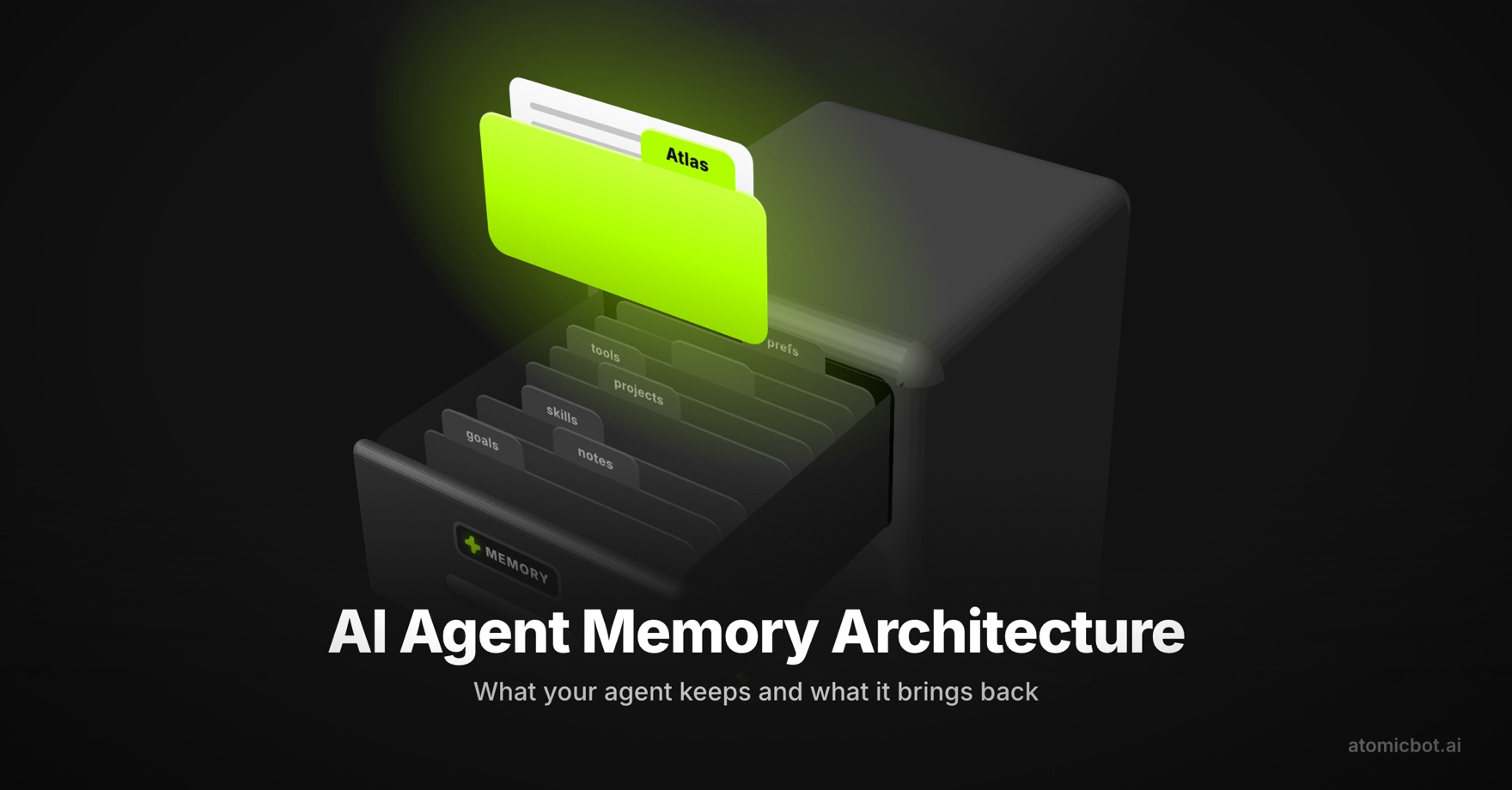
OpenClaw ships all four. The decision loop lives inside the Gateway, which acts as the control plane for sessions, channels, and events. Skills are the tool interface — each one is defined in a SOUL.md config file that describes what the agent can do. Memory persists across sessions, so the agent remembers what you talked about yesterday. Skills are pulled from ClawHub, the community skill registry with 13,000+ entries.
The framework stays LLM-agnostic. You can point it at Claude, GPT, Gemini, or a local model running through Ollama. Switching providers doesn't require changes to the agent config.
🤖 Agents vs Automation
An ai agent and a traditional automation solve different problems.
A Zapier workflow or a cron script follows a fixed path. If the input matches the rule, the output fires. Anything unexpected breaks the flow or gets skipped. There is no judgment involved — just conditionals.
An ai agent receives a goal in plain language and figures out the steps at runtime. If one approach fails, it tries another. If the task needs three sub-steps that nobody spelled out, it works those out on its own.
Real tasks rarely fit a fixed path. "Summarize yesterday's emails and flag anything from a client" sounds simple, but it requires reading an inbox, matching senders against a list, judging relevance, and writing prose. A Zap would need every branch pre-specified. An agent handles it as one instruction.
🔁 The Goal-Plan-Act Loop
Every autonomous ai agent runs on the same basic loop: receive a goal, form a plan, take an action, observe the result, and revise.
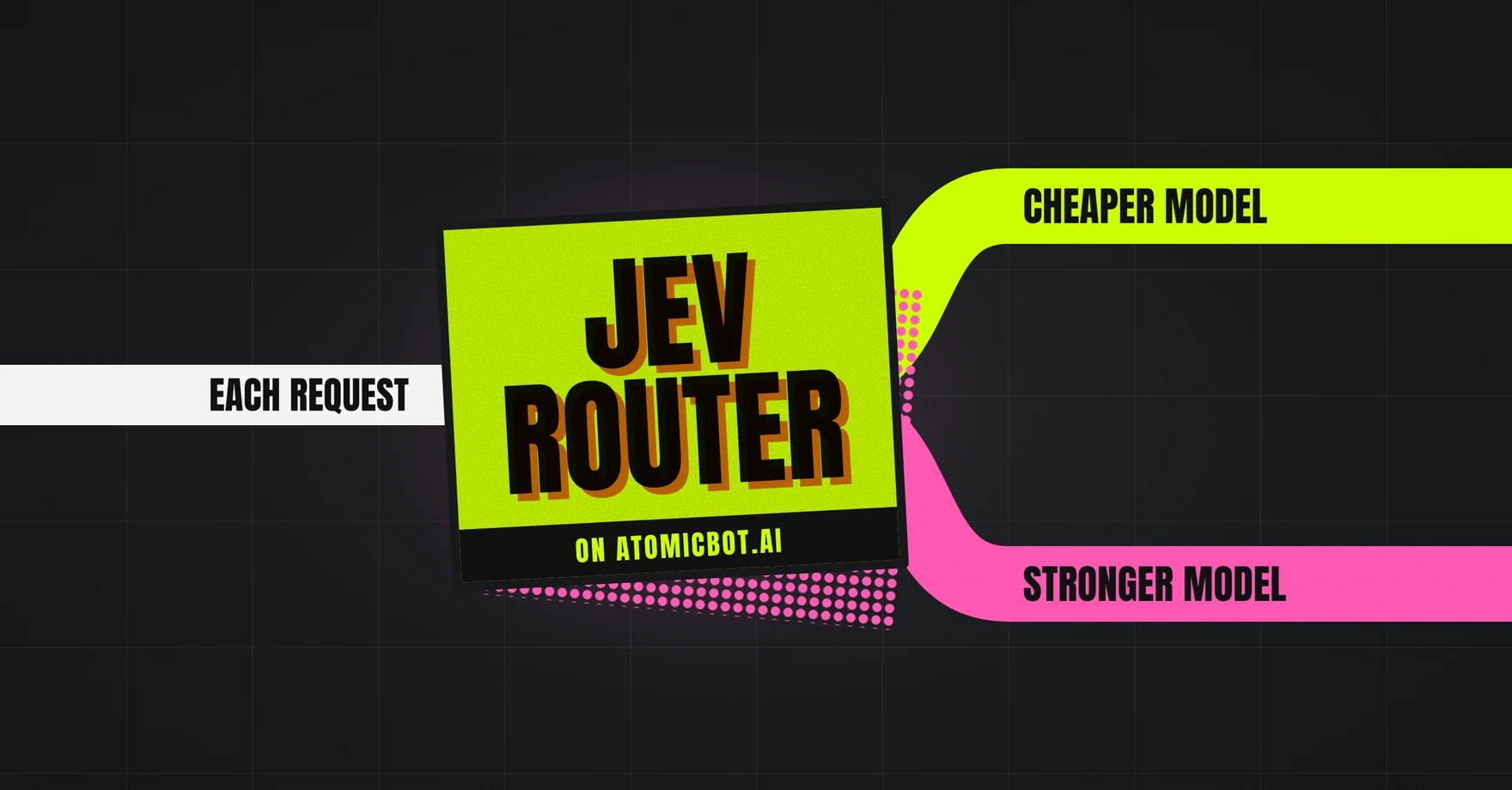
OpenClaw makes this loop explicit instead of burying it in a single long prompt. Planning comes first. The agent breaks the goal into smaller steps and picks which skill to call. A well-tuned setup routes the planning step to a cheaper model and only switches to a frontier model when the task actually needs deeper reasoning. Over a month of use, that routing often makes an autonomous ai agent cheaper per task than a flat-rate chat subscription.
After each action, the agent reads the tool output, updates its working memory, and checks whether the goal is done. If not, it plans the next step. If a tool call fails, it reconsiders instead of halting. The loop continues until the goal is satisfied or the agent decides it can't proceed, at which point it reports back.
This is what lets an openclaw agent handle open-ended instructions that would stop a scripted workflow cold.
🛠️ Inside an OpenClaw Agent
Every openclaw agent has the same anatomy, which makes the framework predictable to work with.
The SOUL.md file defines the agent — which model it uses, which skills are enabled, the personality, and the planning rules. Skill files are small TypeScript modules that expose functions the agent can call. The memory store is a local database that keeps context across sessions. The Gateway is the process that accepts incoming messages from channels, routes them into the reasoning loop, and sends replies back.
Because all four pieces sit on your disk in clean directories, you can inspect what your openclaw agent is doing at any point. Hosted agent platforms keep this logic opaque. Here it's auditable end to end.
💻 How to Get Started With OpenClaw AI Agent Framework
The cost of that flexibility is that the initial openclaw setup has moving parts. You need Node.js, a workspace directory, API keys wired into a config, OAuth flows for each channel, and a running Gateway process. The community docs walk through all of it, but the full path takes most people 30 to 60 minutes, and that assumes nothing fails along the way.
Atomic Bot collapses that into a single installer. You download the app from atomicbot.ai, drag it to Applications on Mac or run the installer on Windows, and the agent is running in about 60 seconds. A guided wizard asks which LLM provider you want to use, collects the API key, and wires up whichever messenger you prefer. Under the hood it's the same OpenClaw — same Gateway, same skills, same ClawHub — minus the config-file editing.
Atomic Bot tracks the latest OpenClaw releases through auto-updates, so the version on your machine stays current without manual work.
🏠 Benefits of Local AI
Running a local ai agent has practical consequences beyond preference.
- Your data stays on your machine. Email contents, calendar entries, files the agent reads — none of it passes through a third-party agent host. For anyone handling client work, financial records, or anything sensitive, this is the default most people actually want.
- A local ai agent that talks to Ollama models can run with no API bills at all. For tasks that do need a frontier model, you pay per-token rates to Anthropic, OpenAI, or Google directly, skipping any middleman markup.
Atomic Bot supports both modes. You can run everything locally with Llama, Gemma, or Qwen pulled from HuggingFace, or plug in cloud API keys for heavier reasoning. If you need the assistant available 24/7 while your laptop is closed, there's a Run in Cloud option that spins up a personal VPS tied to your Google account. And if you want something fully autonomous for long-running agentic tasks, pair Atomic Bot with Hermes.
❓ FAQ
Is OpenClaw the same as Atomic Bot?
No. OpenClaw is the underlying framework. Atomic Bot is a native desktop app that installs and runs OpenClaw for you.
Which LLMs work with the OpenClaw agent framework?
Claude, GPT, Gemini, and any OpenAI-compatible endpoint. Local models work through Ollama.
Does OpenClaw run on Windows?
Yes — the OpenClaw runs on Windows and Atomic Bot ships native installers for this operating system.
How private is OpenClaw?
The Gateway and memory run on your device. The only outbound traffic is the LLM API calls and whichever messenger channels you connect. With a local model, even those stay on the machine.
🚀 Get Started
The openclaw ai agent framework gives you the pieces to run a personal assistant that actually does things — reads your email, manages your calendar, runs browser tasks, and messages you first when something matters. If you want a local ai agent running in under a minute, grab Atomic Bot and start working with OpenClaw in seconds.