.svg)


Running an LLM locally used to be a privacy hobby, but in 2026 it’s a practical choice: open‑weight models caught up on most everyday work, hardware got cheaper, and hosted plans started charging per-token the moment you build anything beyond a chat window. Instead of relying only on Claude or ChatGPT, you now have a real alternative — running your own model on a laptop or desktop, often with surprisingly little trade‑off.
So how do you run it — and how do you pick the best local LLM for your setup?
Here's the quick breakdown of how to run AI locally on your Mac:
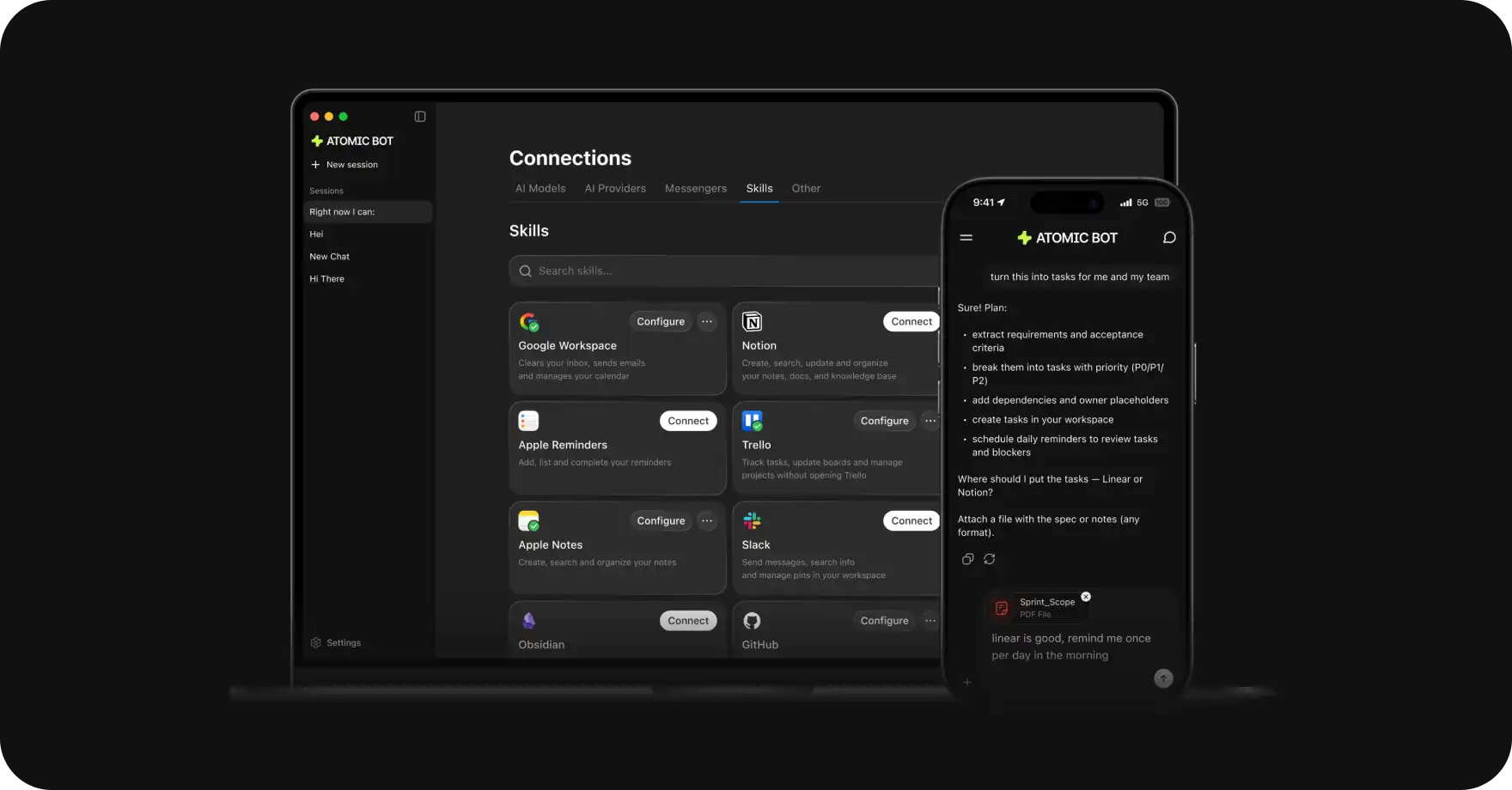
If you want a local AI assistant that is easy to set up and can actually do real-world tasks on your machine — Atomic Bot installs OpenClaw and Hermes in one click and runs it locally on your Mac or PC. You can choose one of them or run both models together.
🤔 What Is Local AI?
Local AI is any artificial intelligence system that runs entirely on your own laptop, desktop, phone, or private server — without sending data to external cloud services.
When you talk to ChatGPT, here's what happens behind the scenes:
- You type a message
- It travels over the internet to OpenAI's data centers
- Their servers process it
- The response travels back to you
During this time, there’s a moment when OpenAI is in possession of your data, and they may log and store your conversation to train future models or collect information about you.
When you run AI locally, here's what happens:
- You type a message
- Your own CPU/GPU processes it
- You get a response
In this case, nothing ever leaves your machine.
There's a trade-off. Cloud AI (GPT-5.4, Claude Opus 4.6, Gemini 3.1 Pro) runs on enormous server farms with thousands of high-end GPUs.
Local AI runs on your hardware, which probably isn’t enterprise-grade, locking you to using smaller models.
But here's the thing: local AI in 2026 is shockingly good. Models like Llama 3.3, Mistral, DeepSeek, and Gemma run smoothly on a MacBook with Apple Silicon and deliver quality that would've been bleeding-edge just two years ago.
🔐 Why bother running a local LLM
1. Privacy
If you’re sitting on sensitive information all day — client inboxes, medical notes, contracts, internal strategy docs — “just paste it into the cloud” stops being a real option, because every copy you send to a hosted service is another potential exposure surface you don’t fully control.
This is the #1 reason people go local — it’s completely private and it’s the only 100% sure way to ensure that nobody but you sees your conversations.
2. No subscription costs
Most cloud AI subscriptions cost about $20/month. Another catch with cloud plans shows up when you add agents and external tools: API billing on top of the flat plan. In case with Claude, Anthropic’s April 2026 policy change moved third‑party agent frameworks off Claude Pro’s bundled subscription tokens and onto metered, per‑token API billing.
With local AI you can download an open source model and run it for free.
3. Offline access
Local AI works completely offline, so you can use your AI assistant while on a plane, on a train, or in a subway tunnel.
4. Customization
You can fine-tune AI models that run locally on your machine and improve their performance for your particular tasks.
5. No downtime
Servers run by major AI providers go down from time to time, which means you may have to wait for maintenance before you can access your AI assistant. With a locally running LLM, that’s usually not an issue—once it’s set up, it tends to keep working without interruptions.
🧠 Best Local AI Models in 2026
Every model worth running in mid-2026, side by side. Sizes are approximate at Q4 quantization for local picks.
A couple of notes worth-checking before you scan:
1. Q4 quantization.
Every local pick below assumes Q4, the standard compression level. Smaller bit-depths exist (Q3, Q2) but quality drops sharply. If you have plenty of VRAM, Q5 or Q8 gives marginally better output
2. Speed classes.
Loose buckets based on community benchmarks at typical consumer hardware:
- Fast — over 50 tokens/sec. Feels instant.
- Workable — 20–50 tokens/sec. Noticeable but fine for chat.
- Slow — under 20 tokens/sec. Painful for long answers.
3. Setup difficulty
It assumes you're going through the model manually."Medium" means you'll deal with quant flags and KV-cache config. "Hard" means multi-GPU or weight-merging.
If you install through Atomic Bot, the difficulty collapses to one click for any model on the list that fits your hardware — the installer handles quant selection, model download, and config.
4. Commercial use
Matters if you might monetize what you build. Apache 2.0 and MIT are unrestricted. "Open-weight" without an explicit Apache/MIT tag means you should read the license before shipping a product.
If you’re not sure where to start and want one solid option try one of these:
- You have 16GB+ RAM — start with Qwen 3.6-35B-A3B. Its performance-to-size ratio is unusually strong, which means you can run a capable local AI assistant even on modest hardware
- You are on 8GB — go with Gemma 4 9B instead.
💻 Picking best local LLM by hardware tier
Hardware is the first filter. A model that needs 24GB of VRAM is irrelevant if you have 12.
8 GB VRAM (entry: RTX 3060, base M-series MacBooks)
Limited to small dense models or aggressive offload. The realistic picks:
- Gemma 4 9B for general use
- Qwen 3.5 9B for chat coding (262K context, ~6.6GB at Q4)
- Phi-3 Mini if you want something even lighter
At this tier expect fluent text and simple coding. Keep in mind that multi-step reasoning and long context will struggle.
16 GB VRAM (sweet spot: RTX 4060 Ti 16GB, M2/M3/M4 with 16GB)
This is where the MoE models start paying off. The dense models you can run at 16GB are limited, but Mixture-of-Experts architectures load big weights and only fire small subsets per token.
- Qwen 3.6-35B-A3B — runs at UD-Q3_K_M (16.6GB) or UD-Q4_K_M (~22GB with KV-cache offload). Per Amine Raji's RTX 3090 benchmark: 101 tok/s short-prompt.
- Gemma 4 26B-A4B — 25B total, 3.8B active, Apache 2.0. Google calls it "near-31B quality" at far lower active parameter cost.
- MiniMax M2.5 for agent workflows where you want fast routine automations.
24–36 GB VRAM (RTX 3090, 4090, 5090, M3/M4 Pro/Max)
The dense-model tier opens up. This is where you stop fighting your hardware.
- Qwen 3.6-27B dense* — the current default. SWE-bench Verified 77.2 per Qwen's card. ~17GB at Q4, leaves headroom for long context.
- Gemma 4 31B — multimodal, native function calling, 256K context.
- Qwen 3.6-35B-A3B at Q4 (~22GB) if you want the faster MoE option.
*A note on Qwen 3.6's setup: the model card recommends specific sampling parameters (temperature 0.6, top_p 0.95, top_k 20 for precise coding in thinking mode). Ignore them and you get a noticeably worse model.
48 GB+ / Mac Studio Ultra / multi-GPU
Frontier-adjacent local picks:
- Qwen3-Coder-Next — 80B MoE, 3B active, SWE-rebench Pass@5 64.6% at release.
- DeepSeek V4-Flash at ~150GB locally — needs two RTX 6000 Ada or a Mac Studio M3 Ultra. Test via API first; $0.14/M input is cheap enough that a full week of agent work costs single digits.
- GLM-5 — 744B/40B with local weights and Z.ai's self-serving guidance.
At this tier the question is no longer "what fits" but "what's worth the hardware budget." For most readers, API access to V4-Flash or hosted GLM-5.1 will be cheaper than the hardware required to run them.
The sweet spot for most people in 2026: 18–36GB of RAM for ARM systems or the same amount of discrete GPU memory on the PC side of things.
With that amount of memory you can run 7B–13B models comfortably with great quality and fast inference.
🧩Picking by use case
First you bump into the limits of your hardware, and then the work itself narrows the options under that limit. The table below pairs the usual day‑to‑day tasks with local models that can stand in for the cloud tools people tend to subscribe to.
❌ Common mistakes when picking a local LLM
Patterns we see repeatedly:
- Picking the biggest model your VRAM fits. A 27B at Q5 usually beats a 35B at Q3. Quantization quality matters more than parameter count once you're past Q4.
- Ignoring sampling parameters. Qwen 3.6 and DeepSeek V4 both have specific recommended settings. Defaults give you a worse model than the benchmarks suggest.
- Skipping the API test. Before downloading 150GB of DeepSeek V4 weights, run a week of work through the API. $0.14/M input is low enough to make this cheap.
- Forgetting context length eats RAM. 128K context can double your memory footprint
🤖 How to Actually Run a Local AI Agent
There's an important distinction worth making.
Most local AI tools — Ollama, LM Studio, MLX — give you a chat interface, which is similar to ChatGPT, but they’re not real AI agents.
To run a real AI agent locally, you need OpenClaw — a true personal AI assistant, designed to actually do things on your Mac, such as send emails, manage your calendar, browse the web, organize files, and run automations.
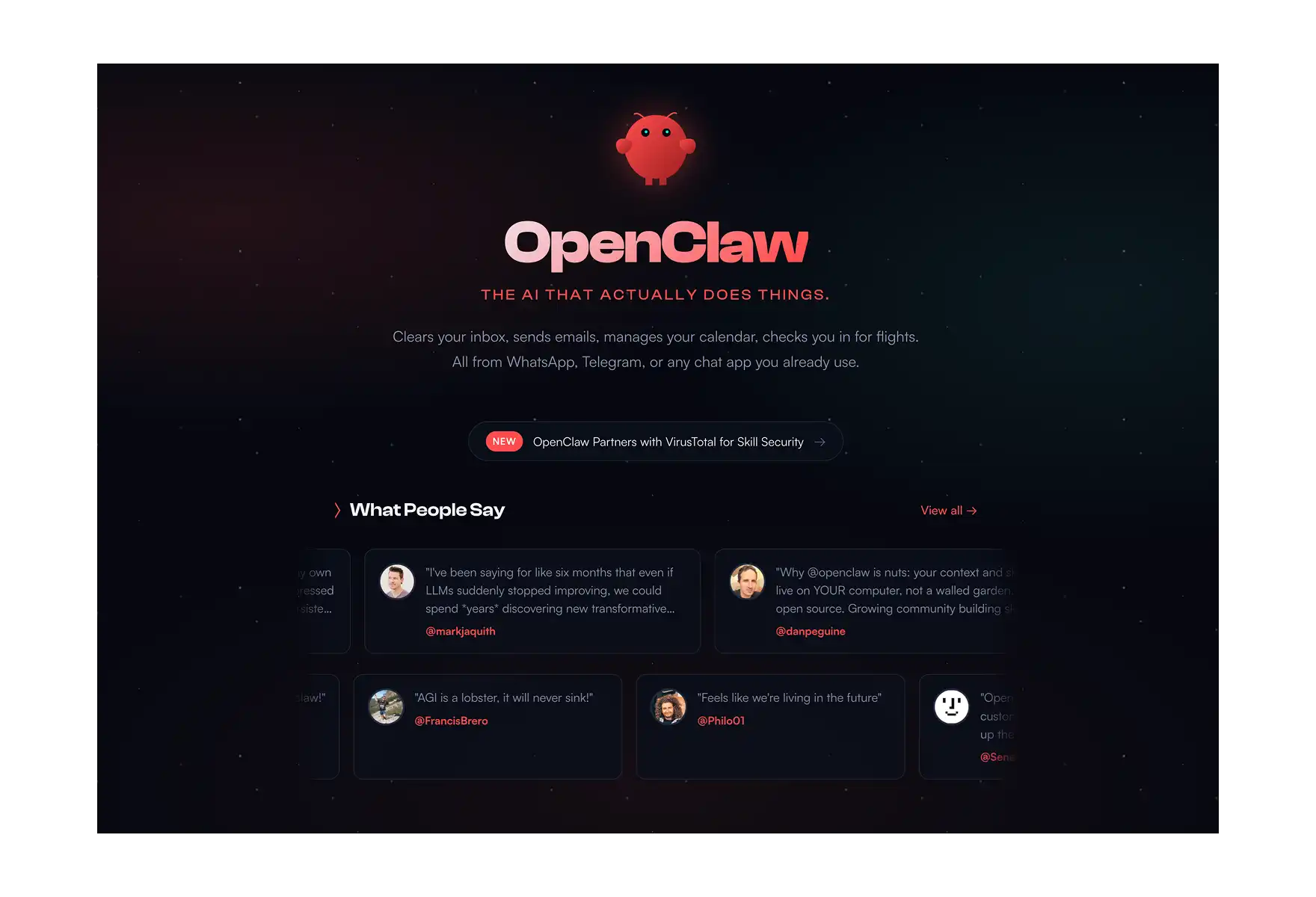
And the easiest way to set up OpenClaw on your Mac is with Atomic Bot.
Atomic Bot is a macOS and Windows app that installs OpenClaw in one click.
To run it in local configuration, you just need:
- 8GB RAM or discreet GPU memory
- 5 minutes
Here’s how to install it:
Step 1: Download Atomic Bot
- Go to atomicbot.ai
- Click Download for Mac (or Dowload for Windows, for all the PC folks)
- Double click on the executable file
Step 2: Install OpenClaw
- Open Atomic Bot
- It Installs OpenClaw automatically and helps you configure everything
- Done ✅
Step 3: Connect Your Chat Interface
Atomic Bot lets you control OpenClaw through the messaging app you already use:
- Telegram (most popular)
- iMessage
- Discord
Pick one, follow the 30-second setup wizard.
❓ FAQ
What is local AI?
Local AI is artificial intelligence that runs directly on your own device (Mac, PC, server) instead of relying on cloud services.
Can I run AI on a MacBook Air?
Yes, if it has Apple Silicon (M1 or later). An M1 MacBook Air with 8GB RAM can run small models (3B–7B parameters) for basic tasks like chat, summarization, and simple code generation.
Is local AI free-to-use?
Yes, the software and models are free. You need a Mac with Apple Silicon (which you may already own). The only other expense to consider is electricity costs, but Macs are power-efficient so these will be negligible (~$2–5/month).
What is the best local LLM in 2026?
For 24GB+ VRAM: Qwen 3.6-27B dense. For 16GB: Qwen 3.6-35B-A3B. For 8GB: Gemma 4 9B or Qwen 3.5 9B. For hosted-open agentic coding: GLM-5.1.
Can I run a local LLM on a MacBook Air?
Yes. M1 or newer with 8GB RAM runs Gemma 4 9B or Qwen 3.5 9B. With 16GB unified memory you can run Qwen 3.6-35B-A3B with offload.
Best local LLM for 16 GB VRAM?
Qwen 3.6-35B-A3B at UD-Q3_K_M or UD-Q4_K_M with offload. Pair with Gemma 4 26B-A4B if you want a second option for general chat.
What's the difference between Ollama and Atomic Bot?
Ollama runs local language models for chat and text generation. Atomic Bot installs OpenClaw — a full AI agent that takes action (email, calendar, files, web browsing, automation).
🏁 Bottom Line
Local AI models are now genuinely good enough to replace cloud tools for most everyday tasks — especially if privacy matters to you.
And especially if you're on Apple Silicon, you've already got the hardware. But if you want a local AI that actually does things — install Atomic Bot and get OpenClaw running in 2 minutes Your data stays on your machine. You get the most powerful AI assistant.