.svg)


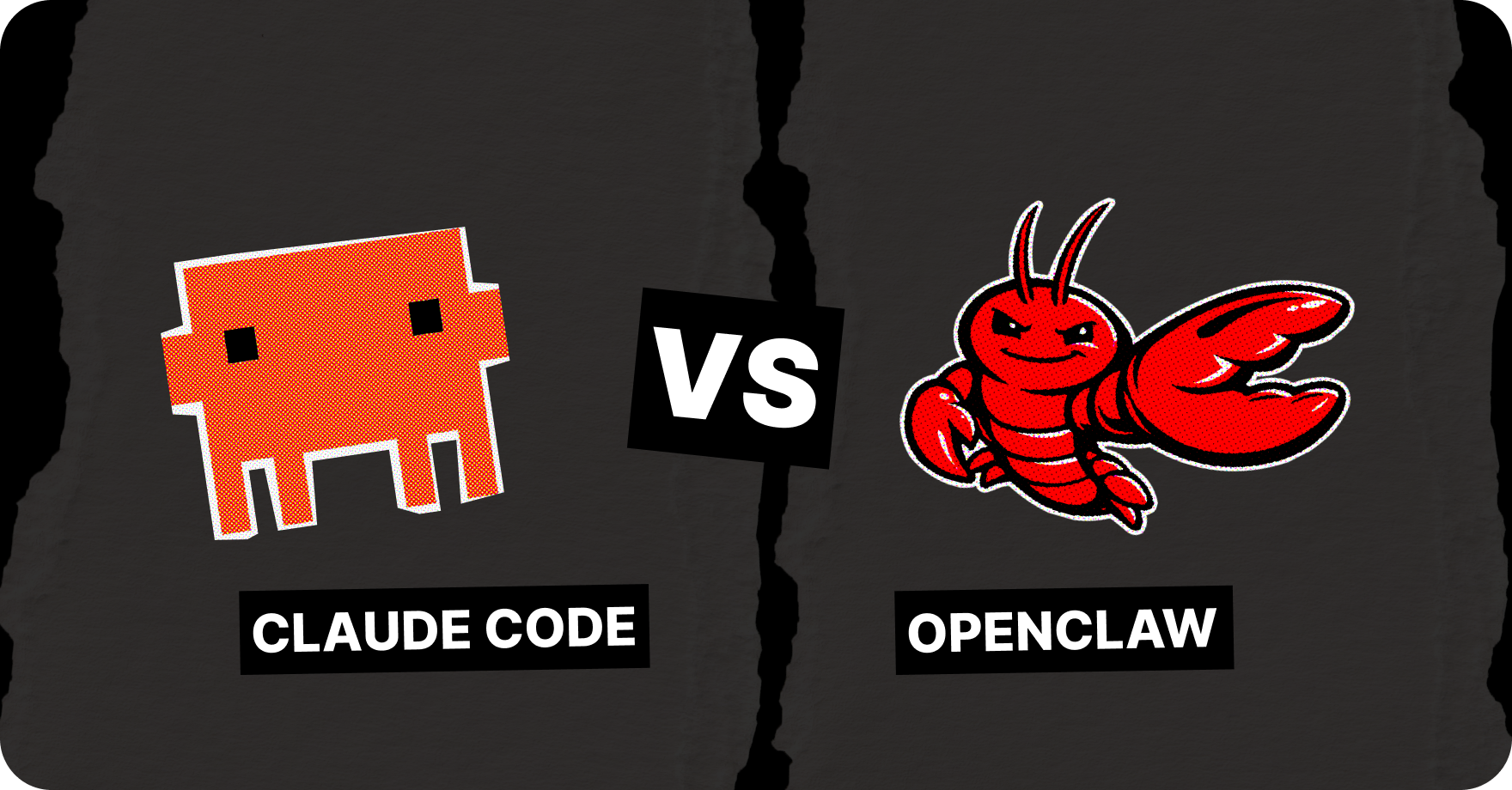
OpenClaw vs Claude Code is a comparison of two different kinds of tools. Claude Code is a coding agent you drive from the terminal: it plans and edits code across a repository while you stay in the loop, and it runs on Anthropic's managed cloud
OpenClaw is a self-hosted, open-source agent that runs more autonomously and handles broader dev-adjacent automation. It is model-agnostic, so you can run it on a local model or point it at a cloud API.
The honest answer to "Claude Code vs OpenClaw" is that they solve different problems, and most of the time they are not even competing for the same task.
🌗 What is the difference between OpenClaw and Claude Code?
The main difference between OpenClaw and Claude Code is their workflow.
- OpenClaw is an orchestrator: it decomposes goals, routes work to subagents, and can run persistently without a human at the keyboard.
- Claude Code is a coding harness: it lives in your terminal, understands your repo structure, and is built for human-in-the-loop work.
So the cleaner way to think about this question is: Claude Code is the agent that writes and edits code well. OpenClaw is the agent that decides what needs to be done, talks to you anywhere, and can hand the actual coding to a tool like Claude Code or Codex.
🔎 OpenClaw vs Claude Code: feature comparison
🦀 Claude Code is better at consistency, tight integration with your Dev environment, and instant human-in-the-loop control. When a complex change needs careful review at every step, that control is the feature.
Its weakness for the broader "agent" use case is that it waits for you: it does not run errands while you are away from the keyboard, and it is tied to one model provider.
🦞 OpenClaw's strengths are autonomy, reach, and memory. It is always on, you can message it from your phone, it remembers what you told it last month, and it works with any model.
Its weakness is the flip side of that flexibility: it is less consistent, it can skip steps on long tasks, and its default reasoning harness is lighter than a dedicated coding agent's. One common pattern from real users is having OpenClaw open GitHub issues, then spinning up a coding agent as a subagent to actually close them. That gets around the consistency gap.
Claude Code vs OpenClaw: setup and usability
🦀 How to set up Claude Code:
Claude Code is a developer tool, so installing it assumes you are comfortable in a terminal and have an API key or subscription ready. For someone who codes daily, that is a five-minute job.
- Install the CLI: the native installer is the recommended path: a one-line script
curl -fsSL https://claude.ai/install.sh | bash(on macOS, Linux, or WSL, and a PowerShell command on Windows) that drops a self-contained binary and auto-updates in the background. On macOS or Linux you can also use Homebrew withbrew install --cask claude-code, and on Windows there is WinGet (winget install Anthropic.ClaudeCode); note that the package-manager installs do not auto-update, so you run brew upgrade or winget upgrade yourself. Debian, Fedora, RHEL, and Alpine users have apt, dnf, and apk packages too. - Log in: Run claude, sign in through your browser to your Claude account (Pro, Max, or Team). A session token is saved locally, so you only do this once.
- Start using.
All in, this is a few minutes of setup.
🦞 How to set up OpenClaw:
OpenClaw setup is claimed to be harder. Though, it depends. There are several ways to install and run OpenClaw, and some of them are harder, some are as easy as running any chatbot.
Harder way to run OpenClaw: 15-20 minutes
OpenClaw is heavier to install by hand. All steps are documented, but it is not something you would hand to a teammate who has never opened Terminal.
Whichever CLI route you take, the shape is the same: install OpenClaw (Node.js 22 or later is required), go through an onboarding wizard where you pick the AI provider, set how the gateway binds to the network, and decide whether it starts on boot, then connect a chat channel like Telegram or Discord so you can actually talk to the agent. Some users also do secure hardening to fully isolate the agent from their files – this is a case for running third-party skills that execute arbitrary code — Docker sandboxes them so they can't touch anything outside the container.
On Windows none of this runs natively; you need WSL2 first, because OpenClaw depends on Unix shell tooling.
If you would rather skip your own machine entirely, it has a cloud option that provisions a server for you. The full walkthrough lives in the OpenClaw installation guide.
Easiest way to run OpenClaw: 2-5 minutes
If you don’t want to work in Terminal, manage Node.js, edit config files, deal with troubleshooting when a build step fails – use Atomic Bot that packages the entire OpenClaw installation into a standard app experience.
Here how the running goes with Atomic Bot:
→ Run OpenClaw on Atomic Bot (macOS)
→ Run OpenClaw on Atomic Bot (Windows)
→ Run OpenClaw on Atomic Bot (IOS)
🏎️ Hardware requirement for running OpenClaw and Claude Code:
Claude Code's heavy lifting happens in Anthropic's cloud, so your laptop barely notices it. In the case with OpenClaw, requirements vary by whether you run the model in the cloud or locally. Usually, OpenClaw feels fine even on an 8GB machine when you run it on cloud models – the behaviour changes if you going local.
The community default for a 24/7 setup is a Mac Mini. Apple Silicon idles at a few watts, runs silent, and its unified memory makes local inference faster per dollar than a discrete GPU at the same price. For exact numbers across macOS, Windows, Linux, VPS, and Raspberry Pi, check the OpenClaw system requirements breakdown.
☁️ Claude Code vs OpenClaw: cloud vs local
Claude Code runs the model in the cloud.
Pros: that gives you speed and the strongest available reasoning, with no hardware to manage. Cons: It means your code context travels to Anthropic's servers, and you pay per token or through a plan.
For most professional coding, that trade is fine.
With OpenClaw you have a choice:
- Choose a cloud model, and you get the same speed and reasoning Claude Code has, plus the orchestration layer on top.
- Choose a local model through Ollama or LM Studio, and nothing leaves your machine. Thus, you can safely keep sensitive work on your own hardware if you need to.
To decide whether you need a local or cloud model, rely on these factors:
- Speed: cloud models win on raw latency and on hard reasoning, while a local 9B model runs at maybe 5 to 15 tokens per second on CPU, faster on a GPU or Apple Silicon. That’s enough for chat, slow for agent loops that chain many turns.
- Privacy: local models keep everything on-device. For regulated work or anything you would not paste into a third-party API, that is the deciding factor.
- Agent’s independence: if Claude Code waits for you – OpenClaw runs on a schedule and can act while you are offline. Launch offload long‑running, repetitive tasks to run automatically in the background, and progress continues even when you’re off-duty or focused on different tasks.
- Coherence over long tasks: Claude Code, driven step by step, stays more consistent. For OpenClaw it is complicated: it can drift or skip steps, which is why people add approval gates and issue-tracking around it.
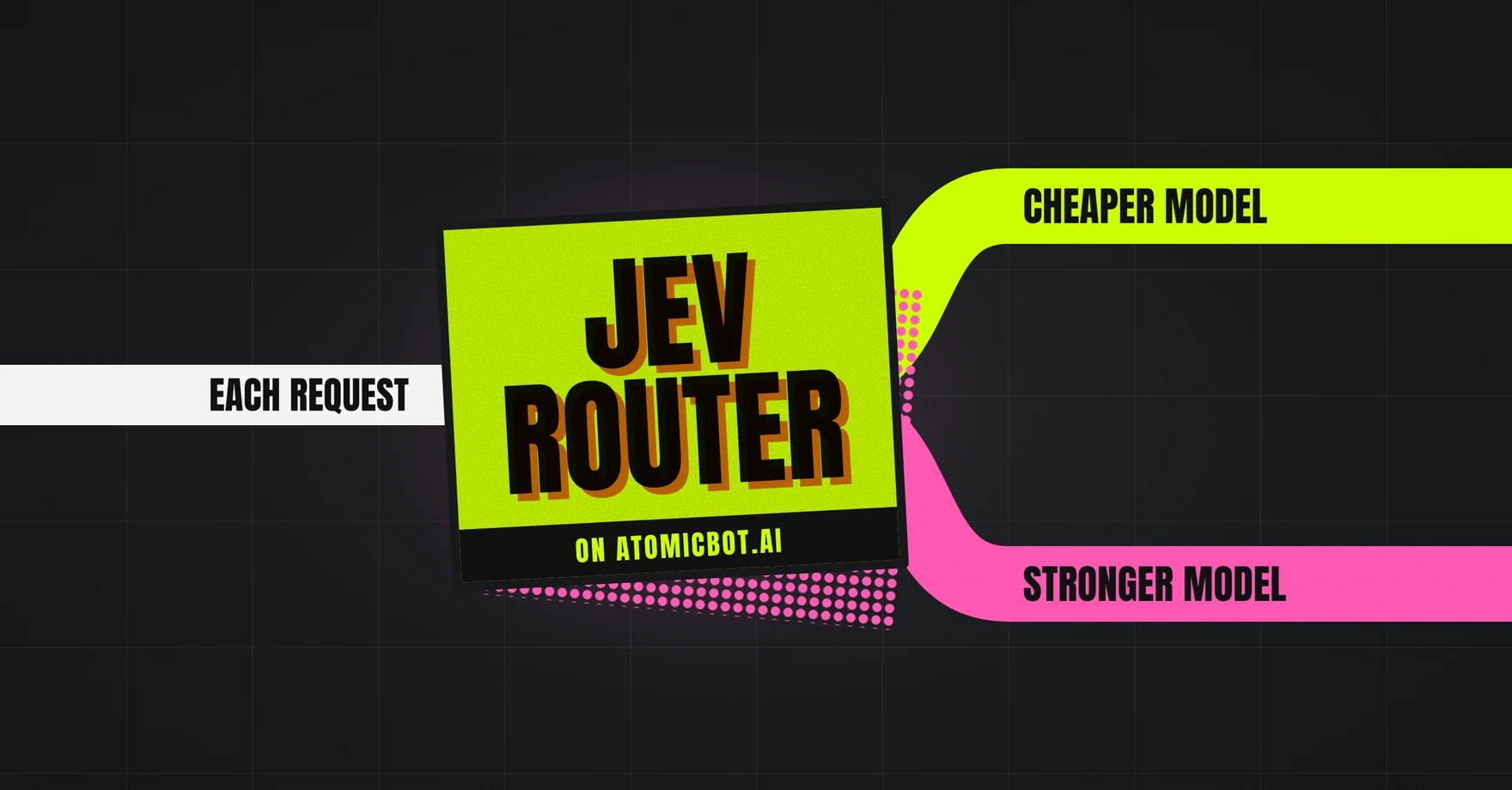
On OpenClaw, and especially, with Atomic Bot you can switch between models – it supports model routing – so keep in mind a practical middle ground: settle on a small local model for routine turns, a cheap cloud API for the hard ones.
🥸 Can OpenClaw write code?
The first obvious question after a slight breakdown of the “OpenClaw coding”.
Well, yes, with a caveat that explains the "meh at coding" reputation. OpenClaw routes the task “write code” to whatever model you connected, so quality depends on that model and the harness around it.
The default harness is lightweight and token-efficient, which gives the model less scaffolding for hard, multi-file changes than a dedicated coding agent does. Connect a stronger model (Qwen, GLM, Kimi, Gemini) and the picture improves; some users even embed Codex as the executor inside OpenClaw.
For one-shot scripts, prototypes, or "build this and deploy it while I'm out," OpenClaw with a good model does fine. For sustained work in a large codebase, a purpose-built coding agent is more reliable. The strongest setup is not either-or: OpenClaw decomposes the goal, a coding agent makes the edits.
🎯 Best LLM for OpenClaw for coding: users’ choices
Continuing the idea of connecting whatever model we want, here's a list of users’ “favourites”, both local and API LLMs. The best scenario is still the one where you connect a strong cloud model through an API for the hardest work, or run an open-weight model locally for privacy and zero per-token cost.
On the API side, the models developers reach for in May 2026:
1. Kimi K2.6 – open-weight model most often named for hard, multi-file coding right now. It posts around 80% on SWE-bench Verified and leads several agentic boards, and as a Mixture-of-Experts model it stays cheap per call relative to its strength.
2. Qwen 3.7 Max is API-only and was trained against the OpenClaw and Hermes harnesses, so it slots into an agent setup cleanly. It lands within a point or two of Claude Opus on SWE-bench while costing far less per token. We tested it against Claude Opus 4.7 and GPT-5.5 and it turned out to be both 9-10x cheaper and smarter. If you're thinking how would Opus 4.8 react: judging by new benchmarks, Opus 4.8 doesn't dramatically exceed 4.7 in tasks like this, so we can assume that deviation would be not really critical – just a few points.
3. Claude Opus and Sonnet are still top-tier for coding. Still, it is too costly, which is the whole reason why people route around them for routine turns.
4. GLM-5.1 and DeepSeek V4 round out the strong, permissively licensed options for agentic loops.
On the local side, these models are the most common to be run on consumer hardware:
Two practical notes before making a choice:
- A 27B model at Q5 quantization usually beats a 35B at Q3, so do not just pick the biggest weights your VRAM fits.
- Check the model card for sampling settings, since Qwen 3.6 documents specific temperature and top-p values for coding, and ignoring them gives you a worse model than the benchmarks suggest.
🧠 OpenClaw vs Claude Code: memory and context
Memory is one of the clearest dividing lines, and it cuts in OpenClaw's favor.
Claude Code holds context within a session and within a project. Close the session and the working memory is gone, though your files and any notes you saved persist. For a focused coding task, that is usually enough. You are in the repo, the relevant context is the repo.
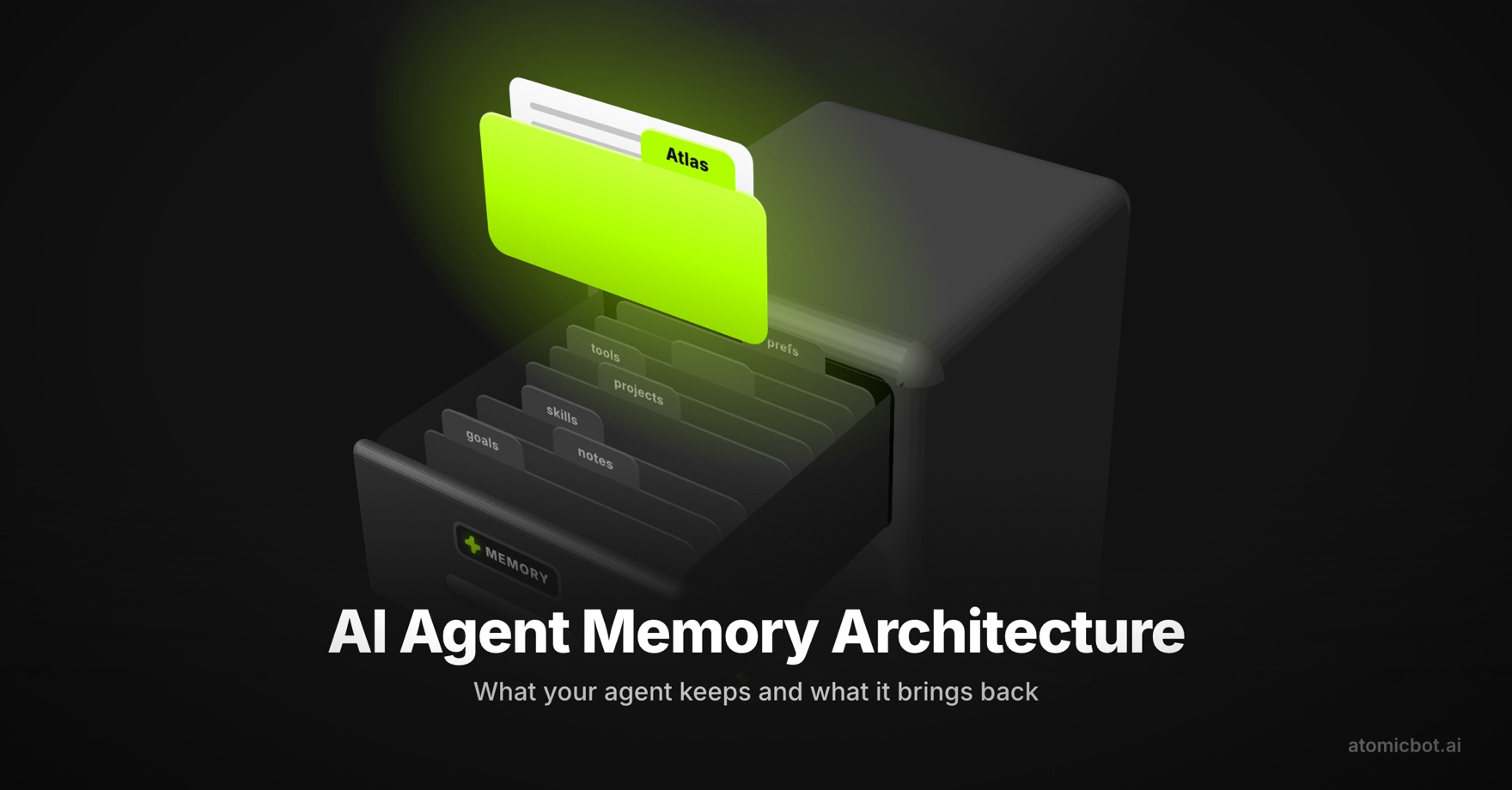
OpenClaw stores conversation history and long-term memory as plain Markdown files with timestamps under ~/.openclaw and your workspace. You can open them in any editor, search them with grep, version them with Git, or delete them. The agent reads from those files on every turn, so it remembers what you are building, your preferences, and decisions from weeks ago without you re-explaining. That is what makes the always-on assistant pattern work.
There is a cost to this. Reloading memory, system prompts, and tool definitions on every turn is exactly why OpenClaw burns more tokens than a plain chatbot. It is also why prompt caching matters so much, and why some users report that memory management is the make-or-break part of an OpenClaw setup. Get it wrong and the agent forgets things or wastes tokens.
💸 Claude Code vs OpenClaw: cost and pricing
The pricing models are structured differently, so compare them by how you work, not by a single number.
Claude Code is part of Anthropic's paid plans, with API or subscription billing. As a rough guide, agentic coding tools in this tier land around $20 to $200 per month depending on usage.
One thing that changed in 2026: as of April 4, 2026, Anthropic stopped allowing third-party tools like OpenClaw to route through a Claude Pro or Max subscription. For OpenClaw on Claude models, you now need an API key with per-token billing.
OpenClaw's software is free. The cost is the model API and the place it runs. The model bill is where nearly all the spend happens, and the spread between models is large:
The model you pick is the whole bill. The same conversation costs a fraction of a cent on Flash-Lite and five or six cents on Opus. The "I spent $1,000 last month" stories are real: at 50 interactions a day, that is roughly $1.50 versus $90 a month, and for an always-on agent it can run into the thousands.
A light OpenClaw setup on a budget model can run cheaper than a single coding subscription, and a heavy one on Opus can dwarf it.
📊 Which is best for coding tasks?
It depends on where you sit:
- If you are a developer doing focused work in a repository: use Claude Code (or Codex, or Cursor). The codebase is the world, human-in-the-loop review is a feature, and consistency beats autonomy when the change is complex.
- If you want an agent that runs your day, reads your inbox, monitors a repo, and only occasionally writes code, OpenClaw is the better fit. The coding is one skill among many, and you can route the hard parts to a stronger model or coding agent.
- If you are away from your desk and want to kick off work from your phone, OpenClaw wins by default. Messaging-app access plus a scheduler is exactly what Claude Code is not built for.
- If privacy or data locality is the constraint, OpenClaw with a local model is the only one of the two that keeps everything on your machine.
And if you do not want to choose, run both.
Let OpenClaw orchestrate and a coding agent execute. That dual setup is where a lot of experienced users have landed. The fastest way to stand up the OpenClaw side is Atomic Bot, which gets you a working agent in a couple of minutes without the CLI.
❓FAQ
Is OpenClaw a coding agent like Claude Code?
No. OpenClaw is an orchestrator and personal agent. It can write code by routing the task to a model like Claude, Qwen, or Gemini, but it is not built around a codebase the way Claude Code and Codex are. For sustained work in a large repo, a dedicated coding agent is more reliable.
Can OpenClaw use Claude Code?
Yes. A common pattern is letting OpenClaw orchestrate and handing the actual coding to Claude Code or Codex running as a subagent. OpenClaw decomposes the goal, the coding agent makes the edits.
Is OpenClaw better than Claude Code for coding?
For pure coding inside a repository, no. Claude Code is more consistent and better integrated with your dev environment. OpenClaw is better when coding is one task among many, when you are away from your desk, or when you need a local model for privacy.
Does OpenClaw cost more than Claude Code?
It can go either way. OpenClaw's software is free, but its always-on design burns tokens fast, so a heavy setup on a premium model can cost more than a coding subscription. A light setup on a budget model is cheaper. Prompt caching and model routing, both on by default in Atomic Bot, keep the bill down.
What hardware do I need to run OpenClaw?
With a cloud model, a laptop with 8 GB of RAM is comfortable. For local models through Ollama, plan for 16 GB for small models and 32 GB or more for larger ones. A Mac Mini or a $5–7/month VPS is the usual choice for an always-on setup.
Which LLM is best for coding in OpenClaw?
For top agentic coding through an API, developers in 2026 lean on Kimi K2.6, Qwen 3.7 Max, Claude Opus, and GLM-5.1. To run locally, Qwen 3.6-27B (24 GB VRAM) is the strongest all-round open-weight coder, with Gemma 4 9B as a lighter 8 GB option and Devstral Small 2 for smaller rigs. Benchmark scores shift monthly, so check current SWE-bench results before committing.
💭Final word
"Claude Code vs OpenClaw" is the wrong frame for most people, and seeing why is the useful part. Claude Code is a coding agent that is excellent inside a repository. OpenClaw is an orchestrator that automates your work and life, routes coding to whatever model or agent you give it, runs on its own schedule, and remembers everything.
For straight coding, reach for the coding agent. For everything around the coding, and for tying it all together, reach for the orchestrator. Plenty of people run both, and that is not a hedge.
If the OpenClaw side appeals and you do not want to spend an evening in the terminal, Atomic Bot installs it in about two minutes on macOS or Windows, with cost controls already turned on.
→ Run OpenClaw on Atomic Bot (macOS)
→ Run OpenClaw on Atomic Bot (Windows)
→ Run OpenClaw on Atomic Bot (iOS)