.svg)


🎯 Quick Answer
Here are the minimum system requirements for OpenClaw:
💻 Hardware Requirements: Detailed Breakdown
CPU
OpenClaw itself isn't CPU-heavy. The AI inference happens in the cloud (unless you're running local models through Ollama), so the gateway mostly handles message routing, skill orchestration, and data serialization.
That said, you need at least a **dual-core 64-bit processor**. Any modern Mac, Windows PC, or Linux machine made after 2018 will meet the OpenClaw PC requirements easily.
If you're planning to run local models alongside OpenClaw, that's a different story — you'll want at least 8 cores and a GPU. But for the standard cloud-model setup, CPU is rarely the bottleneck.
RAM
2 GB free RAM is the minimum. "Free" is the key word — that's 2 GB on top of whatever your OS and other apps are using. On a Mac with 8 GB total, that's usually fine. On a machine with 4 GB total, it's going to be tight.
Here's how RAM usage scales with what you're doing:
If you're running OpenClaw on a Mac Mini or a small VPS, the 4–8 GB recommended range gives you enough headroom to run a couple of agents with Docker sandboxing without constantly hitting swap.
Storage
The gateway binary and its dependencies take about **1 GB**. But that number grows quickly depending on how you use OpenClaw:
- Conversation logs — if you're running agents across Telegram, WhatsApp, and email, logs add up. A busy agent can generate several hundred MB per month.
- Docker images — the sandbox runtime image is around 2 GB. Add a few skill-specific containers and you're looking at 5+ GB for Docker alone.
- Local models — if you're running models through Ollama, each model weighs 4–8 GB. This is the biggest storage consumer by far.
For most people running cloud models with a couple of channels connected, 5 GB of free storage is plenty.
🖥️ OpenClaw System Requirements by Operating System
macOS
macOS is the most popular platform for OpenClaw — and the best-supported one. The installer script auto-detects your architecture and pulls the right binaries for Intel or Apple Silicon.
Running OpenClaw on a Mac Mini? The base M2 Mac Mini with 8 GB RAM handles OpenClaw well for personal use. If you're planning to run it as an always-on server with multiple agents and Docker, the 16 GB model is worth the upgrade.
Windows
OpenClaw on Windows runs through WSL 2 (Windows Subsystem for Linux). You install it inside a Linux distribution running on WSL, not directly on Windows. This adds a small layer of complexity — you need to enable WSL 2 first, install a Linux distro from the Microsoft Store, and then follow the standard Linux installation steps inside that environment.
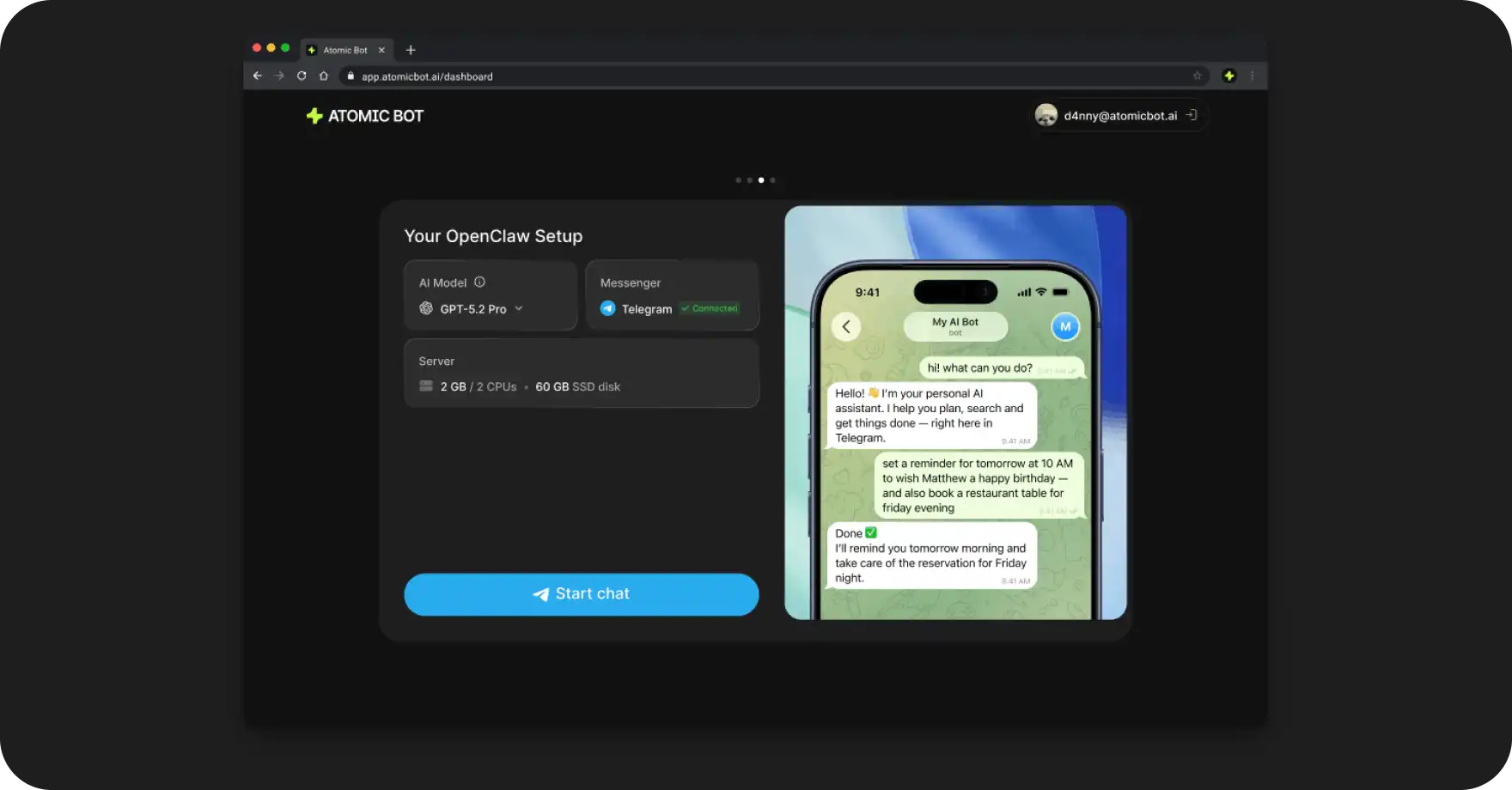
If you'd rather skip the WSL setup entirely, Atomic Bot for Windows handles this in the background. You install it like any other Windows app and it manages the WSL layer for you.
Linux
Linux is the go-to choice for running OpenClaw on a VPS or home server. The installer script works on any systemd-based distribution, and it creates a systemd service so the gateway starts automatically on boot. You can find the full list of tested distributions in the OpenClaw GitHub repository.
Ubuntu is the most tested distribution. If you're spinning up a VPS specifically for OpenClaw, Ubuntu 22.04 LTS is the safest pick — most of the community documentation and troubleshooting guides assume you're running it.
Raspberry Pi — OpenClaw can run on a Raspberry Pi 4 or 5 with 4+ GB RAM. Performance is acceptable for single-agent setups with one or two channels. Don't expect it to handle Docker sandboxing or multiple concurrent agents smoothly though. The Pi 5 with 8 GB is a better fit if you want some breathing room.
☁️ VPS & Cloud Requirements
If you don't want to leave your Mac running 24/7, a VPS is a solid option. Here's what to look for:
Providers like DigitalOcean, Hetzner, and Linode all work well. The 2 vCPU / 4 GB RAM tier is the sweet spot for most personal setups — it runs OpenClaw with Docker sandboxing comfortably and usually costs between $10–20/month.
One thing to avoid: pre-built marketplace images. Install OpenClaw on a clean OS using the official installer script. Marketplace images often come with unexpected configurations that interfere with the gateway.
Atomic Bot also offers a cloud hosting option — you click Run in Cloud, pick a region, and it provisions a server for you.
⚙️ Software Dependencies
Node.js
OpenClaw requires Node.js v22.0 or later. The installer script checks for this and installs it automatically if it's missing.
If you're managing Node.js yourself, make sure you're on a current version. Node 22 is the minimum because OpenClaw uses ES module features and APIs that aren't available in older versions. Node 25 (the current LTS as of early 2026) is what most of the team develops against.
Using nvm? Switch to the right version before installing:
nvm install 25
nvm use 25
Docker (Optional but Recommended)
Docker is optional for basic setups. It becomes important when you want to run third-party skills — code written by other people that executes on your machine. Docker sandboxes that code inside a container so it can't access your filesystem or network directly.
If you're only running skills you wrote yourself, or sticking to built-in skills, you can skip Docker entirely.
Minimum Docker version: 24.0+. Docker Desktop works fine on Mac and Windows. On Linux, Docker Engine is lighter and more appropriate for servers.
🧪 How to Check If Your Machine Meets the Requirements
Already have OpenClaw installed? Run the built-in diagnostic:
openclaw doctorThis scans your system and flags anything that doesn't meet the requirements — missing dependencies, insufficient RAM, outdated Node.js, Docker issues.
Haven't installed yet? Check manually:
# Check your OS version
sw_vers           # macOS
lsb_release -a    # Linux
winver            # Windows (run in PowerShell)

# Check Node.js
node -v

# Check available RAM
# macOS:
sysctl hw.memsize
# Linux:
free -h

# Check Docker (if installed)
docker --version
❓ FAQ
What are the minimum system requirements for OpenClaw?
macOS 12+, Windows 10+ (with WSL 2), or Ubuntu 20.04+. You need at least 2 GB of free RAM, 1 GB of storage, and Node.js v22 or later. Docker is optional but recommended for running third-party skills safely.
Can I run OpenClaw on a Mac Mini?
Yes. The base M2 Mac Mini with 8 GB RAM runs OpenClaw comfortably for personal use. For always-on server setups with multiple agents and Docker sandboxing, the 16 GB model is a better choice.
Can I run OpenClaw on a Raspberry Pi?
It works on a Raspberry Pi 4 or 5 with at least 4 GB RAM. Single-agent setups with one or two channels run fine. Docker sandboxing and multiple agents will push the Pi's limits — the Pi 5 with 8 GB handles it better.
Does OpenClaw need a GPU?
No. The AI inference happens in the cloud (Anthropic, Google, OpenAI), so your local hardware doesn't need a GPU. The only exception is if you're running local models through Ollama or LM Studio — in that case, a GPU significantly improves response speed.
How much RAM does OpenClaw use?
A single agent without Docker uses about 500 MB – 1 GB. Add Docker sandboxing and that goes up to 2–3 GB. Running multiple agents with Docker and local models can push past 8 GB.
Can I run OpenClaw on a VPS?
Yes. The recommended VPS spec is 2 vCPU, 4 GB RAM, and 40 GB SSD running Ubuntu 22.04 LTS. Providers like DigitalOcean, Hetzner, and Linode all work well. Alternatively, Atomic Bot offers one-click cloud hosting that provisions and manages the server for you.
What Node.js version does OpenClaw need?
Node.js v22.0 minimum, v25.0 (current LTS) recommended. The installer script installs Node.js automatically if it's not present on your system.
Does OpenClaw work on Linux?
Yes. OpenClaw supports any 64-bit Linux distribution with systemd and kernel 5.4+. Ubuntu 22.04 LTS is the most tested and recommended distro.
What are the OpenClaw hardware requirements for running local AI models?
If you're running models locally through Ollama, plan for at least 8 CPU cores, 16 GB RAM, and a GPU with 8+ GB VRAM. Each model file is 4–8 GB, so you'll need significant storage too. For cloud models (the default setup), hardware requirements are much lower.