.svg)


🎯 Quick Answer
OpenClaw runs its Gateway on 127.0.0.1:18789 by default, which means the agent is reachable only from the same machine it runs on. If you want to talk to your OpenClaw agent from a phone, a second laptop, or a server in another room, you need a way to tunnel into that loopback port — and Tailscale is the tool most people reach for.
There are now three working paths to remote OpenClaw access, and one of them skips the network plumbing entirely:
If you just want the agent to follow you between devices, start with Atomic Bot Cloud and stop reading. If you specifically want OpenClaw on your own hardware, the Tailscale sections below are the right read.
🦞 Why OpenClaw's Gateway Is Locked to Loopback
The OpenClaw Gateway is the control plane for everything the agent does — sessions, channels, tool calls, node RPCs. The official OpenClaw docs recommend keeping the Gateway bound to loopback and using Tailscale Serve or an SSH tunnel as the safest default, because any non-loopback bind widens the attack surface against an agent that already has file, shell, and network access.
That default is also why you cannot simply type your home IP into a browser and reach OpenClaw from a coffee shop. You need a tunnel, a VPN-style mesh, or a cloud instance run by someone else. Tailscale covers the first two. Atomic Bot Cloud covers the third.
☁️ Option 1: Atomic Bot Run in Cloud (Recommended)
Atomic Bot is a one-click installer for OpenClaw, and its Run in Cloud mode hosts a full OpenClaw instance for you on a personal cloud VPS that Atomic Bot provisions automatically.
What You Get
- A full OpenClaw Gateway running 24/7 in your own personal cloud instance
- Web chat at atomicbot.ai, plus Telegram, WhatsApp, Slack, Discord, Signal, and iMessage connectors
- 700+ skills in the marketplace, installable from the UI with the core ones pre-loaded
- Built-in cron jobs for recurring tasks
- Access from any device with a browser, without installing Tailscale anywhere
Setup in Three Steps
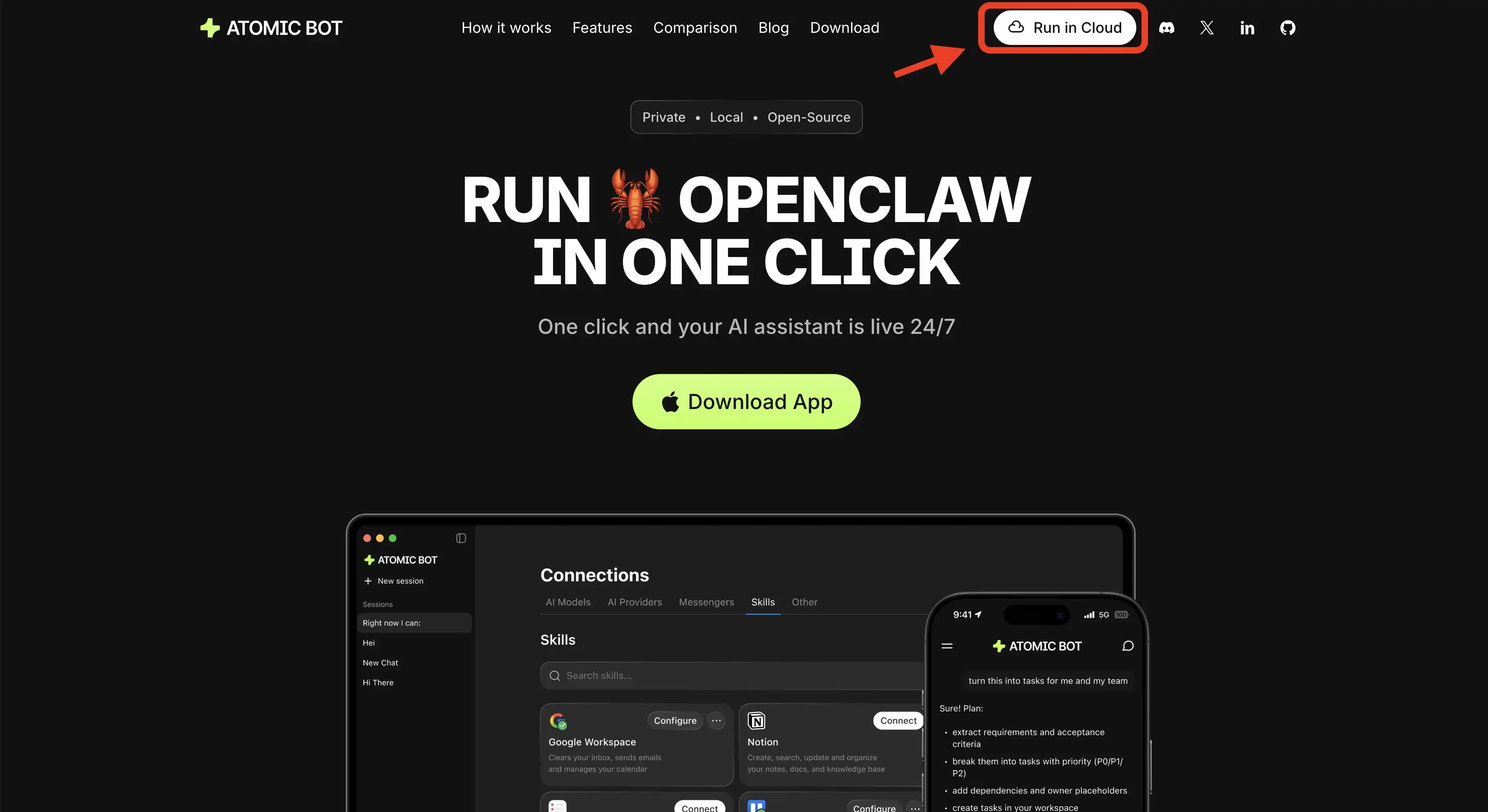
Step 1. Visit atomicbot.ai and click Run in Cloud.
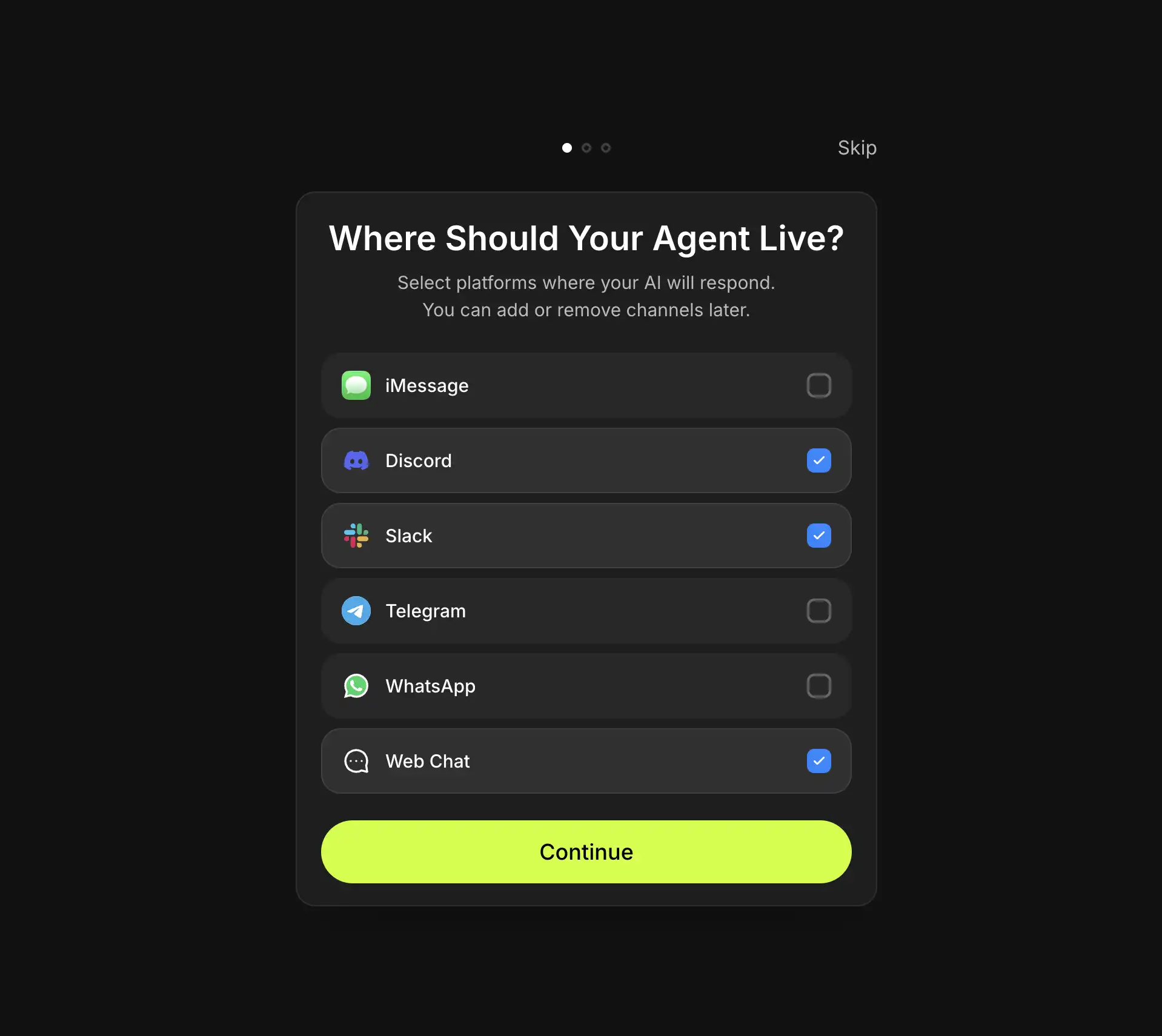
Step 2. Sign in with Google and choose where your agent will live.
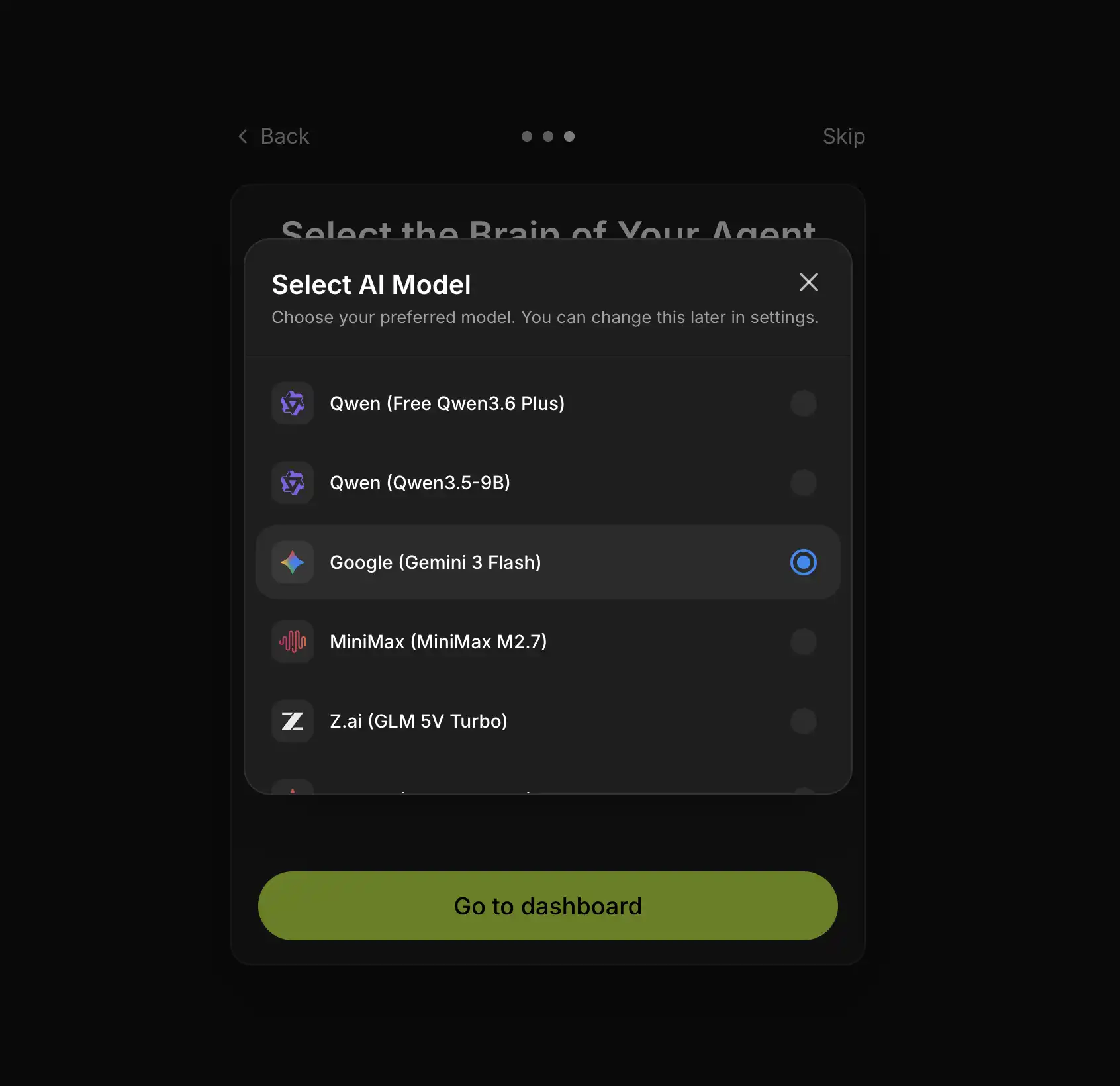
Step 3. Connect the skills you want and choose your model.
The agent is reachable immediately from the web UI on your phone, your work laptop, or any machine you sign into.
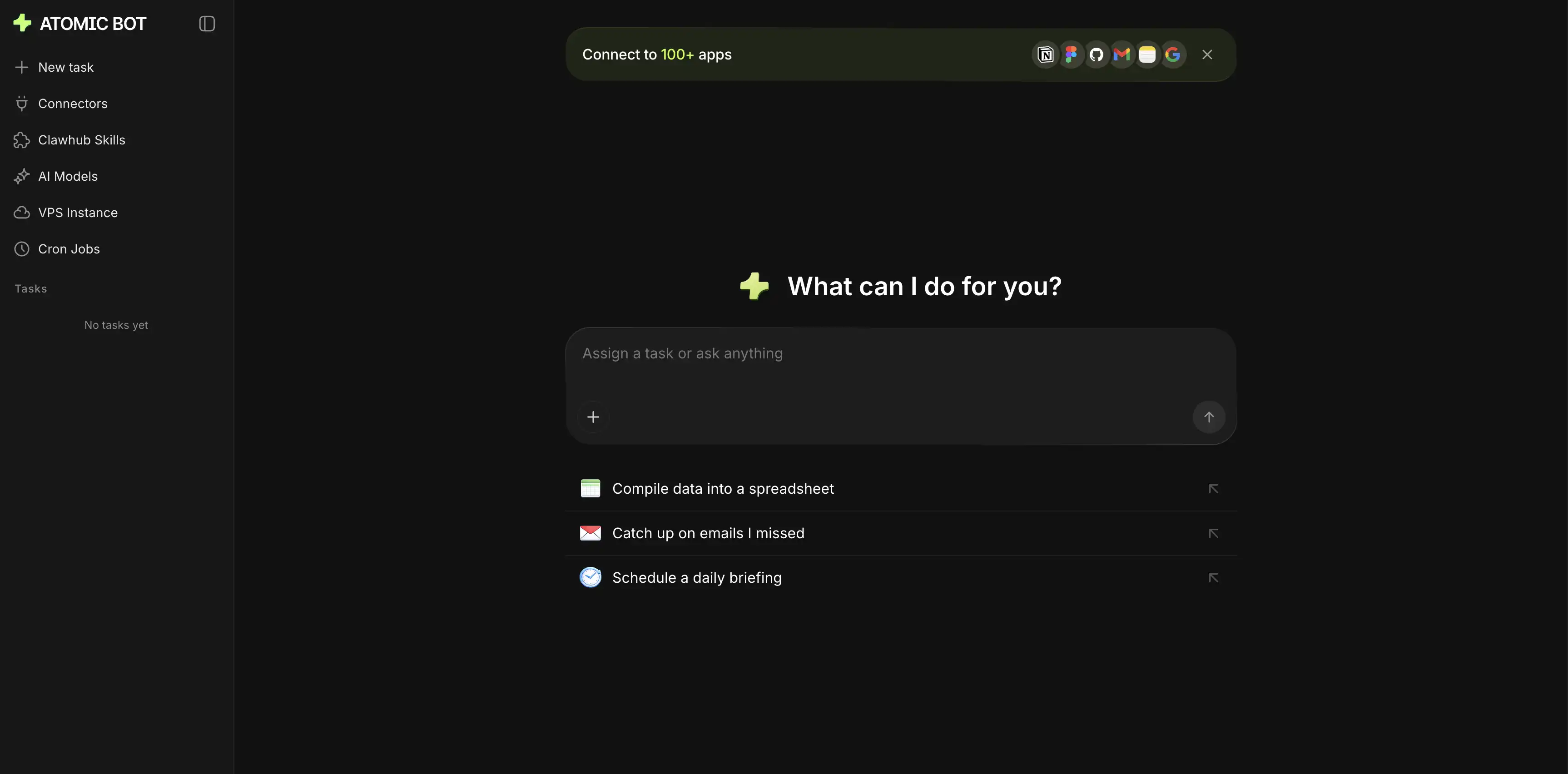
Atomic Bot spins up your personal VPS instance and installs OpenClaw on it automatically.
Because the instance is bound to your Google account, you inherit account-level identity checks instead of managing a shared password the way Funnel requires.
🔐 Option 2: Tailscale Serve (Self-Hosted, Tailnet-Only)
This is the path for people running OpenClaw on their own Mac Mini, NAS, or VPS and willing to maintain the stack themselves. Tailscale Serve exposes the Gateway dashboard and WebSocket to devices on your tailnet without ever opening a port on the public internet.
Prerequisites
Install the Tailscale CLI on the Gateway host and on every device you want to connect from, then log in with sudo tailscale up. Confirm the machine has a 100.x.y.z address by running tailscale ip -4.
Configure OpenClaw
Edit ~/.openclaw/openclaw.json and set the gateway block:
{
  "gateway": {
    "bind": "loopback",
    "tailscale": { "mode": "serve" },
    "auth": { "allowTailscale": true }
  }
}
Restart the Gateway with openclaw gateway restart, or launch it directly using openclaw gateway --tailscale serve.
Why This Is Safer Than Binding Directly
The Gateway stays on 127.0.0.1, and Tailscale Serve handles HTTPS termination and identity headers. With identity headers enabled, the OpenClaw Control UI can authenticate a tailnet user without a shared token or password, so you never store a Gateway password on disk.
🌐 Option 3: Tailscale Funnel (Public Internet — Use With Care)
Funnel publishes your Gateway to the open web over TLS. It exists for team scenarios where teammates are not on your tailnet and cannot be added to it. OpenClaw refuses to start in Funnel mode unless you have set a Gateway password, and that guardrail is there for a reason.
{
  "gateway": {
    "bind": "loopback",
    "tailscale": { "mode": "funnel", "resetOnExit": true },
    "auth": { "mode": "password", "password": "replace-with-a-strong-one" }
  }
}
Generate the password with openssl rand -base64 32 and store it in OPENCLAW_GATEWAY_PASSWORD instead of committing it to disk. Funnel requires MagicDNS, HTTPS enabled on your tailnet, and the funnel node attribute set in the Tailscale admin console. The Tailscale team has publicly warned that exposing an OpenClaw instance via Funnel can hand control of an agent with shell and file access to whoever guesses the password — if you do not specifically need public exposure, use Serve instead.
⚖️ The Three Paths Compared
🛡️ Security Notes for Self-Hosters
Keep gateway.bind set to loopback whenever possible, because any other bind value demands an explicit auth token or password and widens the blast radius. Set resetOnExit: true in Funnel mode so the public URL disappears when OpenClaw shuts down. If you only need to reach OpenClaw from one other machine, a plain SSH tunnel — ssh -N -L 18789:127.0.0.1:18789 user@host — is simpler than either Tailscale mode and ships with every Unix system.
❓ FAQ
Do I need Tailscale if I run OpenClaw on the same laptop I use every day?
No. Tailscale solves remote access, and if the agent lives on the device you are already typing on, there is nothing to reach remotely.
Can Atomic Bot Cloud do everything Tailscale Serve can?
For the remote access use case, yes, and more — web chat, messenger connectors, the skill marketplace, and cron jobs are all built into the interface. The difference is that Atomic Bot runs the VPS for you, while Tailscale Serve assumes you already have your own host.
Will Atomic Bot break if I already have OpenClaw installed via CLI?
No. Run in Cloud is a separate hosted instance, so your existing local setup is untouched.
🚀 Get Started
Ready to skip the networking chapter?
- Open atomicbot.ai
- Click Run in Cloud
- Sign in with Google
- Start chatting from any device