.svg)


🎯 Quick Answer
A chatbot is a passive system that operates within a confined environment, such as a web app, and responds to user prompts. It doesn’t take initiative on its own and typically has limited access to tools outside its environment. ChatGPT, Claude, and Gemini are AI chatbots.
An AI agent, by contrast, is an autonomous system that can break problems into steps, choose and use tools proactively, and carry out multi-step tasks independently—often initiating them in response to external triggers rather than direct user input. Atomic Bot, which is based on Openclaw/ClawdBot, is an AI agent.
Here’s a quick breakdown of the differences between the two:
💬 What Is an AI Chatbot?
An AI chatbot is a conversational interface built on top of a large language model. ChatGPT, Claude, Gemini, and Copilot all fall into this category.
These are genuinely powerful tools. The quality of reasoning and language generation has improved dramatically since GPT-3 first launched in 2020, and the latest models can handle tasks that would have seemed impossible three years ago.
But there's a hard boundary that even the best AI chatbot can't cross: it can't do anything outside the chat window.
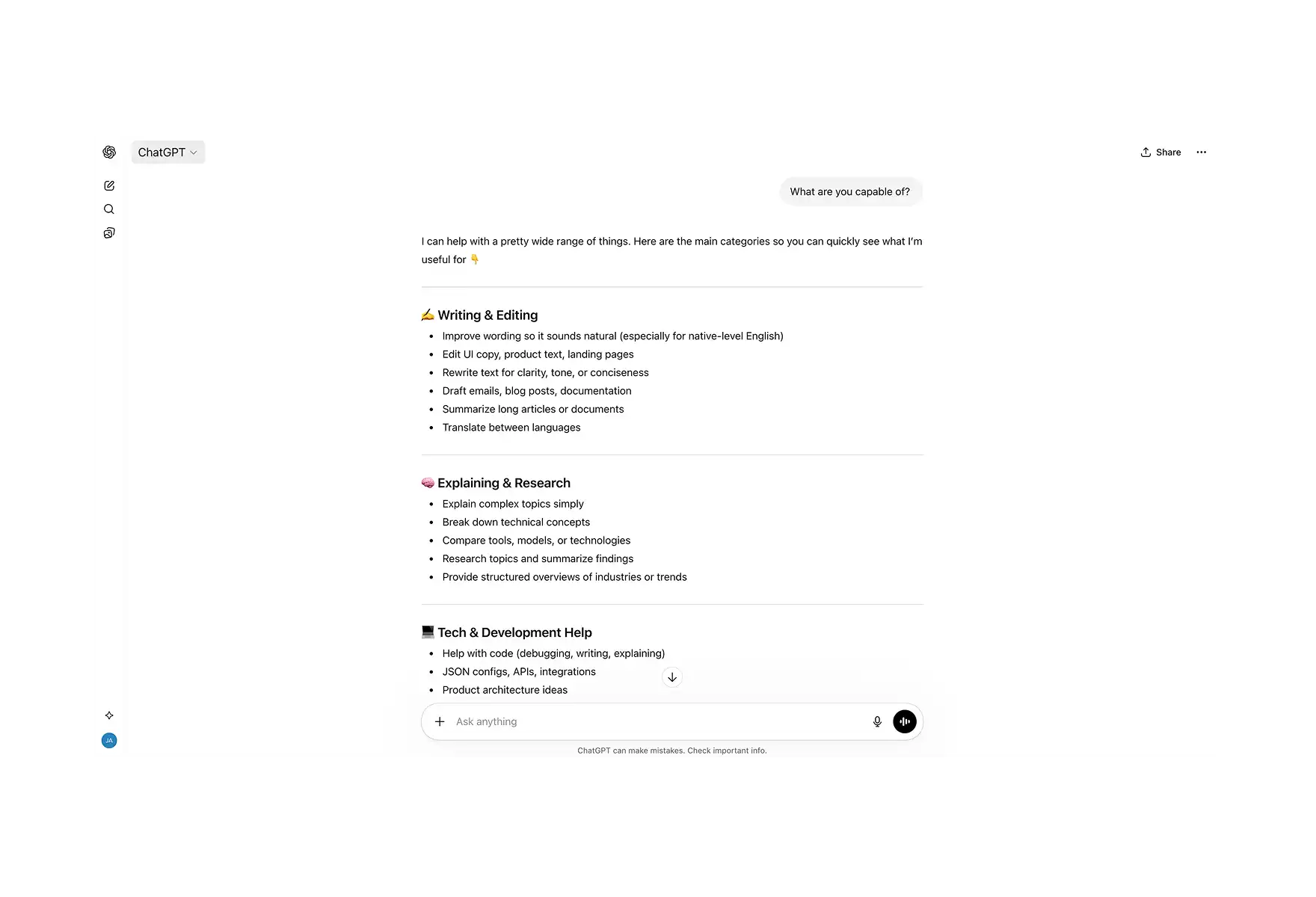
For example, if you ask ChatGPT to draft an email,it will write one, but then you have to copy it, open Gmail, paste it, add the recipient, and hit send yourself. This is the core limitation.
AI chatbots are text-in, text-out systems. They're extraordinary at generating language, but they have no mechanism (or limited mechanisms) to interact with the world beyond their chat interface.
Some platforms have attempted to bridge this gap with plugins and integrations. ChatGPT's plugin ecosystem, for instance, lets the model call certain third-party APIs. But these integrations are just individual connectors rather than a unified system where the model can reason across tools and chain actions together.
🧠 What Is an AI Agent?
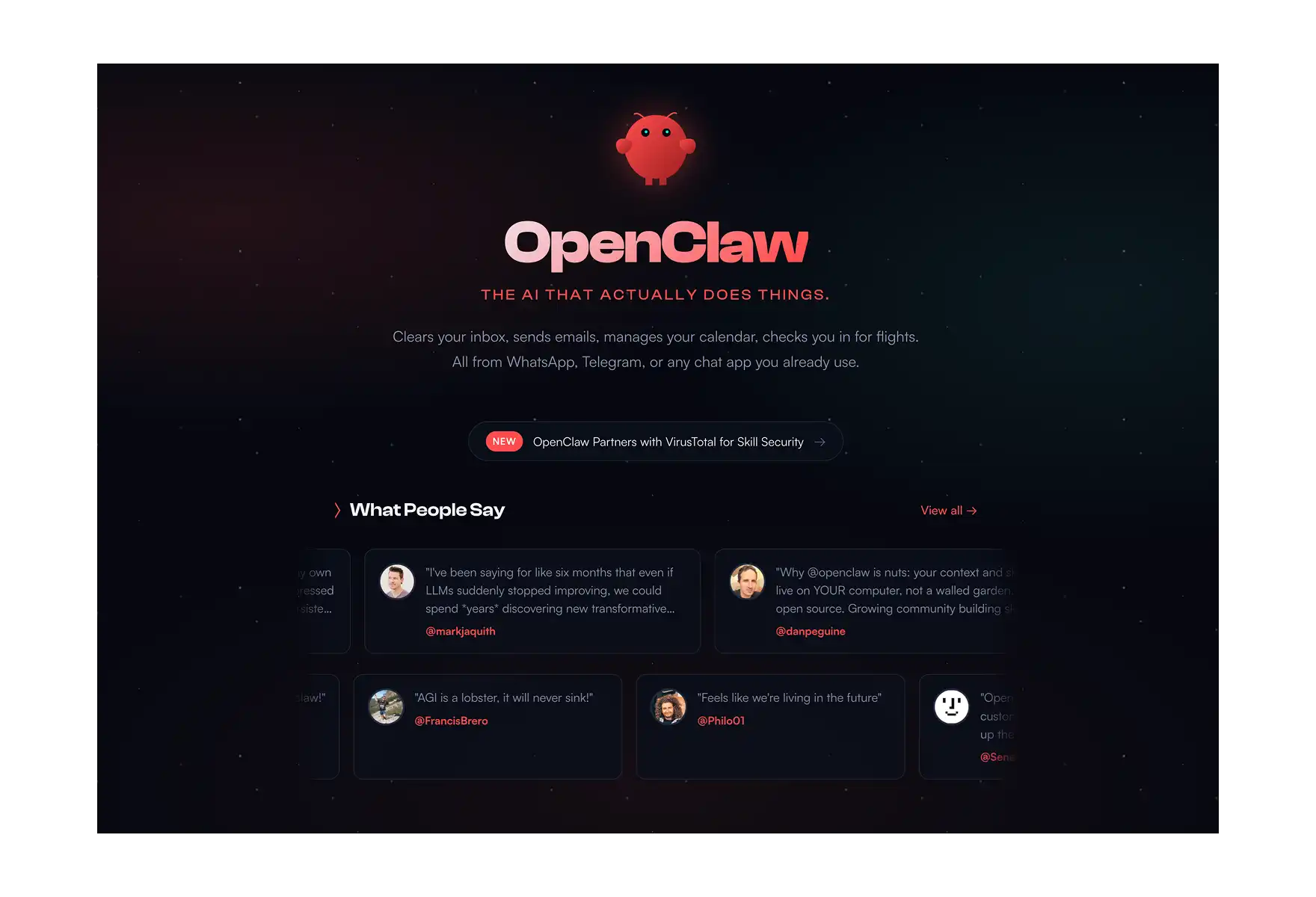
An AI agent uses the same large language models that power chatbots, but wraps them in an architecture that connects reasoning to real-world action.
The technical term for this is the agent loop. Instead of the simple prompt → response cycle of a chatbot, an agent operates in a continuous loop:
- Observe — the agent receives a goal or a trigger (a message from you, an incoming email, a calendar event)
- Plan — the LLM reasons about what steps are needed and which tools to use
- Act — the agent executes each step by calling real tools: sending an email via Gmail API, creating a calendar event, downloading a file, running a web search
- Reflect — the agent evaluates whether the task is complete and adjusts its plan if something didn't work
OpenClaw is the most prominent open-source AI agent today, with over 300,000 GitHub stars and more than 400,000 npm downloads per month.
Its architecture is built around a modular skills system — each skill gives the agent access to a specific tool (Gmail, Google Calendar, file management, browser automation, Google Sheets, and more), and the LLM decides which skills to invoke based on what the task requires.
AI agents are typically much more difficult to set up than AI chatbots. The easiest way to get started, however, is with AtomicBot — a native installer for Mac and Windows that lets you set up OpenClaw in about three minutes through a simple graphical interface.
🆚 AI Agents vs AI Chatbots
Let’s look at when you might want to use each tool. Both have their own use cases, and many power users actually run them side by side.
🤖 AI Chatbot Use Cases
Brainstorming. When you need to think through a problem, explore ideas, or iterate on a draft, the back-and-forth of a chat interface is the point. You don't want the AI to go execute something — you want it to be a thought partner. AI chatbots are exceptional at this because the conversation itself is the value.
Quick research. If you're trying to understand a new concept, compare frameworks, or get a detailed explanation of something technical, a chatbot's depth of knowledge and ability to adjust its explanations to your level is exactly what you need. There's nothing to "execute" — you're seeking understanding.
One-off AI chats. Need a blog post, a product description, a code review, or a translation? A chatbot handles these efficiently because the output is the text itself. There's no downstream action the agent could automate — you need the generated content.
The pattern: chatbots are better when the goal is thinking, learning, or generating content. Agents are better when the goal is getting something done.
AI Agent Use Cases
Automation. An agent connected to your email, calendar, and messaging apps can handle the administrative overhead that eats up 1–2 hours of every workday, easily.
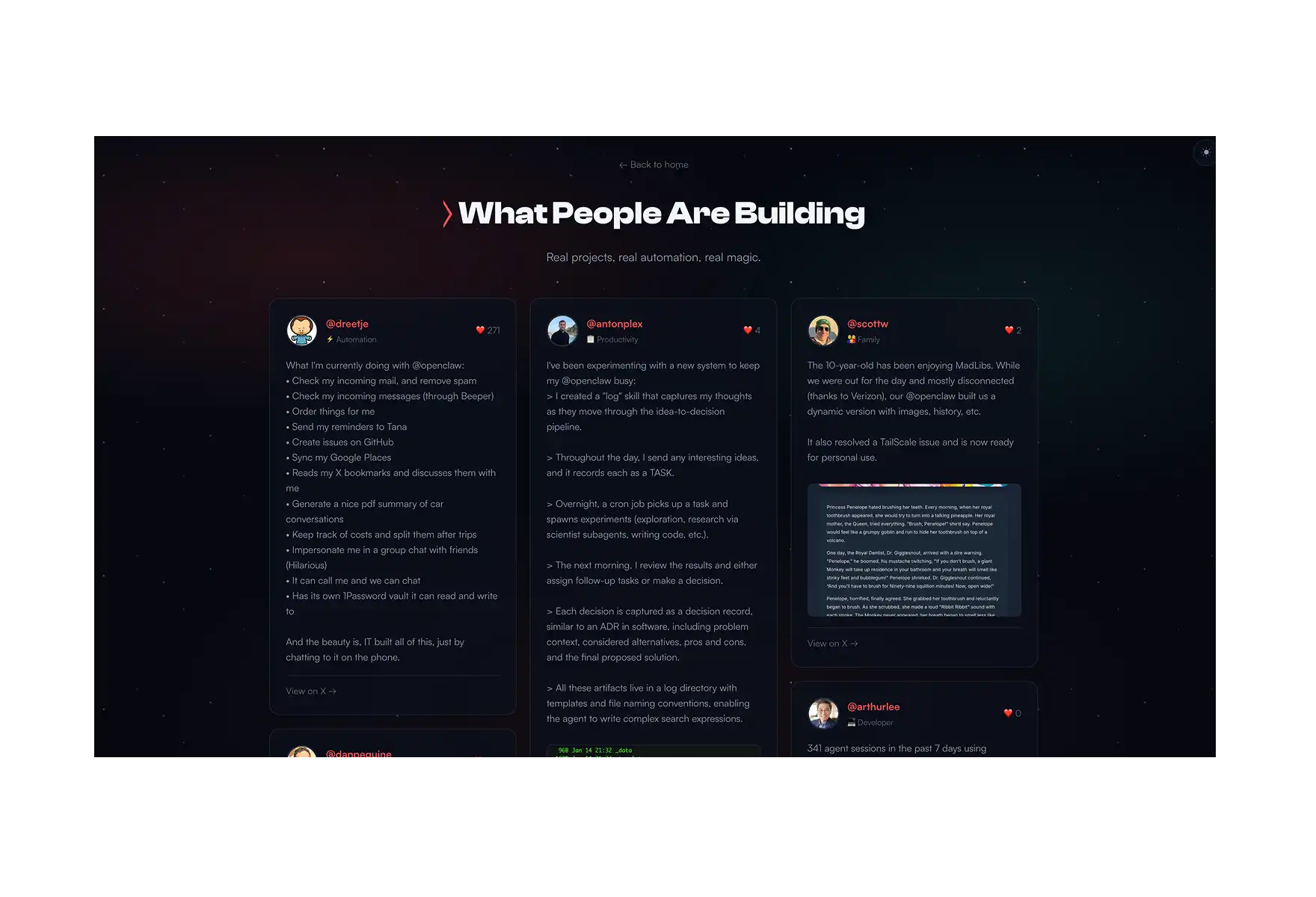
Working with many external tools through a single AI command center. The power of agents comes from working across tools simultaneously: give it access to your files, sales reports, slack, Jira and it starts to feel like magic how quickly monotonous tasks get done.
You want to do something without being prompted. Unlike chatbots, agents don't have to wait for you to ask. An agent can monitor your inbox for high-priority messages, watch a GitHub repository for new issues, or alert you when a calendar conflict appears — all without being prompted.
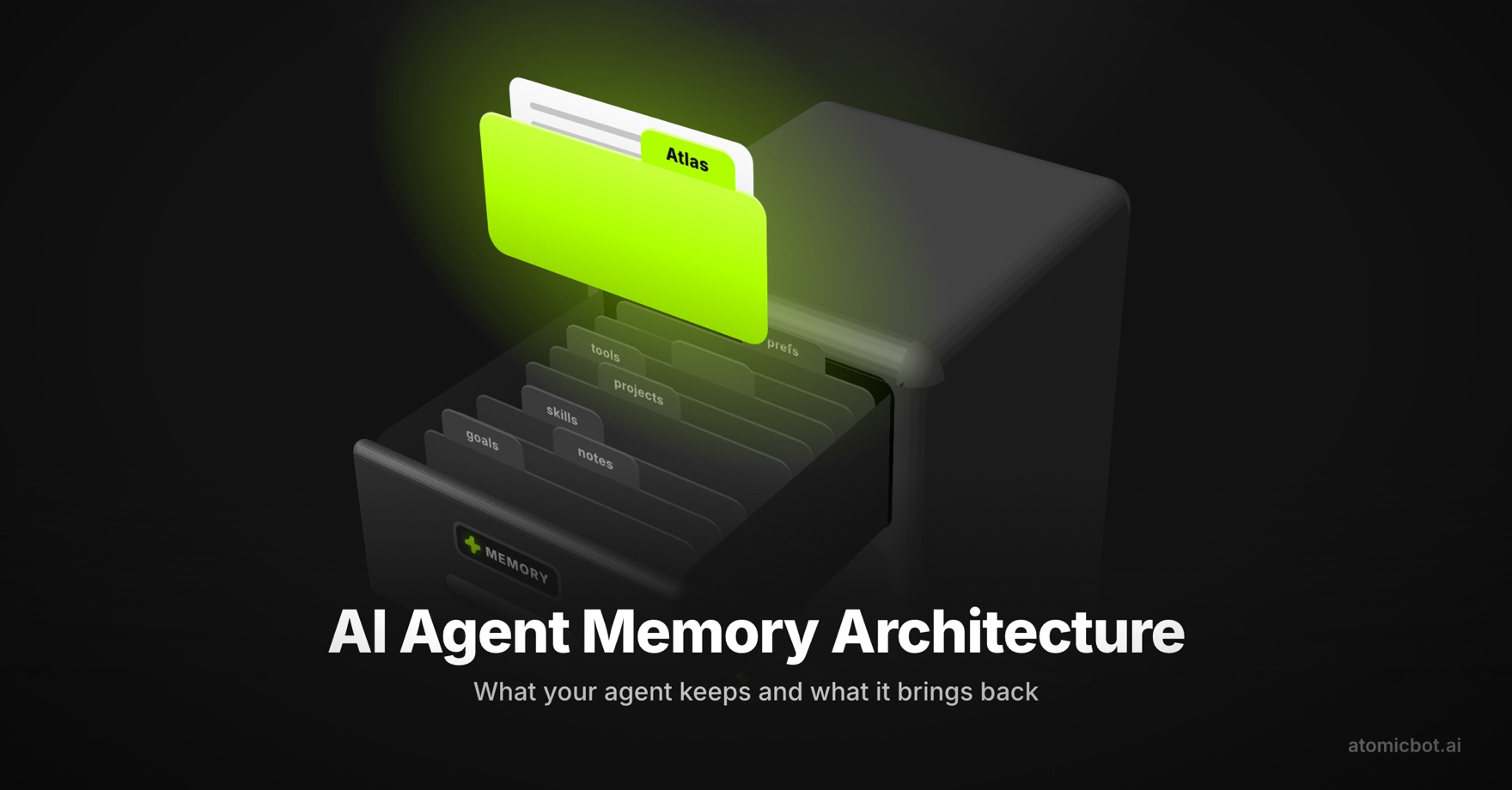
You want deep personalization. White AI chatbots start fresh with every conversation (or have limited conversation history), agents maintain persistent memory indefinitely, which makes them more useful and powerful over time.
For example, AtomicBot is an AI agent that can:
- Schedule tasks
- Complete jobs in 100+ apps out of the box
- Expand what it can do via skills you can download from a marketplace
- Built custom skills for itself (yes, even this is possible)
🔧 How to Setup Your Own Personal AI Agent With OpenClaw
AI agents are extremely powerful productivity tools, and they’re currently the closest thing we have to a true personal AI assistant.
The challenge with agents is that they can be difficult to get up and running. To be useful, they typically need tight integration with your data. That can also introduce risk, since you’re giving an AI system broad permissions to act on your behalf — creating, modifying, or deleting files and other resources.
Setting up OpenClaw, for example, usually requires using the command line, installing Node.js, configuring npm packages, manually editing JSON configuration files, setting up API keys, and connecting messaging channels through OAuth flows. Even for developers, the process can easily take an hour or more.
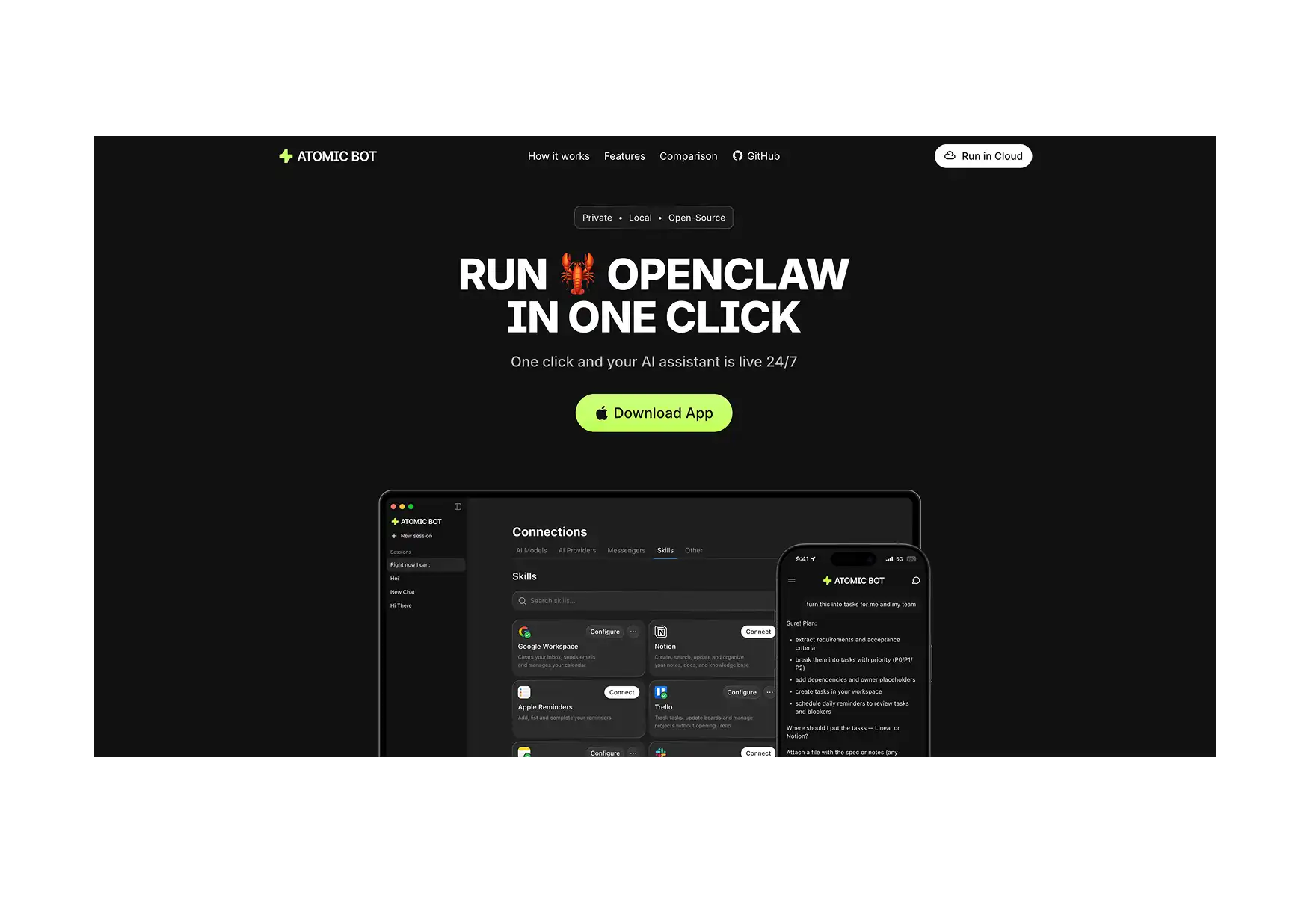
This is where AtomicBot comes in. It’s a desktop app for macOS and Windows that packages OpenClaw into a simple one-click installer. With AtomicBot, the entire setup process looks like this:
- Download Atomic Bot from atomicbot.ai
- Open the app and click to install OpenClaw
- Choose your AI provider (OpenAI, Anthropic, Gemini, OpenRouter, and many more)
- Import your API key, which the installer guides you how to get
- Select a messaging channel (Telegram, WhatsApp, iMessage, or Discord)
- Send your first message — done! Your agent is live
Will AI agents replace chatbots?
Probably not — at least not anytime soon. There's a strong argument that the line between AI chatbots and AI agents is already blurring.
- ChatGPT has added web browsing, code execution, file analysis, and image generation
- Claude can use computer tools and interact with external applications
- Gemini integrates with Google Workspace
But there's a structural difference that isn't going away any time soon. Chatbot platforms add tool integrations as features controlled by the platform provider, which are thoroughly tested and optimized for ease of use.
An AI agent framework like OpenClaw provides the underlying architecture for building agents. The space is still in a very early stage — even compared to AI more broadly — so a lot of the work involves experimentation and figuring out what works and what doesn’t.
In many cases, agents can even create their own tools, gradually expanding the range of tasks they’re able to perform.
The likely future is that both will continue to exist for different contexts.
- You'll use an AI chatbot when you need a conversation partner for thinking and creating.
- You'll use an AI agent when you need an autonomous assistant that handles your workflows.
❓ FAQ
Is ChatGPT an AI agent?
No. ChatGPT is an AI chatbot — it’s essentially a chat application where you can send messages to a language model and receive replies, but the AI exists in it’s own bubble. It has added some tool-use features (web browsing, code interpreter, plugins), but it doesn't operate in an autonomous agent loop where it plans, executes multi-step tasks, and interacts with your personal tools and data independently.
Can I turn a chatbot into an agent?
The agent architecture — an observe-plan-act-reflect loop with persistent memory and multi-tool orchestration — is a different system design. You can give a chatbot access to individual tools, but that's not the same as having an agent that reasons about which tools to use, chains actions together, and adjusts its approach based on results.
Is OpenClaw a chatbot or an agent?
OpenClaw is an AI agent. It uses large language models for reasoning, but it also has a modular skills system that connects it to real-world tools — email, calendar, files, browser, messaging, and more.
Are AI agents more expensive to run than chatbots?
It ultimately comes down to how the agent is configured. A naive setup that routes every step through a frontier model like Claude Opus 4.7 and Opus 4.8 will burn through tokens quickly. In practice, though, most steps in an agent loop don’t require that level of reasoning.
Well-configured agents use model routing. A lightweight model handles routine decisions and simple tool calls, while a frontier model is only used for tasks that genuinely require deeper reasoning.
With that kind of setup, a personal AI agent can often run on $3–$5 in API credits per month while delivering similar day-to-day performance.
Compare that to ChatGPT Plus at $20 per month, which still gives you a chatbot that can’t send emails or check your calendar on its own. In that context, the agent ends up being both more capable and cheaper.
Which is more private — a chatbot or a local agent?
A local agent wins on privacy by a significant margin. Cloud-based chatbots process everything on the provider's servers. A local agent like OpenClaw (installed through Atomic Bot) keeps your data on your machine — the only external call is to the LLM for inference. Your emails, files, and calendar data never leave your computer.
Key Takeaways
- AI chatbots like ChatGPT are reactive systems that have limited ways to interact with the world outside of their execution environment — the chat itself.
- AI agents — such as OpenClaw — can do anything you can do on your PC or Mac: sending emails, managing files, creating system processes.
- The core architectural difference is the agent loop: observe, plan, act, reflect — a cycle that lets agents chain multi-step tasks without human intervention at each step.
- Chatbots are the better tool when the goal is thinking, learning, or creating content — anything where the conversation itself is the value.
- Agents are the better tool when the goal is getting something done across multiple apps without doing it yourself.
- Well-configured agents use model routing (lightweight models for routine steps, frontier models only when needed) and can run on $3–5/month in API credits — cheaper than a $20/month ChatGPT Plus subscription that still can't touch your inbox.
- AI agents used to be difficult to configure, but now Atomic Bot packages OpenClaw into a one-click desktop installer for macOS and Windows, so you can go from download to a working AI agent in two minutes without opening a terminal.