.svg)
GREAT NEWS, YOU ARE IN!
Want in faster?
Share your link to skip the line and get access sooner.
Share your link to skip the line and get access sooner.
Generating your link...
Oops! Something went wrong while submitting the form.
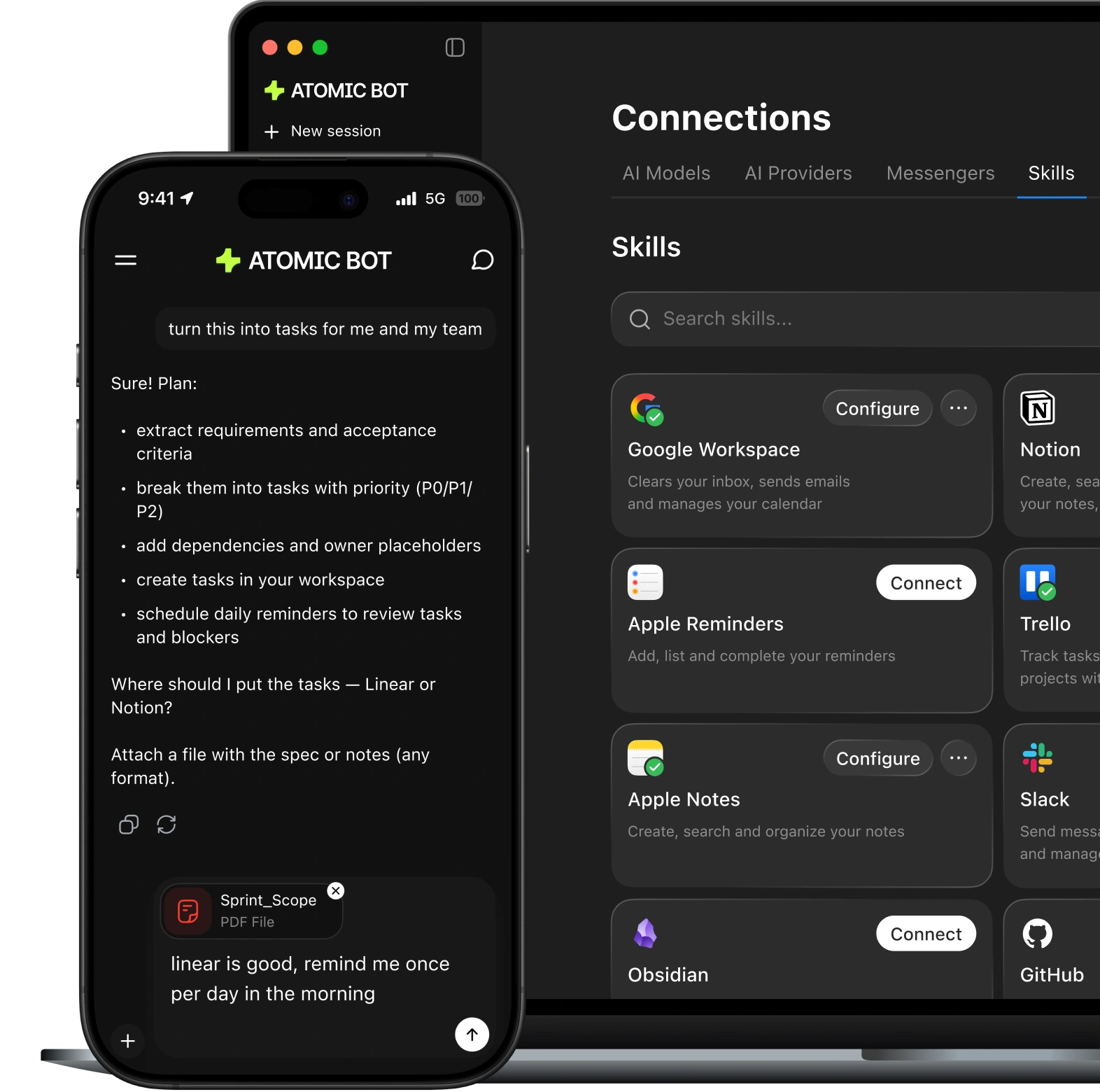

Clear threads, draft replies, and send follow-ups — in your tone.

Schedule meetings, move events, and set reminders in seconds.

Turn long documents into summaries, action items, and key takeaways.

Track trends, competitors, and mentions — get daily digests.

Complete routine web tasks on your screen: click, fill, submit.

Handle check-ins, confirmations, and itinerary updates in one place.

Find, rename, sort downloads, and keep folders clean.

Store information organized and retrieve what you need when you need it.

Automate repetitive tasks that drain your time and patience.

Meet Clawtto (@clawtto_bot) - my @openclaw persona. He gives me visual morning briefings now.
Not just a list. A generated scene.
Weather - It’s raining in the image because it’s raining here today.
Tasks - On the sign.
Date - On the phone.
A post or quote I liked recently - On the newspaper.
One scheduled prompt pulls it all together with @steipete’s clawdbot + Nano Banana Pro.
Catching fun vibes I haven’t felt since I first got into computers 30 years ago.

Been using Hermes Agent for a while now and wanted to share why I think it's genuinely the better autonomous agent if you're serious about browser automation.

Setup @openclaw by @steipete yesterday. All I have to say is, wow. First I was using my Claude Max sub and I used all of my limit quickly, so today I had my clawd bot setup a proxy to route my CoPilot subscription as a API endpoint so now it runs on that. It’s the fact that clawd can just keep building upon itself just by talking to it in discord is crazy. The future is already here

I've been playing with Hermes agent all weekend and have to say that I'm truly impressed
It was about a 5-min install and I've had zero issues so far, excellent right out of the box
I've been feeding it all my crazy ideas just to see how it works and it has been fun!

hermes feels fundamentally better than every other agent harness I've tested
it manages its own memory and it actually works
it proactively writes what it learns about you, searches your full conversation history, and compresses context intelligently when sessions get long
excellent so far with dev tasks, no errors on Cron jobs, keeps me in the loop, great response formatting
every session it truly feels it knows you better than the last. what I was hoping for from openclaw

After using Hermes Agent the past couple of weeks, I can confidently say this is the first AI agent platform I would be willing to market and distribute as a professional install and setup service for clients.

do you understand what this means for agents?
i've been locked in on Hermes for a few days now...
and it's the best agent i've ever touched, not even close

did claude code just killed the whole openclaw community and opencode and all the apps building on top of it when they're at the top of being loved by everyone? weird move when everyone is paying $200/month

Imagine you take a smart model.
And then you give it eyes and hands and sit at the desk with a keyboard and mouse connected to that Mac mini.
Then you message it like a coworker from [telegram] and it can then do everything a person could do with that Mac mini…
That’s what you have now.

I hear a lot of headaches about the 'claws', so pretty happy with Hermes so far. I feel once you find that one LLM model that works for you, you kinda want to stick with it if you can.

I just removed it and started over, and voila! It works. Absolute legend. Also, this is legit the only 'agent' / model / whatever-you-call-this-but-probably-agi that I have seen that's actually funny.

Friends don’t let friends use OpenClaw
Try Hermes agent and thank me later.





Both setups provide the full agent experience. Choose the option that fits your workflow.
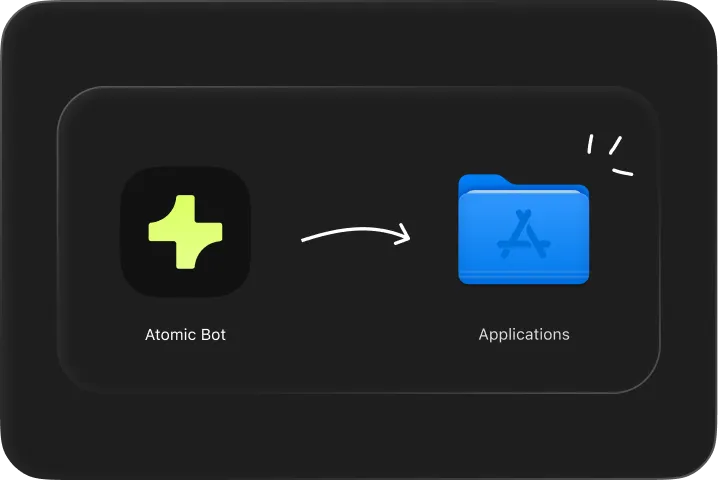
.webp)

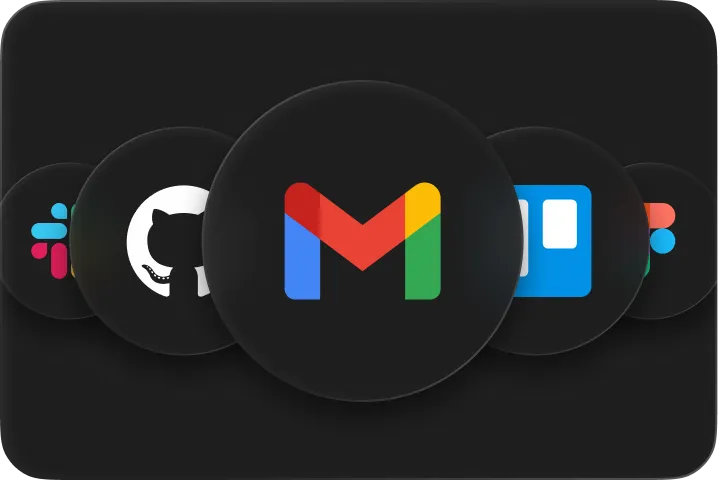
Same one-click experience with the best open-source AI agents — whether you run OpenClaw, Hermes, or whatever comes next
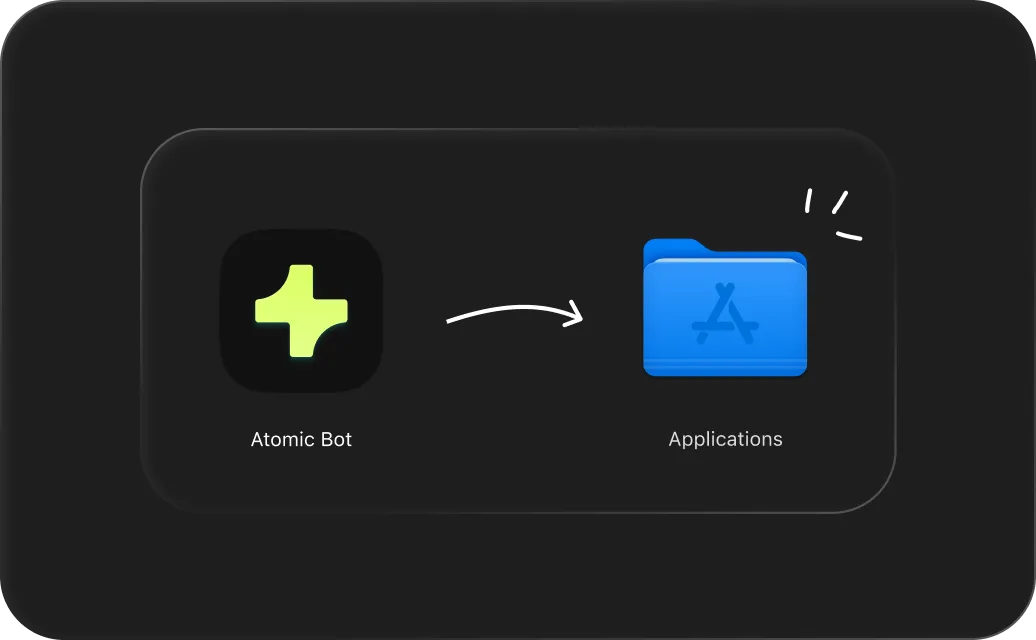
Atomic Bot guides you through setup step-by-step. Install, connect, and start using your assistant in minutes.
It remembers your preferences, ongoing tasks, and important details on your Mac. The more you use it, the more it understands how you work.
Atomic Bot runs on your computer. Your assistant stays close to your data for maximum privacy and full control.
Atomic Bot completes web tasks for you. Open websites, click through flows, fill forms, and collect information — directly from chat.
Choose the AI engine that fits your workflow. Use Claude, GPT, Gemini and more — switch anytime.
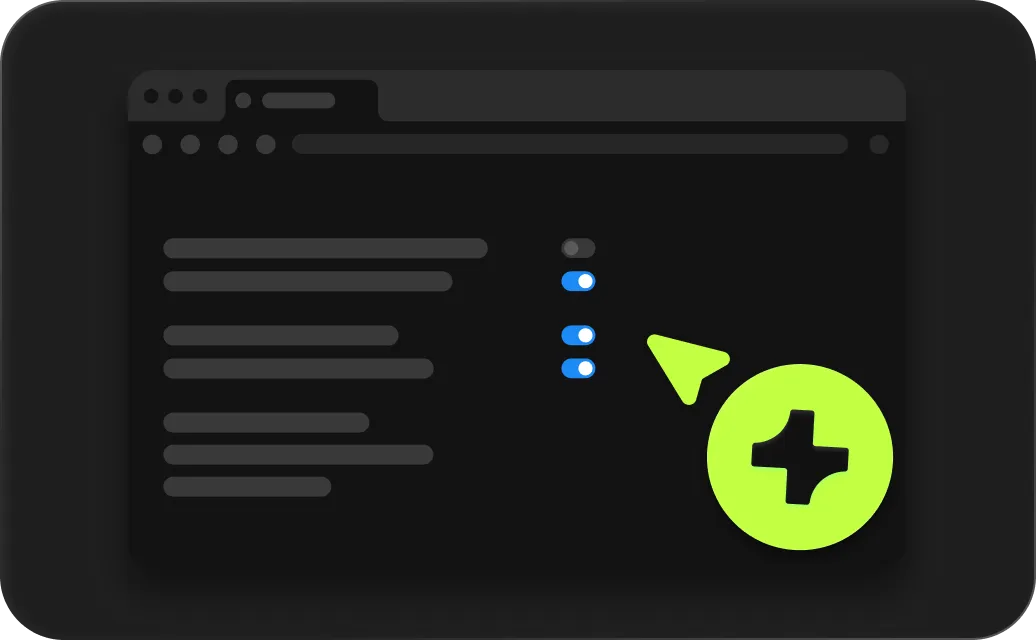
Atomic Bot can message you first, run recurring tasks, and keep an eye on what matters. You stay ahead while it handles the routine.









Clean up threads, draft replies, send follow-ups

Fill forms, click through flows, collect info
Sort downloads, rename files, keep folders tidy

Track keywords, alerts, and threads — get daily digests

Connect to external tools and APIs via MCP servers
Summarize long PDFs, docs, and threads into action items

Read PRs, summarize changes, draft release notes

More-more-more
.svg)
Atomic Bot is a user-friendly native app that brings OpenClaw (Clawdbot) capabilities to everyday users. Install it like a normal app, choose what you want it to do, and start using your personal assistant right away.
Atomic Bot delivers the full OpenClaw experience in a human-friendly interface. Same capabilities, simpler way to run and manage it.
Yes. The Atomic Bot macOS app is fully open source. You can download the code from our GitHub.
Atomic Bot is built for people who want an assistant to handle real tasks — email, calendars, documents, browser actions, and workflows — without spending days on setup.
Terminal is available for advanced users, but it’s optional. Most people can install and run Atomic Bot using the app interface.
Both. You can run Atomic Bot on your own device, in the cloud, or use a hybrid setup depending on your workflow.
Atomic Bot helps you take action across your daily tools, for example:
– Gmail management (draft replies, follow-ups, inbox cleanup)
– Google Calendar actions (scheduling, reminders, rescheduling)
– Docs & PDFs (summaries, action items, key takeaways)
– Browser automation (click, fill, submit routine flows)
– File organization (find, rename, sort downloads)
– Schedule tasks (reminders, recurring tasks, monitoring)
Atomic Bot is privacy-first by design. You choose where it runs and where data is stored — on your device, in the cloud, or both — so you stay in control of your setup and access.
Atomic Bot is built to run OpenClaw-style workflows and actually execute tasks across your tools (email, calendar, files, browser) — not just answer in chat.
Atomic Bot is free to use. There’s also an optional paid plan for users who don't want to set up API keys manually.
.svg)
Atomic Bot © 2026 Atomic bot, we comply with GDPR, CCIA, etc.


.webp)
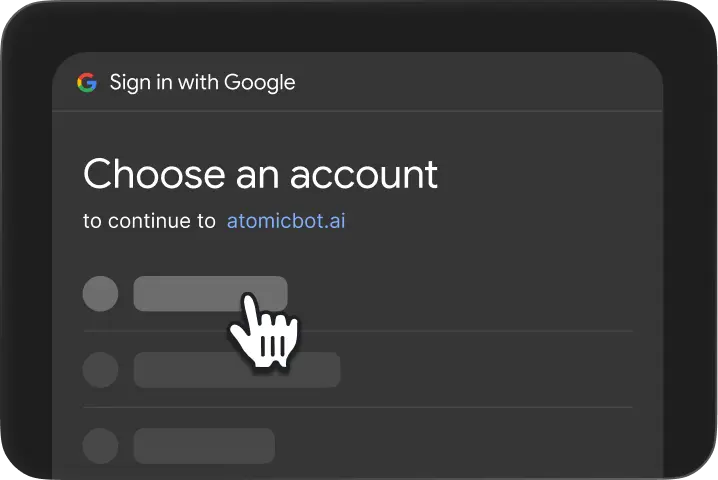
.webp)